






Descripción
SIM – Solve In MinutesThe Ultimate Unity Project Health Scanner & Auto-Fix Toolkit
Unity projects rarely become difficult overnight. Problems accumulate gradually as new assets are imported, systems evolve, and prototypes turn into production-ready games. Missing scripts, oversized textures, duplicate materials, broken prefab references, incorrect import settings, and other hidden issues often remain unnoticed until they begin affecting performance, build size, or stability.
Finding these problems manually usually means opening dozens of folders, inspecting assets one by one, and spending hours searching through the project hierarchy.
SIM (Solve In Minutes) was built to eliminate that workflow.
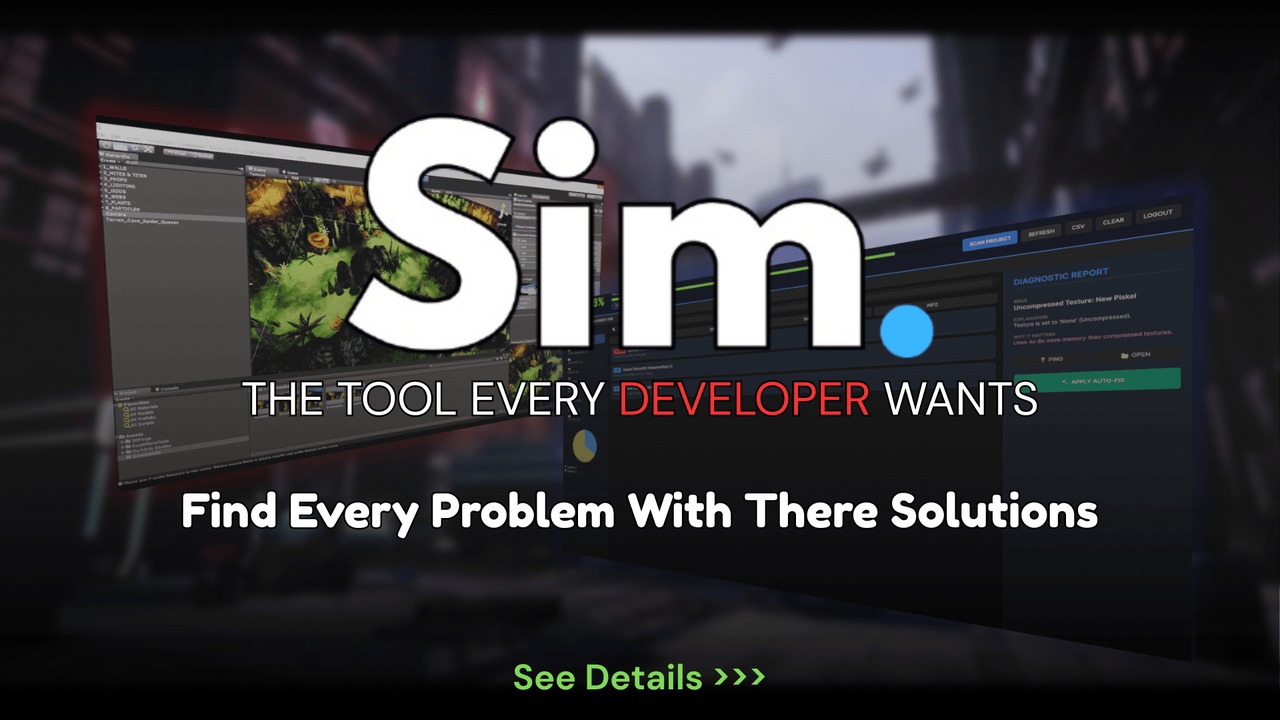
SIM is a comprehensive Unity Editor extension that scans your entire project, identifies hidden issues, explains why they matter, and helps you resolve them from a single, organized dashboard. Every result includes its severity, technical explanation, exact asset location, and recommended solution, allowing you to review each issue before applying any changes.
Unlike traditional optimization tools, SIM follows a simple philosophy:
Scan → Analyze → Explain → Choose → Fix
The tool never makes assumptions about your project. You remain in complete control of every optimization while SIM handles the tedious work of finding and organizing the problems.
Whether you're developing a 2D mobile game, a large open-world project, or a professional studio production, SIM helps maintain a clean, organized, and production-ready Unity project throughout development.
Why Choose SIM?
SIM isn't designed to replace your workflow—it improves it.
Instead of manually searching through scenes, folders, prefabs, textures, materials, audio files, and scripts, SIM brings everything together into a centralized diagnostic dashboard where issues are grouped by category and severity.
Each diagnostic includes:
A clear explanation of the problem
Why it affects your project
The exact asset or object involved
One-click navigation to the source
Recommended solution
Optional Auto-Fix support (where applicable)
This allows you to spend less time investigating problems and more time building your game.
Built For Projects Of Any Size
SIM has been designed for projects that continue growing over months or even years.
It supports:
Unity 2D
Unity 3D
Built-in Render Pipeline
Universal Render Pipeline (URP)
High Definition Render Pipeline (HDRP)
Whether you're working alone or as part of a larger team, SIM scales with your project.
Intelligent Project Analysis
SIM analyzes every major part of your Unity project, including graphics, audio, scripts, prefabs, project assets, scene hierarchy, performance, memory usage, and build configuration.
Instead of displaying generic warnings, every issue is categorized by severity and presented with meaningful technical information so you can understand not only what was detected, but why it matters.
Safe & Developer Controlled
Optimization should never be a black box.
Every scan result can be reviewed individually before making changes.
For developers who prefer automation, SIM also includes a flexible Auto-Fix Engine with multiple levels of control, allowing you to apply fixes to individual issues, selected groups, specific categories, or the entire project whenever appropriate.
Your project always remains under your control.
Modern Unity Workflow
SIM is built using Unity's modern UI Toolkit and follows current Unity development practices. The tool is designed to work naturally alongside your existing workflow without requiring changes to your project structure.
Features such as advanced filtering, project health scoring, diagnostic reports, CSV exporting, and direct asset navigation make it easy to manage even very large Unity projects.
Designed For Real Development
SIM was created from practical experience with Unity projects—not from theoretical examples.
It addresses the kinds of issues developers encounter every day:
Technical debt after months of development
Performance bottlenecks
Build size growth
Asset management problems
Project organization
Import setting inconsistencies
Production cleanup before release
Instead of spending valuable time searching for these issues manually, SIM helps you locate and resolve them in minutes.
Documentation Included
Every purchase includes access to the complete online documentation covering installation, setup, modules, scanning workflow, Auto-Fix, troubleshooting, and best practices.
Documentation:
https://simtoolunity.netlify.app/docs
Technical Features
SIM includes a wide range of professional tools for project diagnostics, optimization, cleanup, and maintenance. A complete breakdown of every feature is available in the Technical Details section below.
Ideal For
Indie Developers
Professional Studios
Mobile Games
PC Games
Console Projects
VR & AR Applications
Educational Projects
Long-Term Unity Productions
Develop With Confidence
The larger a Unity project becomes, the more difficult it is to maintain.
SIM helps you understand the health of your project at any stage of development, making it easier to identify problems early, improve organization, and prepare your project for production.
Spend less time searching.
Spend more time creating.
Features:
Complete Unity Project Health Scanner
Full Project Analysis Dashboard with Health Score
Scan → Analyze → Explain → Choose → Fix Workflow
Performance Analysis Module
Draw Call Analyzer
Memory Usage Analyzer
Overdraw Detection
FPS Estimation
Garbage Collection (GC) Analysis
Update(), FixedUpdate() & LateUpdate() Usage Scanner
Graphics & Texture Analysis
Large Texture Detection
Texture Compression Analysis
Missing Mipmaps Detection
Missing LOD Group Detection
Duplicate Material Detection
Real-Time Light Analysis
Audio Optimization Module
Oversized Audio Detection
Audio Compression Analysis
Stereo to Mono Recommendations
Streaming Audio Recommendations
Project Cleanup Module
Missing Script Detection
Missing Reference Detection
Empty GameObject Detection
Binary (MD5) Duplicate Asset Detection
Broken Prefab Detection
Potentially Unused Asset Detection
Scene Analysis Module
Scene Hierarchy Inspection
Broken Scene Prefab Detection
Empty Transform Detection
Build Analysis Module
Large Asset Detection
Resources Folder Analysis
Addressables Recommendations
Build Size Optimization Suggestions
Intelligent Diagnostic Reports
Issue Severity Classification (Critical, Warning, Info)
One-Click Asset Navigation
Project-Wide Search & Filtering
CSV Report Export
4-Way Auto-Fix Engine
Full Project Auto-Fix
Category Auto-Fix
Multi-Selection Auto-Fix
Individual Issue Auto-Fix
Unity 6 Safe Prefab Handling
Built with Unity UI Toolkit
Modern Unity Editor Workflow
Guest Mode Support
Supabase Authentication Support
Online Documentation Included
Regular Feature Updates
SIM is continuously updated to support the latest Unity versions and new optimization workflows. We actively listen to community feedback and regularly introduce new analysis modules, diagnostics, and productivity improvements to ensure SIM remains an essential part of every Unity developer's toolkit.