
Descripción
Please be aware there are TWO versions of this tool, this is the PRODUCTION version providing FULL functionality.
Link to Base version will be available soon. Base version provides the same spawn behavior but limits many extra functions used in development.
Video link, quick feature overview
Please look at the website for a detailed overview https://www.foliagetools.com/simulation.php
FT Simulation
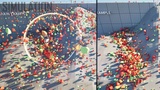
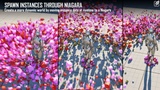
Use physical simulation as a placement tool, paint and brush instances into your scene and let them settle naturally.
It is aimed at increasing environmental quality through controlled layering and bringing attention to detail.
A tool focused on hand crafted scenes, a fun and easy way of adding that little extra to elevate the art that is game development.
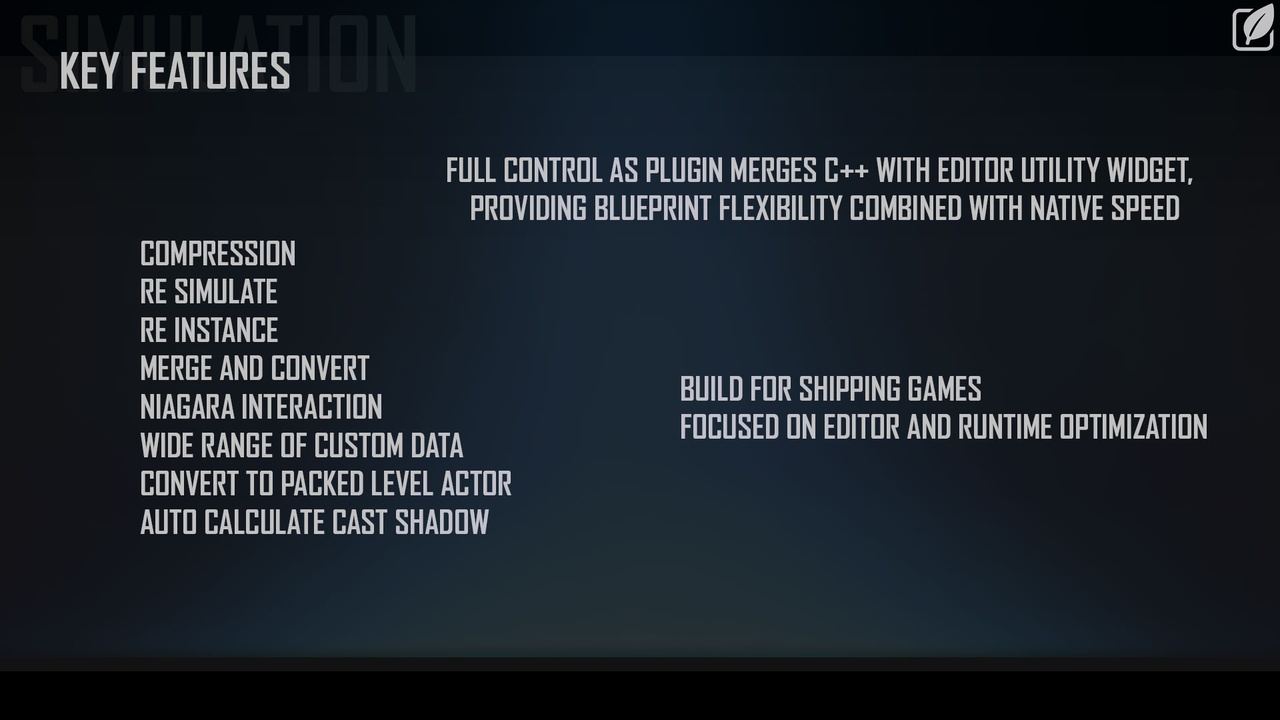
Built as a hybrid between C++ and Editor Utility Widget, it provides Blueprint flexibility while C++ handles performance critical operations natively.
How it works
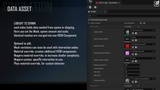
Instance transforms are stored as int16 positions and int8 rotations, lowering the memory cost of standard transforms. At runtime these compressed offsets reconstruct into Hierarchical Instanced Static Mesh Components, giving you density with minimal memory footprint. Additionally, other Per instance custom data can be stored for different ranges of behavior.
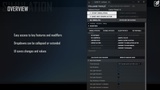
Key Features
Physics based placement, push, pull and whirl instances at runtime with mass normalized forces
Sleep and disable timers, actors manage their own physics lifecycle automatically
int16/int8 transform compression, significantly reduced memory footprint versus standard HISM
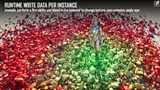
Per instance custom data, Array driven material variation, lighting, paint channels and custom floats
Re Simulate, adjust parameters and run again without losing your data
Re Instance, re uses position data from other simulations to reconstruct, storing only the actor as additional cost for thousands of instances
Re Compress, re bake instance data into compressed format after edits
Per instance Cast Shadow calculation, automatically disable shadows on occluded instances
Merge Runtime Actors, combine multiple simulation actors into one
Magnet, used to draw instances to a location
Distance to Center, per instance distance value driving material falloff and variation
Culling Radius, remove instances after specified distance
Convert to Static Mesh and back, full flexibility to move your instances between workflows
Convert to Niagara, feed instance data directly into Niagara systems for runtime interaction
Packed Level Actor support, convert to static mesh, pack as level actor
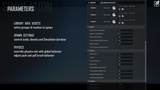
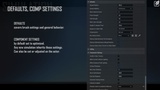
Component Settings, full control to optimize hism components
Sample Scene Lighting, capture ambient light intensity per instance
Sample Scene Color, capture environment color per instance and drive material tint
The focus now is on "interaction nodes", providing out of the box presets to explode and perform abilities that manipulate instances by moving data between the hism components and niagara. The paint tool will be a powerful contribution to this, painting instances with masks and values that can be used for blending any sort of behavior in materials or Niagara.
Roadmap
Paint Tool, brush gradients and masks directly onto instances, stored in custom data channels, used for blending and gameplay
Interaction nodes, Blueprint presets that can be used for gameplay interaction
Tiling Simulation, create tiling textures and matching instance data
Area Manager, zone based instance management to reduce uobject,component count
Height calculations for Re Instance, follow new terrain surface
Runtime LOD generation, automatic low poly replacement mesh at distance or for shadow proxy
Starter content
Demo level Plugin Content > FT_Simulation_Examples > Maps > FT_Simulation_Overview
Documentation https://www.foliagetools.com/simulation.php
Support [email protected] https://foliagetools.com https://x.com/artbyrens
Disclaimer/Additional Notes: This product is currently in BETA with reduced price.
Once complete the price will go up, Q4 2026, to 125USD for personal and 600USD for Professional use.
AI was used to locate engine variables and source references, clean up and validate code, peer review implementations and catch vulnerabilities.
All architecture, functionality, structure and design decisions are my own.