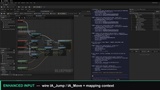
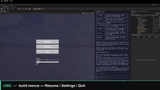
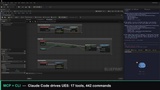
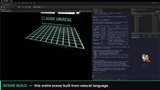
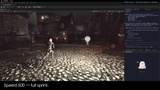
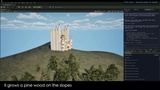
설명
Claude Unreal — AI Agent MCP Server
## 🆕 New in UE 5.8 — Mount on Unreal's Official MCP Server
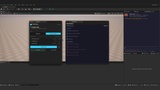
Mount Claude Unreal's toolset directly onto Unreal Engine 5.8's built-in official MCP server — one endpoint for every agent that already speaks UE's official MCP. The in-editor Claude MCP panel switches between Standalone and Mount-on-official modes, shows live server and bridge health, and refreshes tools in one click.
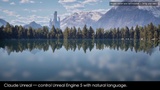
Control Unreal Engine 5 through natural language. Claude Unreal connects Claude Code to your Editor via MCP — 20 typed MCP tools (16 hot-path actions + discovery + helper) with the full ~486-command long tail available via a bundled `cu` CLI. Designed to keep session-start context minimal while preserving full UE5 control across 22 categories.
Optional Agent Skills (Project Settings) give Claude first-hand playbooks for popular Fab packages — Ultra Dynamic Sky and Brushify at launch.
🌐 Official website: https://echoulen.github.io/claude-unreal/
📖 Docs & full tool reference: https://echoulen.github.io/claude-unreal/docs/
🐛 Support, bug reports & feature requests: https://github.com/yO-oa/claude-unreal-support/issues
## Videos
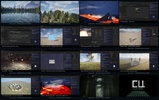
🎬 Official showreel (52 seconds): https://youtu.be/V5CfOqai6Q0
📺 All demo episodes on the YouTube channel (updated regularly): https://www.youtube.com/@Yooadev
## Works With Your Workflow
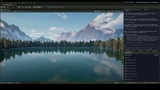
The in-editor terminal tab is optional. On startup the plugin auto-configures `.mcp.json` for the project, so Claude Code launched from your own terminal, VS Code, or Cursor gets identical editor control. Pick the entry point you already live in — full setup notes on the documentation site.
## Examples
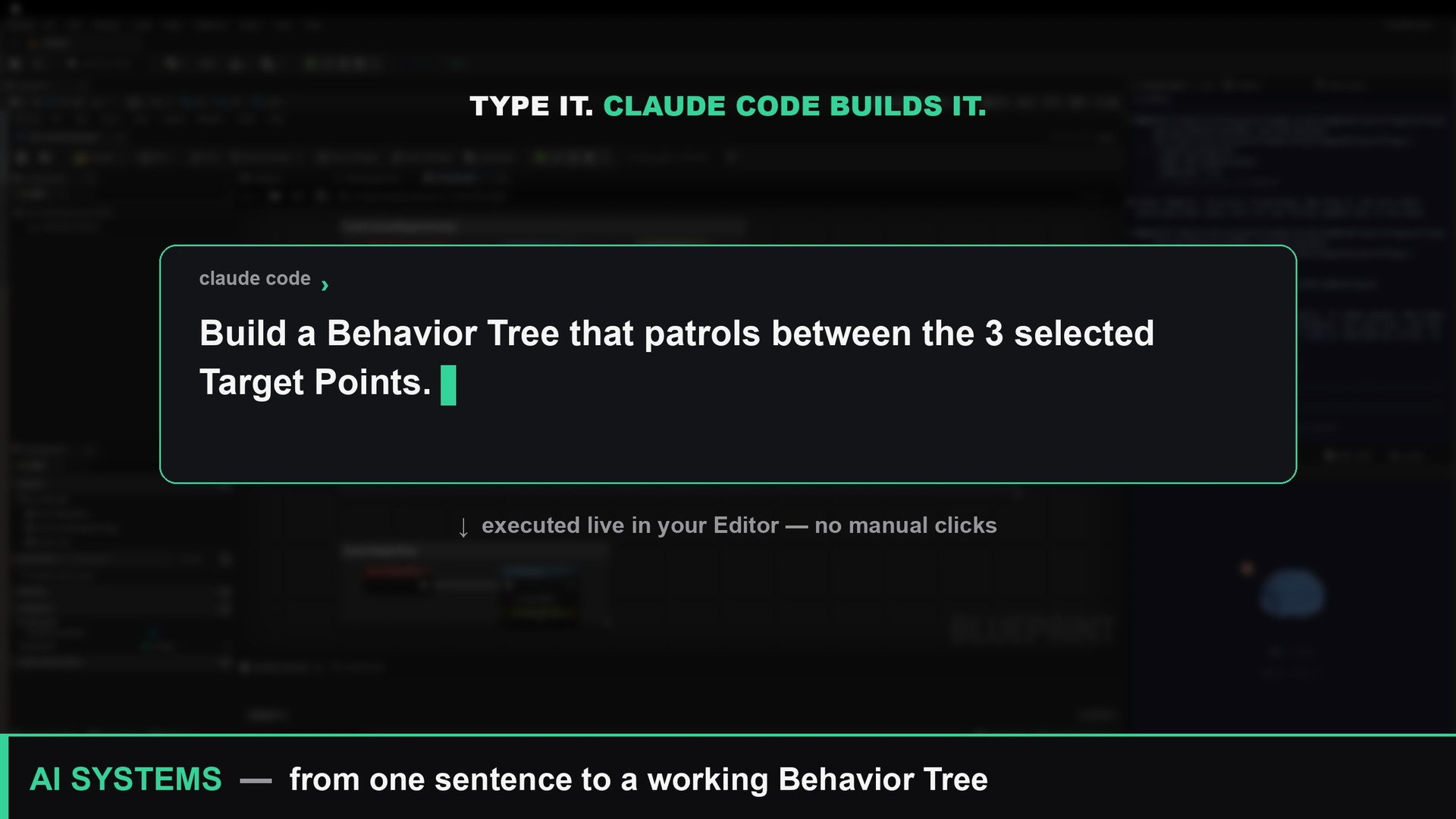
- "Build a Behavior Tree that patrols between the 3 selected Target Points."
- "Spawn a 200cm blue sphere, attach a PointLight, screenshot."
- "Generate a 4km landscape from this heightmap, paint grass below 30°."
## Tool Categories
- Scene & Actors — spawn, move, attach, query
- Assets — search, import, rename, tag
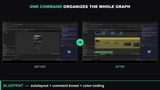
- Blueprints — classes, components, node graphs
- UMG Widgets — buttons, text, events, animation
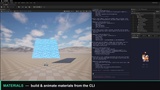
- Materials — graphs, instances, parameters
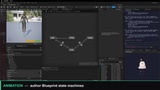
- Animation — blueprints, state machines, montages, retargeting
- Sequencer — tracks, keyframes, playback
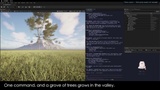
- Landscape & Foliage — sculpt, paint, spawners
- Physics — collision, constraints, forces
- Mesh — LODs, Nanite, sockets
- World Partition — layers, grids, HLODs
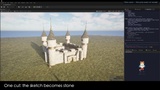
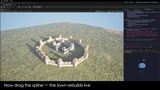
- World Building — terrain-aware town and city planners, a castle assembler, and a kit toolset that turns a pack of loose meshes into tileable pieces and lays them along a spline
- AI Systems — BT, blackboards, nav, EQS
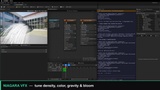
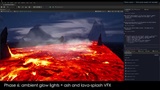
- Niagara VFX — emitters, modules, renderers
- Audio — components, MetaSounds, mixes
- Input — actions, contexts, triggers
- Build & Packaging — lighting, tests, cooking
- Game Simulation — PIE, screenshots, logs
- PCG — graphs, nodes, volumes, user parameters (requires Unreal's built-in PCG plugin to be enabled)
- Camera — focal length, aperture, focus distance
- Rendering & Lighting — GI/reflection method, Lumen quality (incl. 5.8 Lumen Lite), MegaLights (UE 5.8)
- Meta — batch helpers (`batch_execute` to coalesce many calls per round-trip)
Full tool-by-tool list on the documentation site.
## Usage
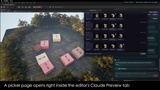
- Embedded: the Claude button in the level-editor toolbar (or Tools → Claude Code Terminal) — live context bar inside the editor. Its dropdown also carries resume/new session, the Status and MCP panels, bridge reconnect and settings, with rebindable shortcuts for the two most-used actions.
- Your own terminal: run `claude` in the project — plugin auto-configures `.mcp.json`
- UE 5.8 official MCP: mount Claude Unreal's tools onto Unreal's built-in MCP server from the Claude MCP panel — switch between Standalone and Mount-on-official modes, with live server/bridge health and one-click tool refresh
## Installation
1. Install from Fab, enable in Edit → Plugins
2. Install `uv` — https://docs.astral.sh/uv/
3. Restart Editor — `.mcp.json` and Python deps auto-install
## Requirements
- Unreal Engine 5.7 & 5.8 (macOS / Windows 64)
- `uv` 0.4+
- Claude Code CLI + Anthropic account (not included; bring your own)