Descrizione
User Guide & Documentation | Discord | Overview Video
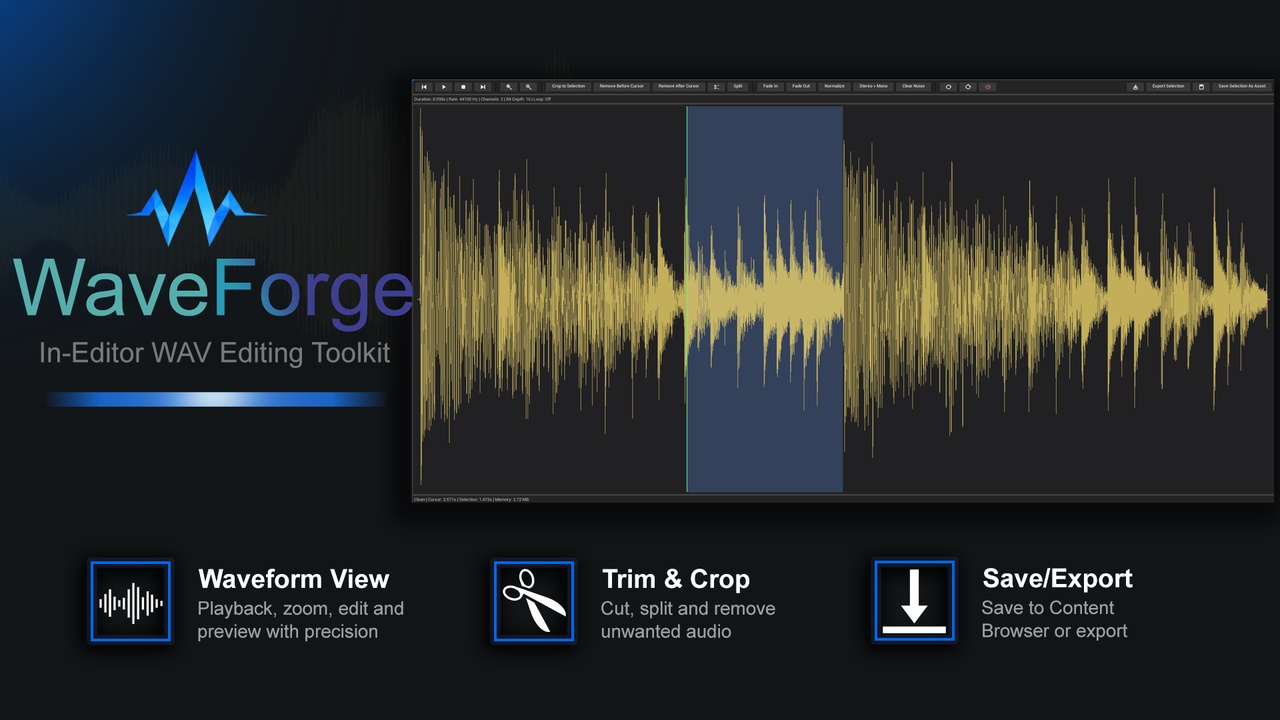
WaveForge is a lightweight Unreal Engine editor plugin for preparing WAV/SoundWave assets directly inside the editor. View waveforms, zoom, pan, preview playback, crop selections, remove audio before or after the cursor, apply fades, normalize, convert stereo to mono, create loop regions, export WAV files, and save edited audio back as Unreal assets without switching to external tools.
Key Features
In-editor SoundWave workflow
Open supported SoundWave assets directly from the Unreal Content Browser using the Open in WaveForge context menu.
Waveform viewer
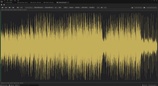
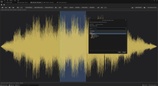
View the waveform with zoom, horizontal panning, selection highlighting, loop region display, and a single playback/edit cursor.
Playback tools
Preview audio from the current cursor position, pause, resume, stop, jump to start, and jump to end.
Editing tools
Crop to selection, remove audio before the cursor, remove audio after the cursor, cut selected audio and close the gap, and split audio at the cursor.
Audio processing
Apply fade in, fade out, normalize volume, clear low-level noise, and convert stereo or multichannel audio to mono.
Loop tools
Create a loop from the selected region, clear loop regions, and use Auto Loop to generate a candidate loop point for ambience, drones, hums, wind, rain beds, and sustained sounds.
Export and asset saving
Export full edited audio or only the selected region as WAV files. Save edited audio or selected regions back into Unreal as SoundWave assets using a Content Browser folder picker.
Designed For
Game audio preparation
UI sound cleanup
Ambience and looping sound beds
Prototype audio editing
Trimming downloaded or recorded WAV files
Preparing one-shot effects
Saving selected audio regions as new Unreal assets
Reducing round-trips to external audio tools