설명
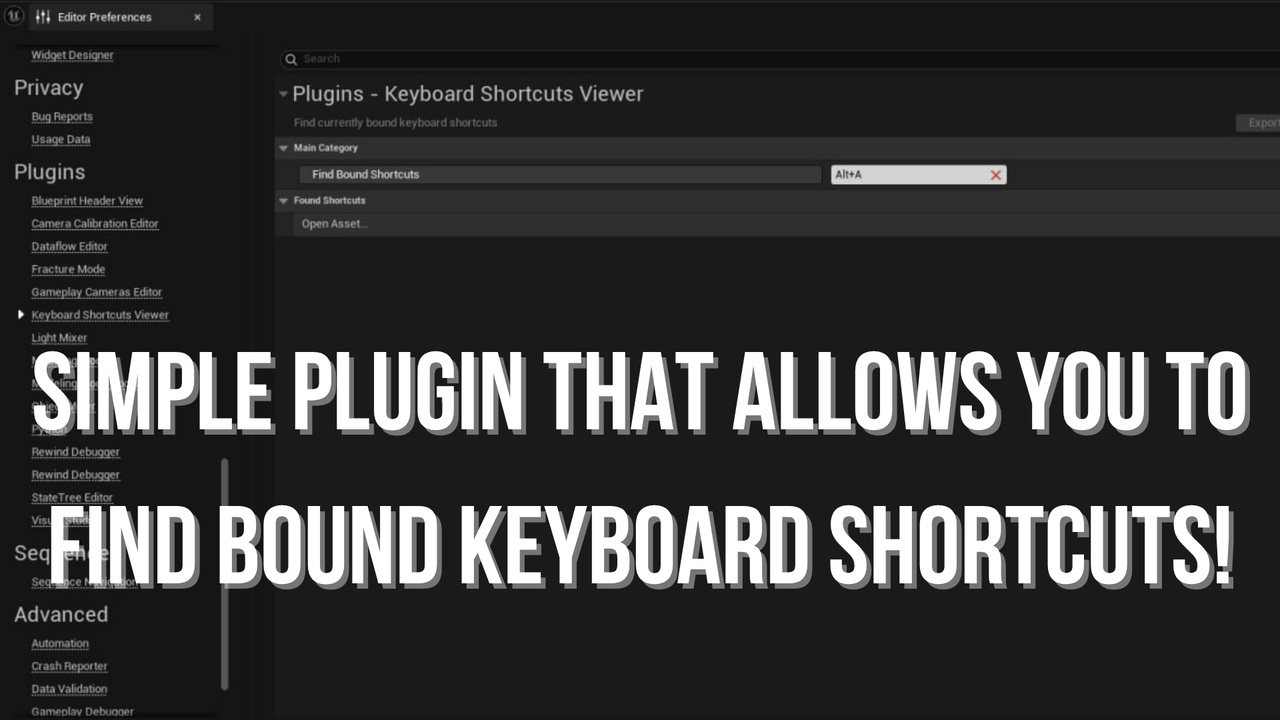
A simple plugin that lets you find all keyboard shortcuts associated with a specific key combination.
I created this plugin because I wanted to bind a key combination to an Editor Action, but nothing happened when I pressed it. It turned out that the key combination was already in use! Normally, you’d have to search for conflicts manually — but with this plugin, you can see all shortcut conflicts in one window, without ever leaving the Editor Preferences.
How to use:
1. Open Editor Preferences
Navigate to "Keyboard Shortcuts Viewer" section
Type any key combination you want to find and press "Find Bound Shortcuts" button