
Descripción
*** IMPORTANT *** Don't forget to leave a rating! Assets with a rating of 4.5/5 and above will constantly receive free updates! ***
USEFUL LINKS
UPDATED v1.1 NEW VIDEO TRAILER!
UPDATED v1.1 NEW USER GUIDE
DISCORD CHANNEL
Download Free HORROR theme from HERE!
EMAIL SUPPORT: [email protected]
FB IN-GAME SHOWCASE
SAMPLE ASSETS USED: Demo, Demo.
WHAT IS BSS
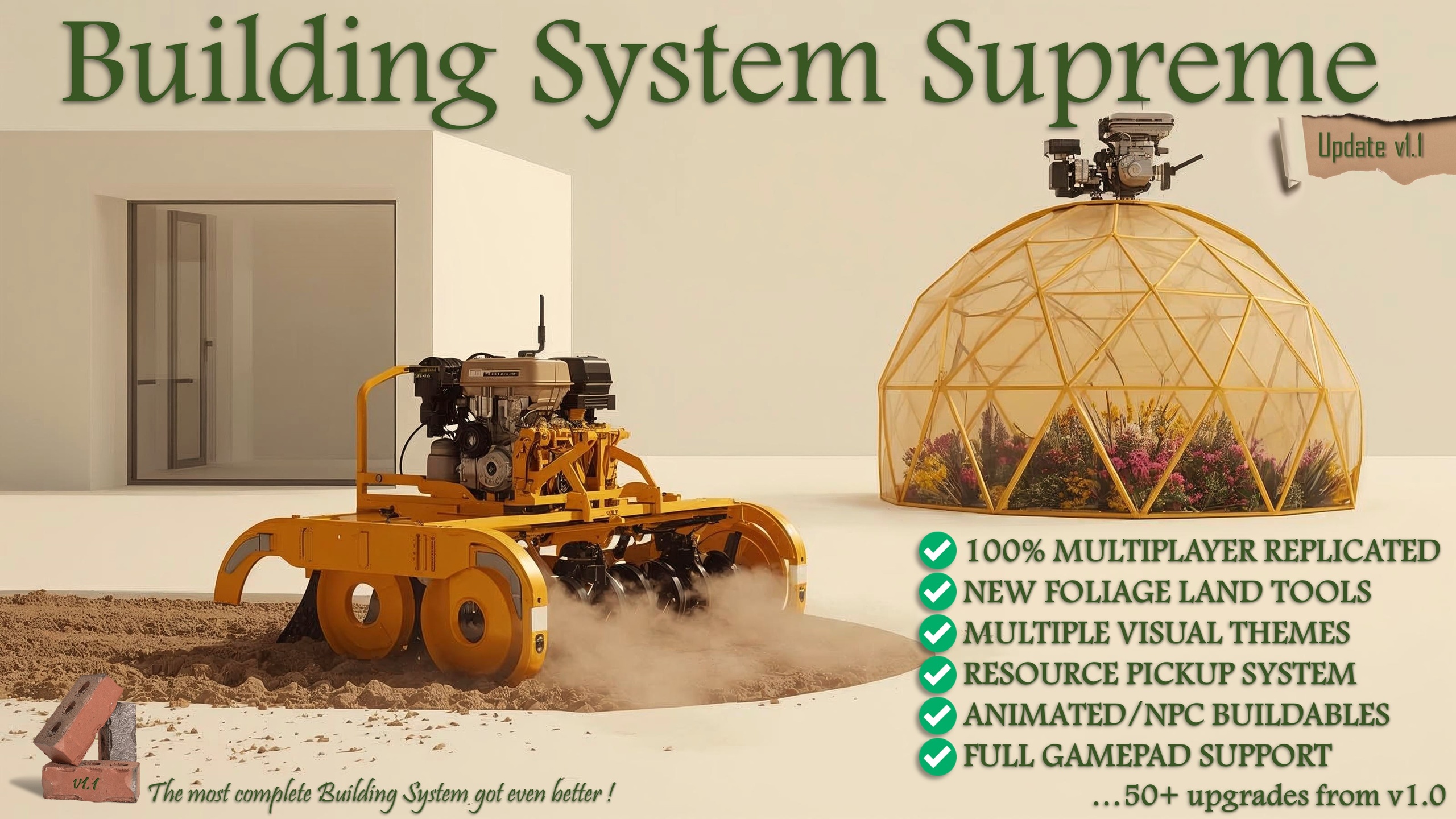
As the popularity of building functionality in games is drastically increasing, and has almost become a necessity, the developers of www.TheWildWestStory.com offer you the updated “Building System Supreme” v1.1!
A building system created with “performance” and “easy implementation” in mind and even though it’s a result of hundreds of coding hours, its simplified in only one component!
It can be used as a base project or to add building functionality, upgrading your existing project!
The implementation requires less than 5 minutes!
BSS will not interfere with your existing project until you press your designated key for building. Then, your project will enter a powerful building mode, allowing you to use various modes to create anything you desire by using your buildables or your foliage!
BSS modes:
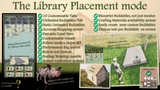
1. “LIBRARY PLACEMENT” mode.
Create an unlimited number of buildables (with or without snapping functionality), quick and easy, with the use of database entries and add them to the customizable library category tabs.
Using the “Library Placement” mode and the "material cost system”, place them in your level, through a variety of tool parameters.
Everything will auto load/save in your designated save files!
Your buildables will not be just static meshes but child BP actors with individual coding, breakage sounds and visual effects, if you desire. Even animated NPCs! This means that you can create a window buildable, place it in your level and then open and close it using its own code! Or place an animal which will auto update/save often its last location!
In detail:
Preview buildable can follow surface slopes IRT before placement.
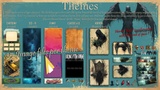
1 to 10 customizable category tabs. Appearance affected by the selected Theme.
Unlimited buildables entries per category tab with an auto scroll bar when the visible window is full.
BP and animated buildables.
Lightning-fast auto/save functions.
Very accurate snapping system (for supported buildables).
Move/rotate buildables on all axes and scale before placing, through a customizable stepping system.
Detailed information panel and reticle for each buildable (name, description, icon, material cost, mesh polycount color, etc.).
Use the “Crafting materials usage system” to subtract materials needed.
Resource amounts instantly update by picking up crafting materials placed in level.
Use the “Buildable performance indicator system” to inform users about each buildables mesh polycount before placing indicated by five flame colors.
Center-of-the-screen reticle with important information.
Easy buildable creation (with or without snapping functionality) through database settings.
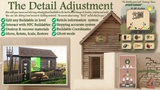
2. “DETAIL PLACEMENT” mode.
With the “Detail Placement” mode, you can select any existing buildable in your level and while in “ghost mode”, see its information in the panel and reticle (name, coordinates, polycount info, materials used, etc.) and manipulate its location, rotation and scale with great detail through a customizable stepping system.
Set or restore its position or even destroy it and recover its crafting materials! Again, save-worry free. Everything is updated and saved instantly and automatically.
In detail:
Ghost mode.
Appearance affected by the selected Theme.
Detailed location/rotation/scale adjustments on all axes for already placed buildables in the level, with the stepping amount system.
Buildable position setup and restoration.
Auto-save functionality on location/rotation change.
Detailed information panel.
A “Buildable performance indicator system” that informs users about each buildables mesh polycount.
Buildable destruction and recovery of its crafting materials.
Multi-material support.
Center-of-the-screen important information regarding the rotation step setting with color designation based on adjustment mode (move or rotate), buttons functionality and more.
But there is more! BSS raises the bar by offering a unique functionality!
3. “LAND TOOLS” mode.
Land tools allow the creation and removal of pre-existing foliage in your level in real time!
Two land tools are currently available to cultivate the earth and plant new foliage, through a plethora of options.
Next time you load your project, your latest foliage level design will be there along with your buildables, making the creation of custom level environments an extremely fast and fun process!
In detail:
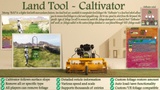
1. The “Caltivator”.
Can remove only one type of foliage or all available types through real time settings.
Restore removed foliages (customizable amount).
Adjust tool size to affect a larger or smaller area.
Adjust tool speed to affect its removal force.
Center-of-the-screen important information regarding the tool’s speed, buttons functionality and more.
Fast auto load/save.
Minimum hard drive save file size, by overwriting and not adding any foliage changes in save file.
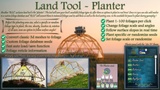
2. The “Planter”.
Plant one or multiple foliages (customizable density).
Plant random or specific foliage types.
Foliage preview at the center of the tool.
Adjust tool size to affect a larger or smaller area.
Option to follow surface angles on planting.
Warning messages if placement location is unreachable.
Change selected foliage's size and rotation on all axes.
Center-of-the-screen important information regarding the selected plant’s size, buttons and more.
Fast auto load/save.
Minimum hard drive save file size, by overwriting and not adding any foliage changes in save file.
FULLY REPLICATED
All modes are fully replicated.
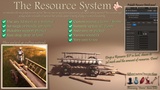
CRAFTING MATERIALS USAGE SYSTEM
Use of material cost system and custom meshes in level, converted to pickable materials!
BUILDABLE PERFORMANCE INDICATOR SYSTEM
Customizable performance system to indicate the possible performance impact of the selected buildable in the level.
BSS INTERFACE and SETTINGS
Many BSS settings with exclusive Host controls.
GUIDES and SUPPORT
Detailed comments exist on many of the nodes and an in-depth, 28-page guide, with screenshots and FAQs, are available to use. All variables and functions are organized, with names and descriptions that represent their functionality.
In addition, customer support for verified customers, is available through email or Discord.
FUTURE UPDATES
More -free for existing BSS owners- BSS updates are planned as long as the asset maintains a rating of 4.5/5 or above. So, leave a rating!
Download BSS now and start a new, building included project or raise the level of your existing project even more by adding a unique building and foliage functionality! With “Building System Supreme”!