



Description
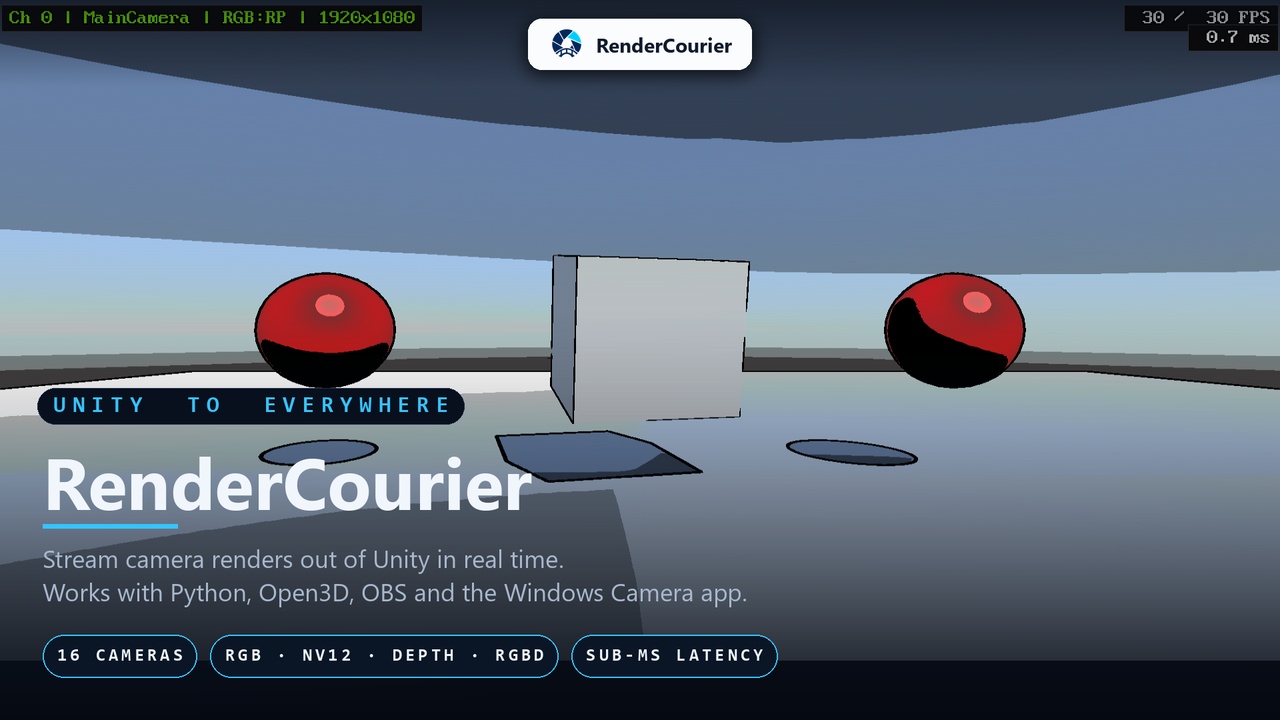
RenderCourier streams live Unity camera frames to Python and compatible applications on the same Windows machine using a low-latency shared-memory transport. Frames are transferred directly from the GPU into shared memory, minimizing CPU overhead and avoiding sockets or per-frame files.
How it works
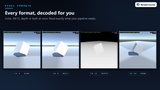
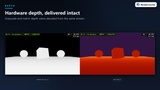
Add RenderCourierCam to a camera, or use RenderCourierAtlasCam for packed multi-camera layouts. Select RGB, depth, or packed RGB-D output.
In Python, import the included rendercourier module and read frames as NumPy arrays. The native Python module ships with the package; NumPy is installed separately.
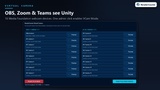
OBS Studio, Zoom, Discord, and other DirectShow-compatible applications can access active RenderCourier cameras locally without a separate driver installation.
RenderCourier supports custom conversion shaders for sensor-style or stylized output, independent frame-rate limits, custom output resolutions, multiple simultaneous camera channels, and per-frame calibration metadata.
The package includes a Game View preview display, stream controls, editor tools, and demonstration scenes for single-camera, multi-camera, atlas, depth, and RGB-D workflows.
An optional free companion application, RenderCourier Virtual Camera, provides status and preview controls and can enable recognition by the built-in Windows 11 Camera application.
Requirements
Windows 10 or Windows 11, 64-bit
Direct3D 11
Unity 2023.1 or newer
Built-in Render Pipeline or Universal Render Pipeline
URP integration requires URP 15.0 or newer
Developed and tested with Unity 2023.1.2f1
Python 3.8 or newer, 64-bit
NumPy is required for Python workflows
OpenCV and Open3D are optional dependencies for the included demonstration viewers
Third-party software notice
RenderCourier uses Microsoft DirectShow Base Classes and tshino Softcam under the MIT License, NumPy under the BSD 3-Clause License, OpenCV under the Apache License 2.0, and Open3D under the MIT License. See THIRD-PARTY-NOTICES.txt in the package for details.