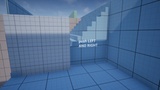
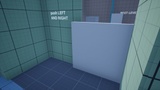
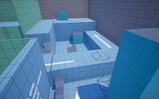
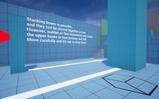
Description
AKO Advanced Push System Designed for Seamless Integration in Just Two Minutes
🚨showcase video:
🔴Tutorial video:
Documentation Link:
🎯 Introduction | AKO_PushPlugin
Example Project:
https://drive.google.com/file/d/1TQsJF4lnhSOc5Eh-aQojbrCqiPaY8zpp/view?usp=drive_link
The AKO Advanced Push System is designed for quick integration into any Unreal Engine project in under two minutes.
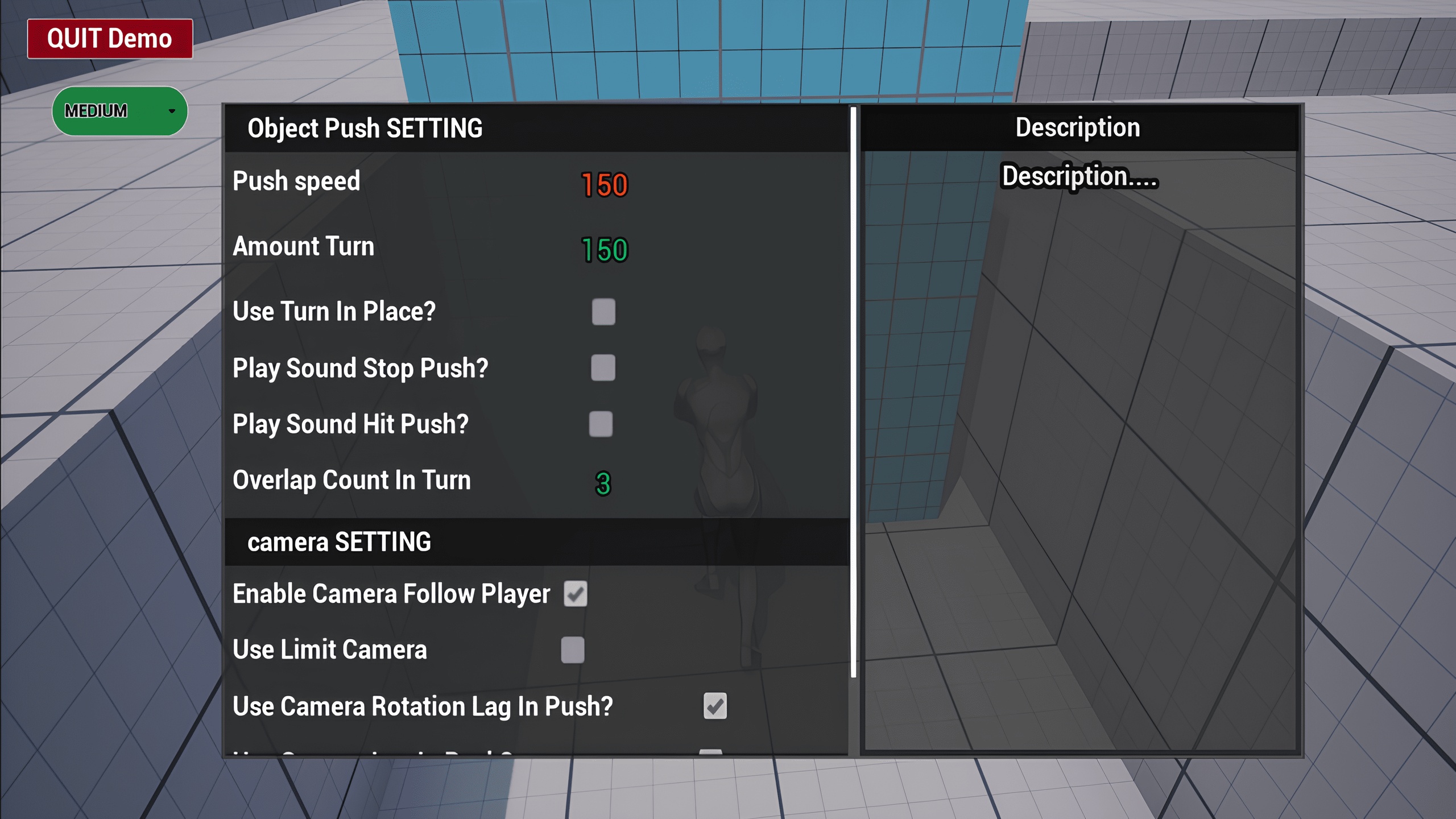
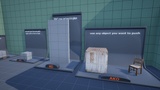
It allows you to push objects with a wide range of configurable settings, making it easy to adapt the system to different gameplay styles. The latest version 2.0.1 also provide much better support for objects with different shapes by using the actual mesh during interaction instead of relying on a single Box Collision.
The system fully supports both First-Person and Third-Person characters, with separate settings for each. It also provides flexible animation support, allowing you to customize or replace the default animations to match your own character.
Built-in camera handling includes an optional advanced camera limit system, while the integrated audio system supports three independent sound events:
Sound while pushing
Sound when pushing stops
Sound on collision
new
Each sound event can be enabled, disabled, or replaced with your own sound assets.
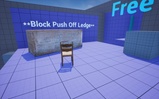
--The system also supports automatic stopping after falls or at ledges, and smooth push rotation in both directions.
And that's just the beginning—explore the full documentation or demo project to discover all the available features.
New in Version 2.0.1
Improved support for objects with different shapes by using the actual mesh instead of relying on a single Box Collision.
Added two new push detection methods for greater flexibility.
Added new Debug tools and improved existing Debug visualization.
Added optional ledge protection to prevent objects from falling.
Improved object rotation, especially for irregularly shaped objects.
Improved camera stability and the Limit Camera system.
Improved the sound system.
Improved overall performance and object detection.
Fixed Actor Bounds related issues and improved push interaction reliability.
Fixed several camera, sound, and stability issues.
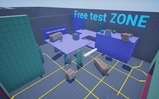
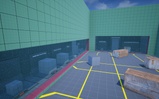
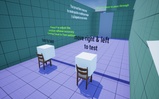
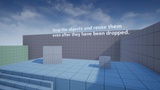
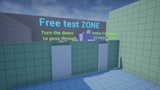
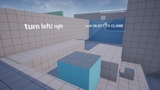
** A complete Example Content(demo) project is included to help you quickly understand, test, and integrate the system.
The plugin is fully compatible with Enhanced Input and modeling tools. While enabling it is recommended, the system also works correctly without it.
Support is available through our Discord community:
https://discord.gg/gt93s6E7N9