설명
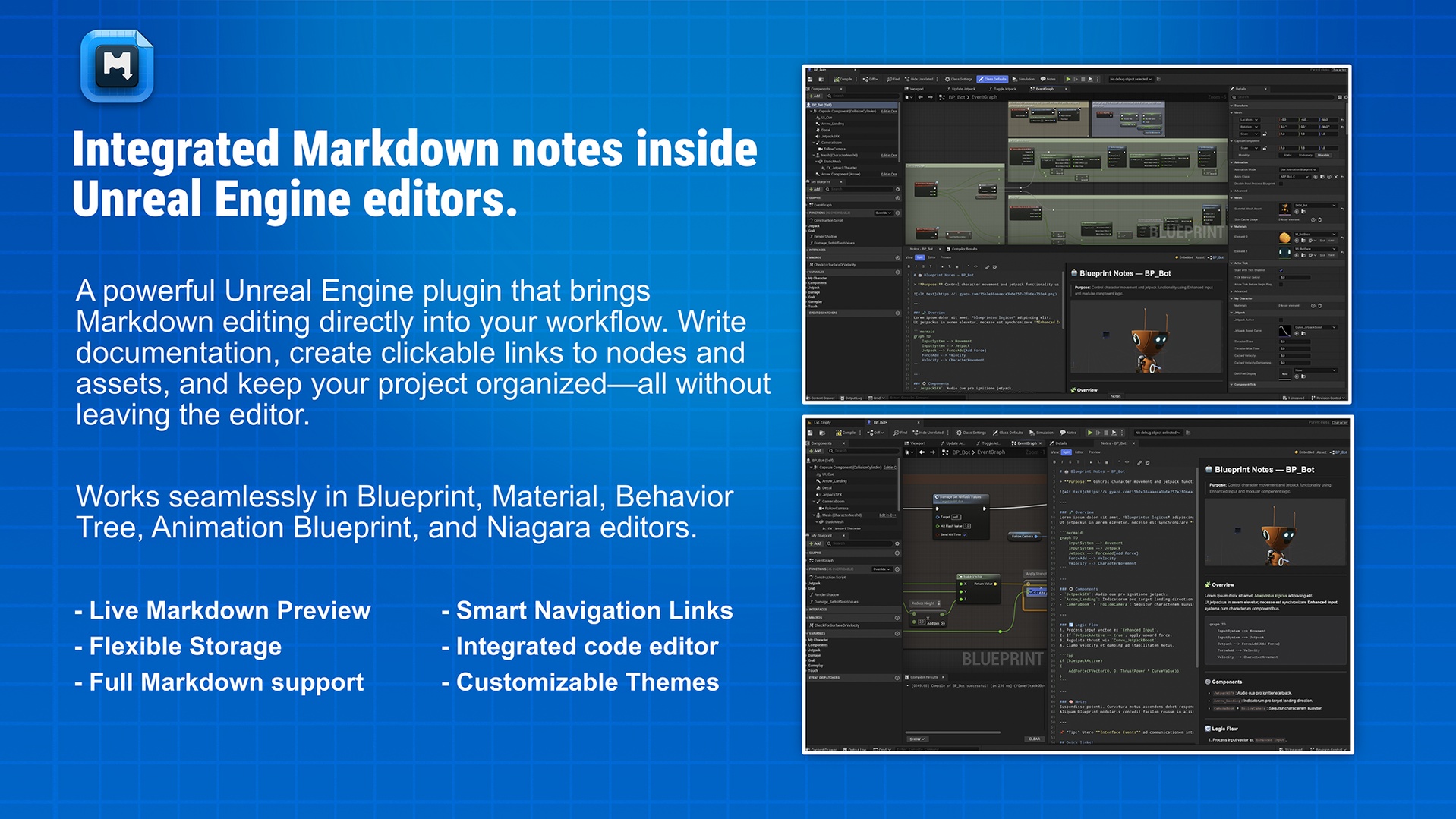
Capture decisions, log bugs right next to the actual graph, and jump between resources without leaving the editor.
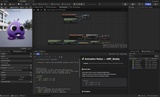
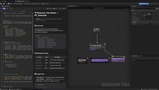
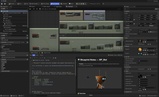
Blueprint Markdown Notes lets you document your project right where you work. Open any Blueprint, Material, Behavior Tree, Animation Blueprint, Niagara asset and click Notes in the toolbar to write beautiful Markdown with syntax highlighting and live preview (Split / Editor / Preview modes).
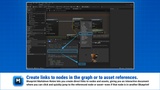
Speed up your workflow with clickable links: create shortcuts to nodes (even across Blueprints/behavior trees) or to project assets; customize the look with 9 themes (or define your own), and choose how to store notes:
Embedded in the asset’s metadata (editor-only, not included in builds), or
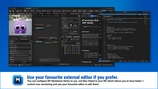
External .md files (without importing to project) ideal for Git/Obsidian/VS Code with automatic hot-reload.
Key Features
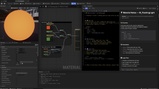
Multi-Editor Compatibility
Blueprint, Animation Blueprint, Material, Behavior Tree, Niagara System, and Niagara Emitter.
Integrated Editor + Preview
Smooth live view with Split / Editor / Preview modes.
Markdown Syntax Highlighting
Real-time coloring and a VS Code-like editing feel (monospaced font, line rulers, horizontal scroll, extra trailing lines).
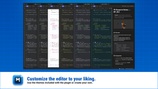
Themes
9 built-in themes (UE, GitHub Dark/Light, Monokai, Dracula, Solarized Dark/Light, One Dark/Light) + custom theme (10 configurable colors).
Link System (instant navigation)
node:// to jump to nodes in Blueprints, Materials, and Behavior Trees (from any note).
asset:// to open any project asset.
Flexible Storage
Embedded (default): notes in asset metadata; editor-only, excluded from builds.
External .md files: perfect for Git and editing in VS Code/Obsidian; configurable hot-reload to see changes instantly.
Productivity Focus
Quick access from the toolbar of each supported editor.
Offline-friendly and keeps the project clean (editor-only).
Use Cases
Per-asset documentation (Blueprints, Materials, Behavior Trees, Niagara effects).
Roadmaps and technical notes alongside the actual graph.
Code reviews & hand-off with clear diffs using external .md.
Internal links for fast navigation across nodes and resources.
Requirements & Technical Details
Engine: Unreal Engine 5.5+
Type: Editor-only (not included in packaged builds)
Dependencies: Plugin requires Niagara Plugin Enabled