Description
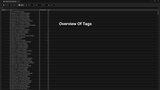
Asset tags are a powerful Unreal Engine feature that is underutilized for project organization. This plugin makes utilizing asset tags much easier especially if you are using multiple projects in your workflow. The many asset tag features are also useful even if you only use one project folder.
Improve Organization And Planning
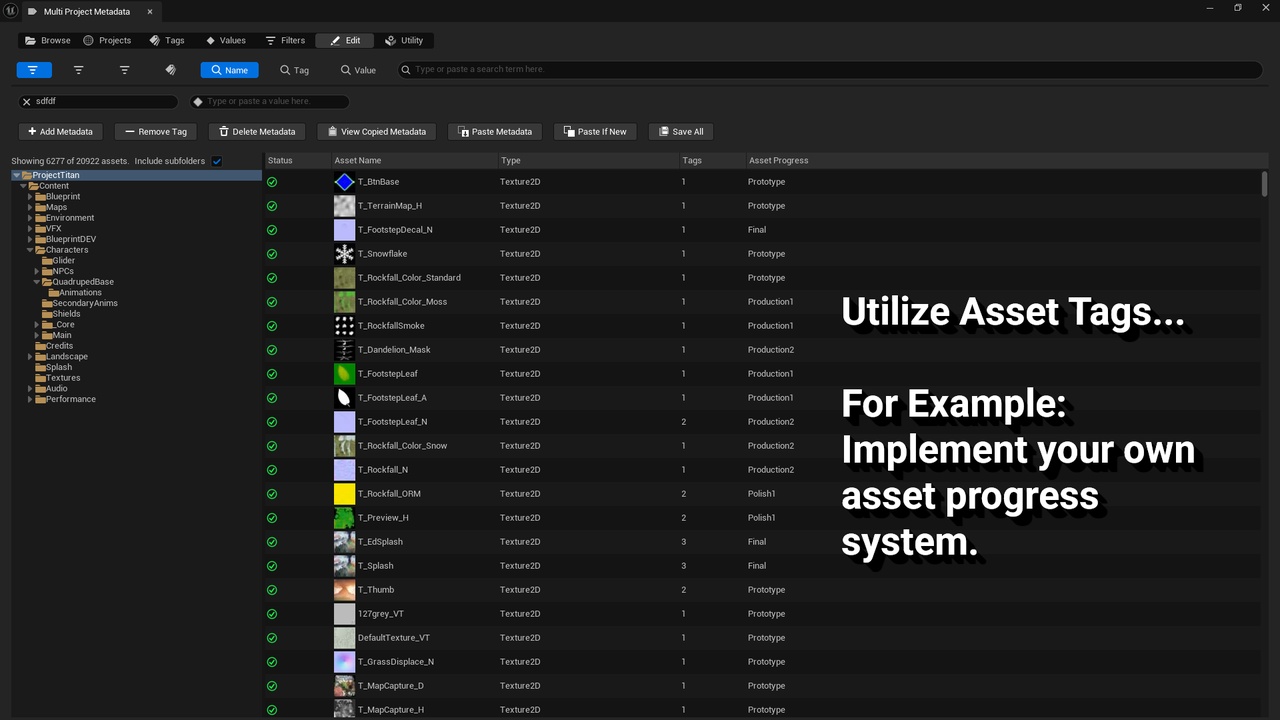
Tag assets in marketplace content folders and you will always know where they came from. Tag assets as prototypes and you will know they need to be replaced. Later on view this metadata from any project. Implement your own asset development progress system using asset tags.
Powerful And Fast Metadata Editing Features
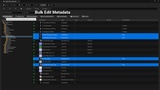
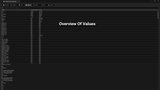
The metadata edit features allow for adding, removing, deleting, or copying of tags and values to multiple assets at a time or entire folders of assets. Metadata can be directly copied from an asset in another project. Implements a QuickTag feature to prespecify tags and values that can be added to assets with minimal clicks. QuickTags can also be used to add metadata from the normal Content Browser.
Browse Multiple Projects
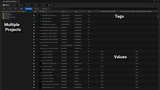
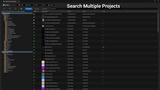
Having access to information from multiple projects enables new and efficient ways to plan asset migrations and organize projects and workflows.
Screenshots are taken when using the tool in the Lyra Starter Game, Project Titan, City Sample, Game Animation Sample, and Stack O Bot projects by Epic Games.
Support and Feature Requests Email: [email protected]
Documentation is also contained inside the tool in the form of detailed tooltips.
Quick-start Guide
Install plugin to Unreal Engine.
Enable plugin in project and restart editor if necessary.
Open tool from the Tools menu of the Unreal Editor.
Hover over the UI elements in the tool to show detailed tooltips explaining tool features.
Open the tool once in each project to make that project's data available to other projects.