





Opis
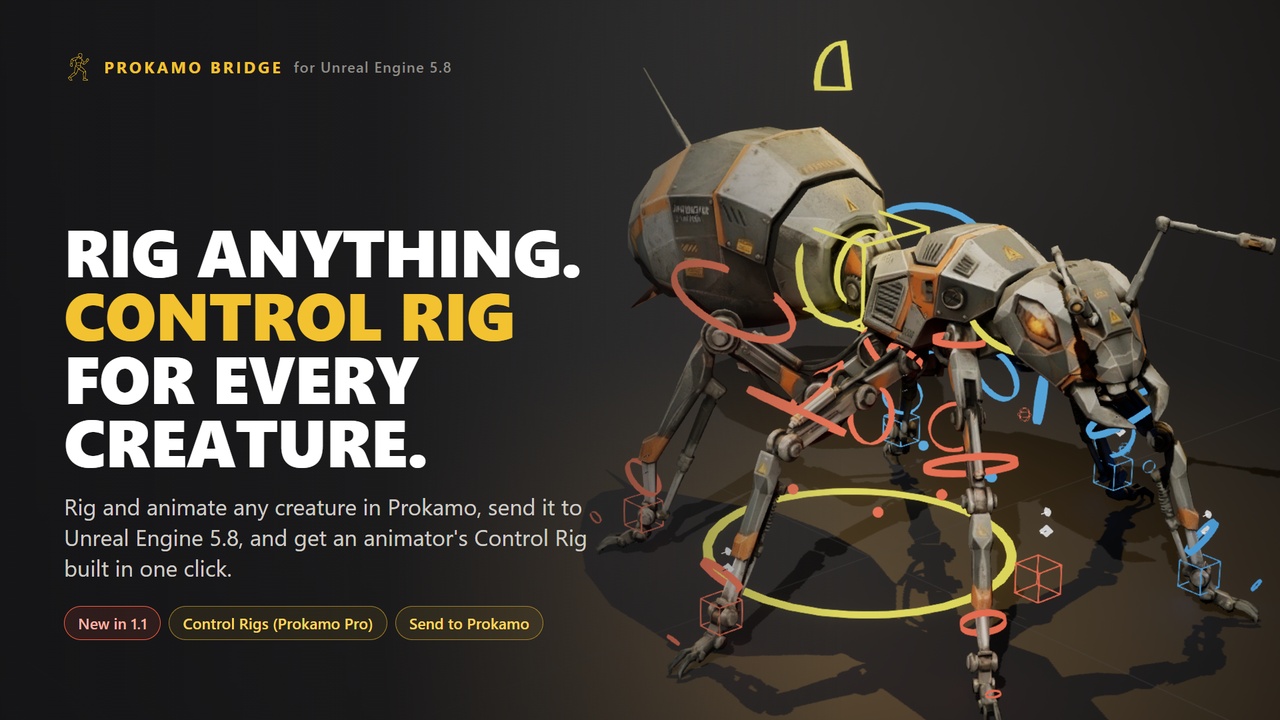
Rig anything. Animate it procedurally. Send it to Unreal with an animator's Control Rig.
Prokamo Bridge connects prokamo.com, a browser tool for rigging and procedural animation, to your open Unreal Editor.
New in 1.1
Make Control Rig (Prokamo Pro): one click builds a full Control Rig for the creature you rigged in Prokamo, with IK legs and a hock control, tails and chains with curl and curve IK, fingers, toes, eyes, and a Backwards Solve for baking animation onto it.
Send to Prokamo: right-click a Skeletal Mesh, Animation Sequence or Static Mesh in the Content Browser and it opens in Prokamo, ready to animate or rig.
Unreal Engine 5.8
Send to Unreal
Animations import onto any skeleton in your project (SK_Mannequin preselected)
Rigged characters arrive whole: skeletal mesh, skeleton, physics asset and materials
Root motion when the clip moves the root
No files to save, no import dialog
How it works
The plugin listens on 127.0.0.1 only. Prokamo hands the .glb over from your browser and Interchange imports it into the folder you choose. Editor-only module: nothing ships in packaged games. Settings in Editor Preferences: port, folder, skeleton, open after import, allowed origins, and a switch for Control Rigs.
Requirements
Unreal Engine 5.8, Windows editor
Epic's Interchange, Interchange Editor and glTF Exporter plugins (on by default)
One-click Control Rigs also use Epic's Python Editor Script Plugin (Beta), which you turn on yourself. The bridge only runs Control Rig scripts signed by Prokamo's server. Without Python, Prokamo saves the rig as a script instead.
Pricing
The plugin is free. Prokamo needs a free account (email sign-in) with 10 exports a month for personal use. Prokamo Pro is unlimited and adds commercial use and Make Control Rig.
Docs and support: prokamo.com/unreal-bridge.html