الوصف
Design LED wall and volume mappings directly in Unreal Engine. One click generates either a full static-mesh layout (for nDisplay) or a post-process pixel-remap material (for camera compositing) — no external tools, no round-trips.
Who it's forVirtual production TDs, LED wall operators, nDisplay users, and anyone sending pixels from Unreal to a real or virtual LED surface.
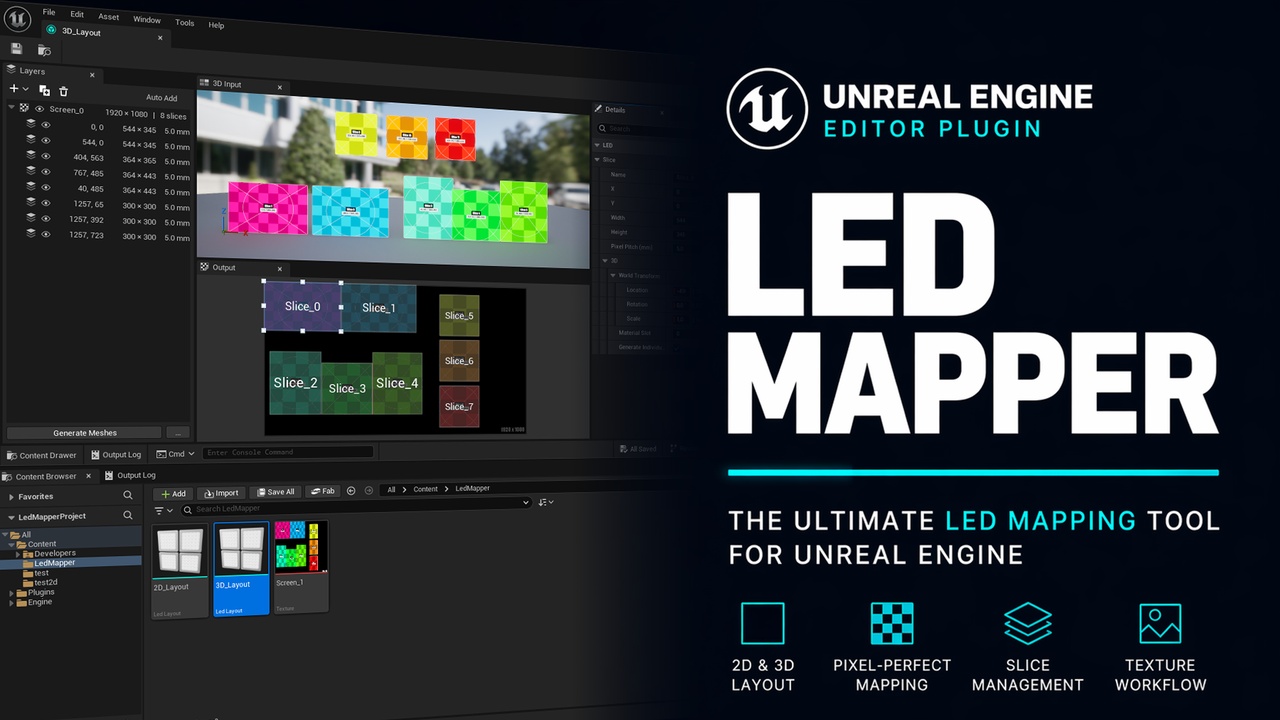
Two complete workflows3D mesh workflow — nDisplay / in-camera VFXLay out your pixelmap slices on a visual canvas, set a pixel pitch per slice, click Generate Meshes. You get:
Static meshes sized to real-world panel dimensions in centimeters
Correct UVs that sample your LED pixelmap texture
A shared master material + per-screen unlit material instance
Drop the meshes in your world and nDisplay is ready to drive them.
2D pixel-remap workflow — post-process camera compositingDefine input rectangles on a CineCamera's view and output rectangles on your LED pixelmap. Two generate buttons give you the pieces:
Generate Texture bakes an FP32 UV remap texture (full precision, no stair-stepping on 4K+ sources)
Generate Material adds a pre-wired post-process master material + per-screen instance that samples PostProcessInput0 through the remap texture
Plug the material onto your camera as a blendable and the output is remapped to match your LED pixelmap layout.
FeaturesVisual editor
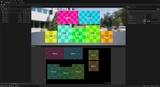
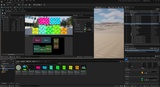
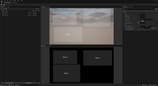
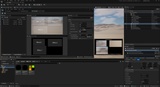
Dockable asset editor with Layers, Output canvas, Input canvas (or 3D preview), and Details panels
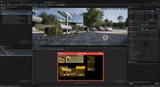
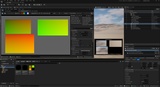
Live CineCamera preview inside the 2D input canvas — place your slices against real camera framing
Drag handles on every slice for resize and move
Modifier shortcuts for duplicate, axis-lock, snap toggle, and pan
Quick-edit HUD — type numeric values directly on the canvas for pixel-exact positions
Auto-add mode — type X Y W H and a new slice appears
Fit-to-view, zoom-to-100%, and fine zoom shortcuts
Layer management
Screens and slices in a tree with inline renaming and per-item visibility toggles
Drag-to-reorder within or across screens (order is overlap priority in the UV bake)
Compact toolbar with "+" add dropdown, duplicate, delete, and auto-add toggle
Output
Generated assets land in a content folder you choose (no surprise /Game/LedLayouts)
Hidden slices and screens are skipped on generation
Full Unreal undo/redo integration via scoped transactions
Per-slice data
Output rect (position + size in pixels) on the LED pixelmap
Input rect (2D), horizontal / vertical flip (2D)
Pixel pitch in mm (3D) — drives real-world mesh size
World transform, material slot (3D)