Описание
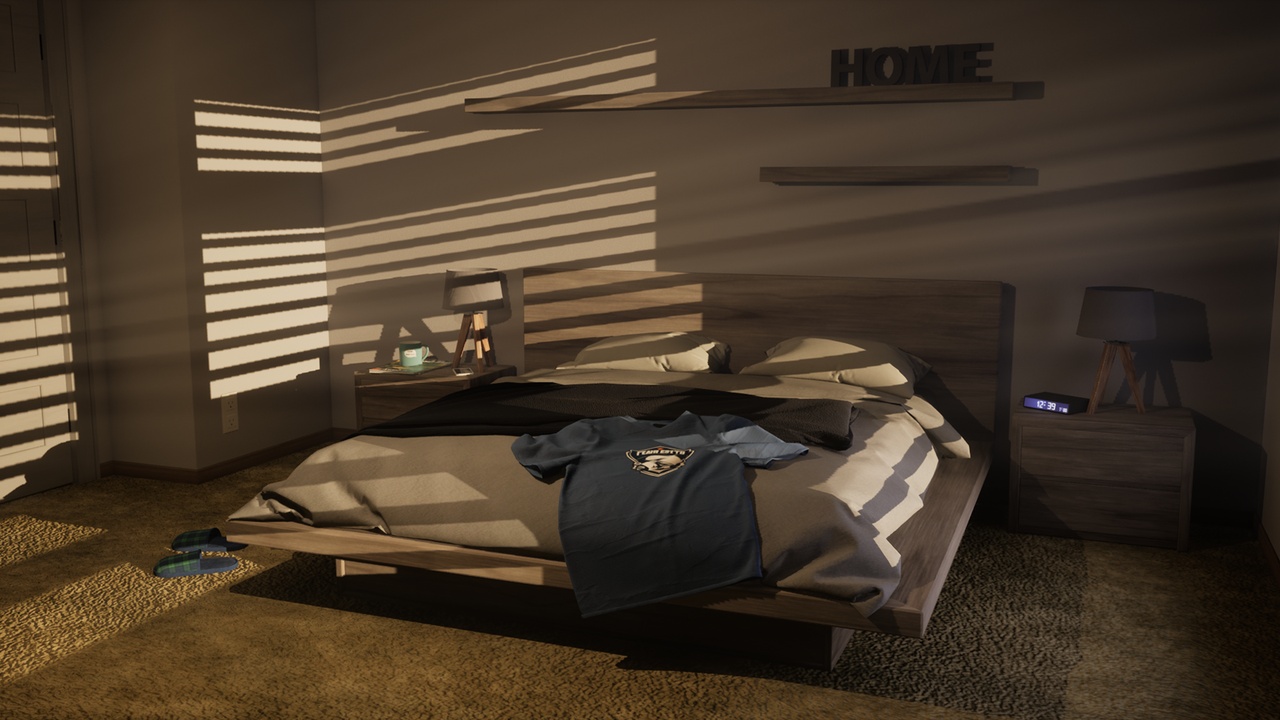
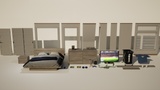
This set contains the following assets:
Walls - modular:
Basic wall
Basic half wall
Wall with a door frame
Wall with a closet frame
Wall with a double window
Corner wall with a slanted top half
Outwards corner wall
Larger objects:
Door
Closet doors
Bed with a wooden frame
Blanket
Nightstand
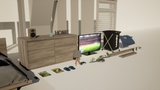
Dresser
Lounge chair
Smaller objects:
Alarm clock
Two different fishing magazines
"HOME" sign
Laundry bag
Coffee mug
Lightswitch
Outlet
Smartphone
Remote control
Slippers
Speaker
T-shirt folded over bed
Television
Lounge chair pillow
Wall props:
Short wall shelf
Long wall shelf
Lighting objects:
Basic table lamp
Ceiling lamp
Materials:
The project contains 5 Master materials and 34 Material Instances.
It is recommended to not tweak the Master materials as they are setup to allow tweaking of the Material instances.
When opening a Material instance you will be allowed to change the intensity of the roughness, normal and (in some cases) emissive maps. You can also change the colour tints of all materials. Though please be aware that only the walls have been given a texture that allows for a very accurate color tint tweaking.
The Material Instances for the transparent objects also allows you to change the intensity of the transparency.
Wall placement information:
The walls are modular and allows for an easier placement of them.
When placing a wall, enable the grid and set it to 100. When doing this you can easily snap the walls to each other with the move tool.
Further information:
An AI generator has been used to create the graphic design of the two fishing magazines and the television screen.
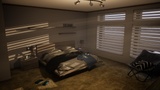
The purpose of this set is to provide a quick and easy way to create a bedroom (or to allow you to quickly implement a bedroom in your project if you wish to use the layout presented in the level named "Room_showcase").
The project also contains two levels that showcase two different examples of how the room could be built.
Disclaimer:
This product supports Lumen for Unreal Engine 5.0+.
This product supports Nanite for Unreal Engine 5.0+.
For information regarding which settings were used for Lumen when taking the screenshots , please visit https://discord.gg/6gGdcES34K and see the attached image in the channel "documentation-familyhome-parents-bedroom".
For further information regarding the usage of Lumen, please visit the official documentation at the following link: https://docs.unrealengine.com/5.0/en-US/lumen-global-illumination-and-reflections-in-unreal-engine/