
Descrizione
Drop-in game telemetry for Unreal Engine 5: automatic performance metrics, spatial event tracking, and an offline queue, streamed over HTTPS to the Framedash analytics platform. Free and source-included.
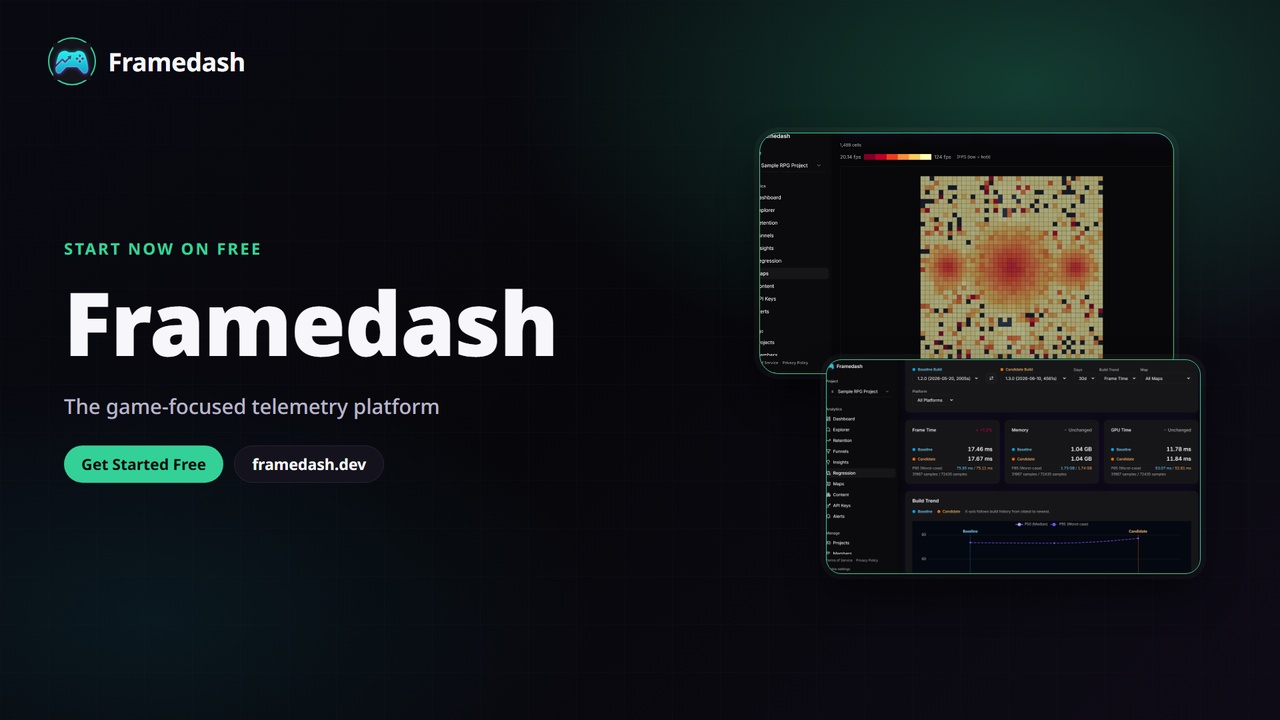
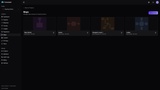
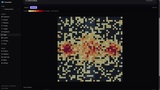
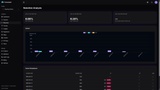
Framedash is a game analytics platform. This plugin is the Unreal Engine 5 client SDK: it collects performance telemetry and gameplay events from your game and sends them to your Framedash dashboard, where you can explore performance heatmaps, funnels, and build-over-build performance comparisons.
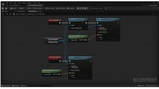
The plugin ships with full C++ source: a Runtime module plus an Editor module for the in-editor heatmap overlay. Its entry point is a Game Instance Subsystem, so you can auto-initialize from project settings with no code, or drive it from C++ or Blueprint.
Key features:
Automatic performance collection: frame time, GPU time, game-thread and render-thread timing, FPS, and memory, sampled every tick and emitted as a perf_heartbeat every 10 seconds.
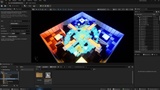
Spatial event tracking: attach a world position and map id to any event to power spatial heatmaps on the dashboard.
Optional camera-direction capture: records the local player's camera yaw and pitch for the heatmap direction breakdown (on by default, skipped on dedicated servers).
Batched event buffering with configurable, per-event-name sampling.
Offline queue persistence: unsent events are written to disk on shutdown or after retry exhaustion and replayed on the next launch (on by default, capped at 1,000 events).
Session id and device metadata, with a developer-supplied player id as the only identity field (no PII is auto-collected).
Map and level load-time capture (BeginMapLoad / EndMapLoad / ReportMapLoad).
Optional disk-read I/O metrics (bytes, time, ops), off by default.
Automated profiling sessions for CI: tag a run with build metadata so builds can be compared with the Framedash perf-diff tooling.
HTTPS transport with compact Protobuf serialization (via bundled nanopb), retries, and a cross-origin redirect credential-leak defense.
Fail-safe by design: an SDK fault never throws out of a public method and never crashes or disrupts the game.
In-editor quickstart sample: a copyable, editor-only C++ actor that sends a real event from a Play-in-Editor session so you can see a point on a heatmap before wiring telemetry into your game.
Getting started in 3 steps:
Add the plugin to your project and add "Framedash" to your module's PrivateDependencyModuleNames in Build.cs.
In Config/DefaultGame.ini, set your ApiKey and bAutoInitialize=True under [/Script/Framedash.FramedashSettings] (or set them in Project Settings > Plugins > Framedash).
Press Play. The subsystem auto-initializes, collects performance metrics, and flushes batched events to your dashboard. Call Framedash->Track(EventName, MapId, Position) to record gameplay events.
Service requirement:
Framedash is a hosted analytics service. This plugin sends telemetry to the Framedash backend and requires a Framedash account and an API key to store and visualize data. A free tier is available at https://framedash.dev. The plugin also compiles against a self-hosted or local ingest endpoint via the configurable EndpointUrl setting, and its source, samples, and documentation have standalone value for building and inspecting the client integration.