설명
IMPORTANT NOTES - READ BEFORE PURCHASE:
GLTF, GLB and USDZ conversions and format support is NOT SUPPORTED sorry. That tab is there due to the Sketchfab migration.
I only offer this pack in its best versions in FBX and BLEND. I am giving you the BLEND files so you can export from inside Blender in any format you like though.
After purchase. PLEASE DOWNLOAD AND USE THE ADDITIONAL FILES. These contain the files in their best versions and allow for more flexibility since I provide FBX, BLEND, individual exports, scene files, etc. Some already have textures attached for quick open in your PC so you can access the model files without manual texture linking and so on for faster usage. Just a note, due to max file size here in Fab and max number of files not all files provided will have textures_attached OK. But the ones I think are the most crucial for you will do. All in all I provide these extra files so you hopefully save time and some extra effort by being able to use my 3D assets out of the box. Just like if you unboxed a toy... ready to play! :]
3D MODEL DETAILS:
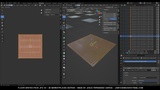
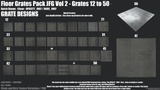
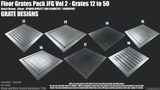
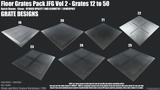
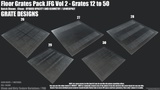
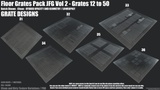
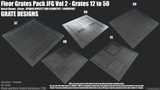
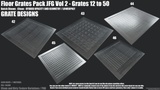
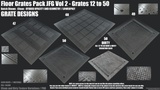
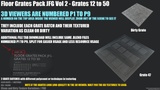
Scenes are now split into 9 3D Viewers here in this FAB page so these run faster and allow you to check the grates and their batches more easily. All of viewers are organized from beginning to end as 1 to 9 in this page. Zoom out inside the loaded 3D viewer to see more information about that specific batch.
Note: if textures look low resolution make sure that HD textures is enabled in your 3D viewer and wait a little bit for the textures to load. Textures should display properly in order to see for example details like nails in the borders of the grate bases.
Check my ArtStation for V4 renders at 2K Texture Res below.
Big V4 pack [50 grates] with more batches/vars on ArtStation, UE Marketplace & etc. Link: https://artstn.co/m/1VjlK
Some extra cool Renders in my ArtStation page showcasing how it looks in Unreal Engine 4 and 5: https://www.artstation.com/artwork/kDvJn0
V4 Vol1 Pack: https://skfb.ly/o8zXz
V4 Vol1 Pack Fab: https://fab.com/s/fd22027d29be
V4 ADDITIONAL FILES INCLUDE. = BLEND FILES / FBX FILES / TEXTURES - Approximately 10gb.
2048x2048 [2K Res] Resolution Textures - PBR
5x maps per mesh. BC [with A channel for Opacity ones]/Normal/Roughness/Metallic/Occlusion
Included separated Alpha Textures for each grate
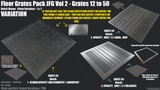
PARALLAX_UNREAL_VARS are an extra set of textures for grates I used in my V4 Unreal pack. These do not work or display PARALLAX in Blender. But these are totally re-made and re-baked variations of their specific textures. These I used to properly make PARALLAX work in my Unreal Engine pack which is not included in this pack purchase. I have that pack in my profile if you are interested. I am providing these variations as an extra since I think they look cool and are extra variations for grates that qualify for it.
FBX and BLEND files [ individual exports at 000 + all grate scene showcase + extra render setups/scenes same as the blue neon black background shots with Cycles]
Each mesh: 1m x 1m - vary in height
1 material each mesh and or grate. This includes all batches.
OPACITY_ONLY materials [bars_only & fullgrate batches] baked on a plane can be re-used. Especially the Bars_Only textures and materials in your own UVs for your own models or as is provided.
IMPORTANT! I was not able to pack all the files with TEXTURES_ATTACHED unfortunately due to max file size.
Still you get the SCENE FILES, FBX exports, and anything else that you may need [which is described here in this page]. It is just that these textures_attached files I put in my packs often take A LOT of space due to the textures. So due to the max 6gb limit and since this pack uses plenty of textures. I am not including the textures_Attached files for most of the file variations. To not confuse any buyers with file hierarchy I just discarded them and placed only the most crucial file or files with textures_attached. Again, you still get the other pack contents just without textures_attached in the blend or fbx file. For the files that do not have their textures attached just link them in Blender. I added a text file with instructions for any sort of scenarios like that. If you for any reason get opacity issues with any of the grates, especially on old Blender versions I included instructions on how to set-up options for the material to display as it is meant to be. So do not worry about that, everything is covered there. I suggest you using the .BLEND files for anything inside Blender. FBX, for your games maybe. If you still need help [within reason] feel free to throw me an email or message at [email protected] or contact me in my ArtStation page, thanks! :] - PS: But please be specific with the title thank you. - Check the FAQ for instructions about texture linking. Fix takes a minute or so.
Specifics for what has textures attached - ADDITIONAL FILE DOWNLOAD
BLEND FILES
SCENE = NO
EXPORTS_AT_000 = NO
SCENE_FAB_SPLITS_TEXTURES_ATTACHED = YUP
FBX FILES
EXPORTS_AT_000_NO_TEXTURES = NO
SCENE_FAB_SPLITS_NO_TEXTURES = NO
SCENE_FILES_NO_TEXTURES = NO
INDIVIDUAL_EXPORTS_TEXTURES_ATTACHED = YES
Any files that say no are pretty default. You need to manually link or tell your software to find the Textures. All the textures are included in the Additional Textures File. I super recommend that if you have a LOW-END PC or something that may have trouble handling big Blender scenes. Use the ones marked as FAB splits. These are the same as the 3D viewers in this page. Organized P1 to P9. Same as here.
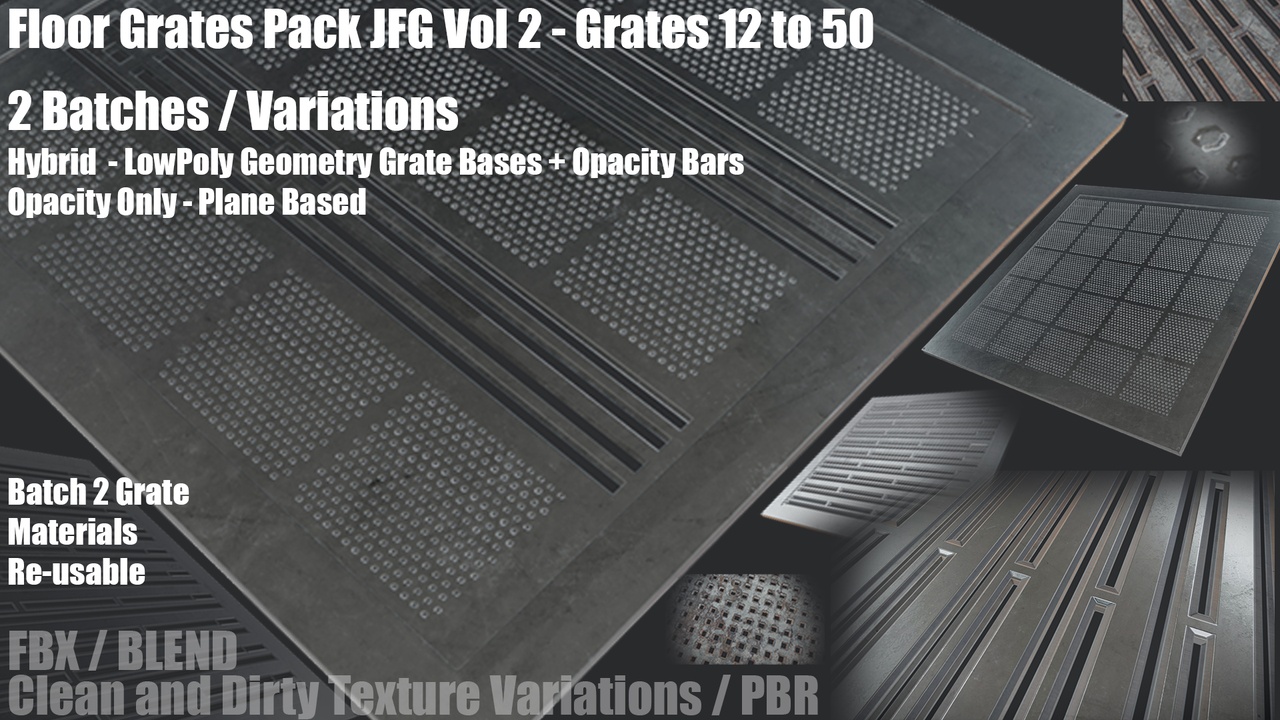
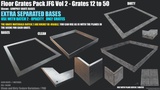
2x Modular Grate Bases each with a Clean and Dirty PBR Texture Variation
1: Default
2: Thin
Grates with variations
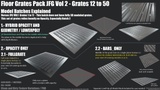
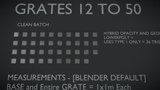
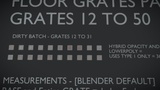
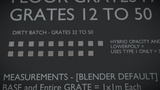
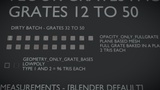
BATCH 1 = HYBRID OPACITY AND GEOMETRY / LOWERPOLY =
78 LOWERPOLY Grates [1 mesh ea / Note not unique, it is the same mesh / 39 clean / 39 dirty] = 34 Tris ea - Plane+Base
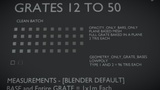
BATCH 2 OPACITY_ONLY - divides in two sub-batches, read below:
2.1 FULLGRATE = 39 unique grates [design/pattern-wise], total 78 grates with textured variation [1 mesh ea / 39 clean / 39 dirty] = 2 Tris ea - Plane, Mat baked on plane_mesh
2.2 BARS_ONLY = same as above just instead of the full grate, it is the grate_bars or middle area baked in a plane mesh 1:1 UV Space. Re-usable materials or as is.
2x Grate Bases with a textured variation each [4 total] - 96 Tris Each [2x Clean / 2x Dirty]
UV Unwrapped Non_Overlapping
Each Grate has 1x CLEAN & DIRTY PBR Textured Variation.
OLD Demo 2021 LEGACY V1 [old shading, V1 grates] - Free: https://skfb.ly/o6zAB
For more specifics you can check my ArtStation page where I sell the pack with Grates 1 to 50: https://artstn.co/m/1VjlK
In there I have plenty information about specifics about grates and so on.
I also suggest you check the screenshots and 3D Viewers in this page since I added a lot of visual information there.
Thanks for looking! and if this pack is for you. I hope you enjoy it a lot and it is useful to you. Have a great day! :]
IMPORTANT READ! Since my Alpha Channel from the FBX files in the additional files is grabbed from the BaseColor Alpha channel, not an individual alpha channel itself. For any grates with opacity just use the .BLEND files instead if you are going to use Blender. Check the FAQ for more information.
Extra individual alpha or opacity textures are included in the additional files tab but these are not used for opacity. A BaseColor with an Alpha channel is what is used for opacity in my pack. Check the FAQ to know what this is about for FBX imports to Blender that use opacity. Quick fix, takes about a minute. To skip this just use the .BLEND files instead of importing .FBX files and grab the grates from there you want or need if using Blender. Texture linking instructions also included if you need them for any scenes without textures_attached. I hope that helps! just some technical things about the pack, but nothing that should affect the pack contents at all.