설명
HERE, YOU CAN CHECK OUR NEW ASSET PLATFORM AND GRAB SOME FREE ENVIRONMENT PACKS
https://cosmos.leartesstudios.com/
The fastest and safest way to adjust actor and asset pivots without breaking your scene.
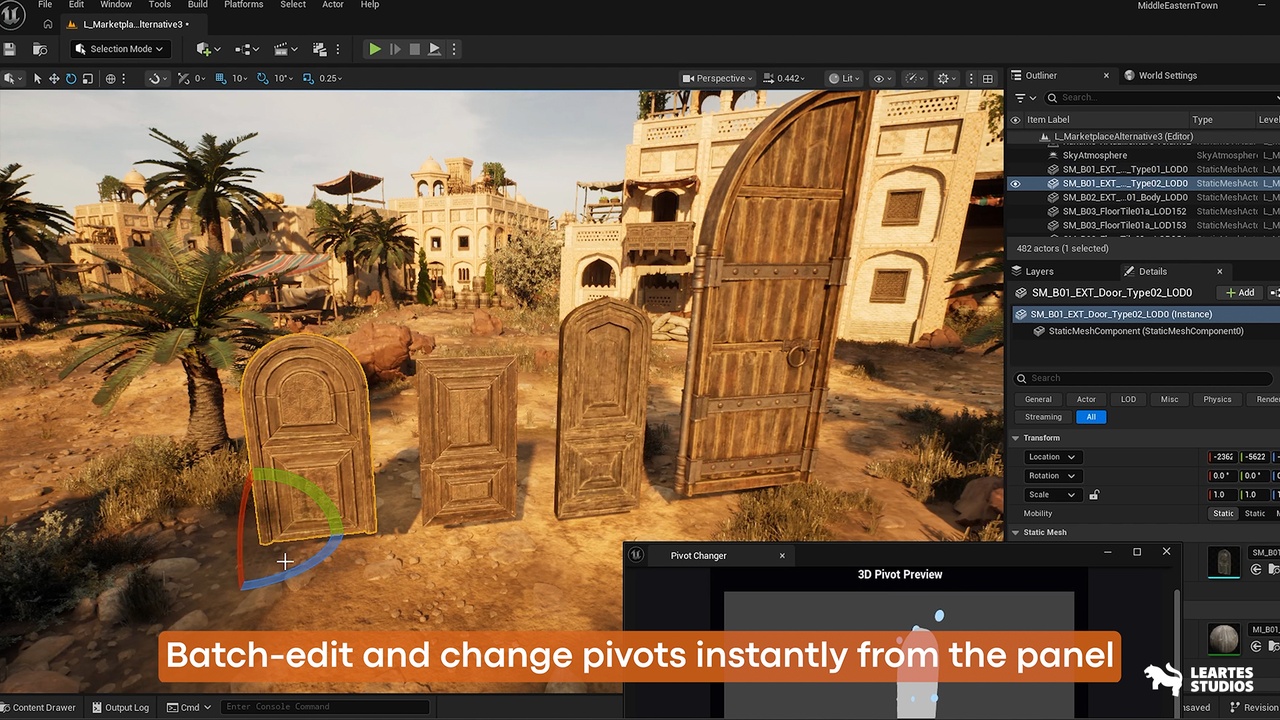
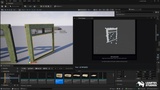
Pivot Changer is a powerful Unreal Engine editor-only plugin that lets you change pivot points for Static Mesh assets and scene actors instantly, safely, and in bulk all while keeping their world transforms perfectly intact. Whether you’re working on modular building systems, animation-ready props, doors, weapons, or highly complex levels, Pivot Changer eliminates the need for 3D DCC round-trips and gives you complete control directly inside Unreal Engine.
🎭 Dual Operation Modes
Switch seamlessly between two workflows:
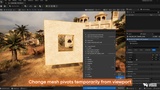
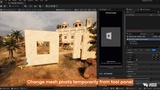
Actor Mode: Temporary pivot changes for level instances—perfect for testing.
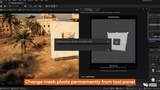
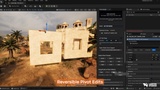
Asset Mode: Permanent pivot changes for Static Mesh assets—ideal for final production.
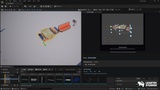
🧊 Interactive 3D Pivot Preview (27 Points)
Visualize and set pivots using a fully interactive 3D viewport:
27 clickable pivot points (corners, edges, faces, center)
Real-time mesh preview
Hover highlighting & emissive markers
Rotate, zoom, click to select
⚡ One-Click Quick Presets
Includes presets like:
Center, Top, Bottom, Left, Right, Front, Back
Perfect for doors, walls, weapons, props, and modular pieces.
📦 Batch Processing
Fix hundreds or thousands of assets in seconds with:
Adaptive batch sizing
Progress bar & cancel support
Automatic scene instance updates
🔧 Advanced Tools
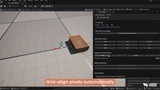
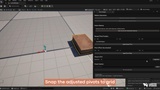
Grid Snap (10/50/100 units)
Manual coordinate input (world & local)
Incremental pivot offsets
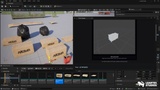
Copy/Paste pivot between actors
Align the pivot of multiple actors (to center or to the first selected)
🧹 Scene Cleanup Utility
Remove broken or missing mesh references with Orphaned Instance Cleanup.
🧭 Included Documentation
For all your promotional requests, technical support needs, suggestions, and refund requests, please create a ticket.
Here, you can join the Leartes Discord channel for live support, discounts, and Custom Outsource Environment Projects.