Descrizione
Version 2.0 is out!!
Rebuilt fully native in C++ and Slate. Details under New in 2.0.
Support
Bounce your procedural and linear Unreal audio to WAV without leaving the editor.
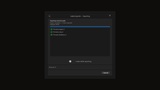
Right-click any MetaSound, Sound Cue or Sound Wave, pick Export Audio, and Audio Exporter renders the whole selection to 16-bit 48 kHz WAV files in one pass. Procedural sounds change every time they play, so you can render up to five variations of each, with separate settings for one-shots and loops. Free, fully native, and rebuilt from the ground up in 2.0.
Features
Batch export of MetaSounds, Sound Cues and Sound Waves to 16-bit 48 kHz WAV
One-shot and loop variations, 1 to 5 each, with a maximum loop length
32-bit float rendering engine, inherited from Audio Exporter Pro 1.0
Optional peak normalization to -1 dBFS
Listen while exporting
Timestamped session folders under Saved/AudioExporter, or your own export root
Optional text export log saved next to the audio
Cancel at any point and keep the files already written
Blueprint API, synchronous and asynchronous
Native Unreal window: Enter runs, Escape cancels
New in 2.0
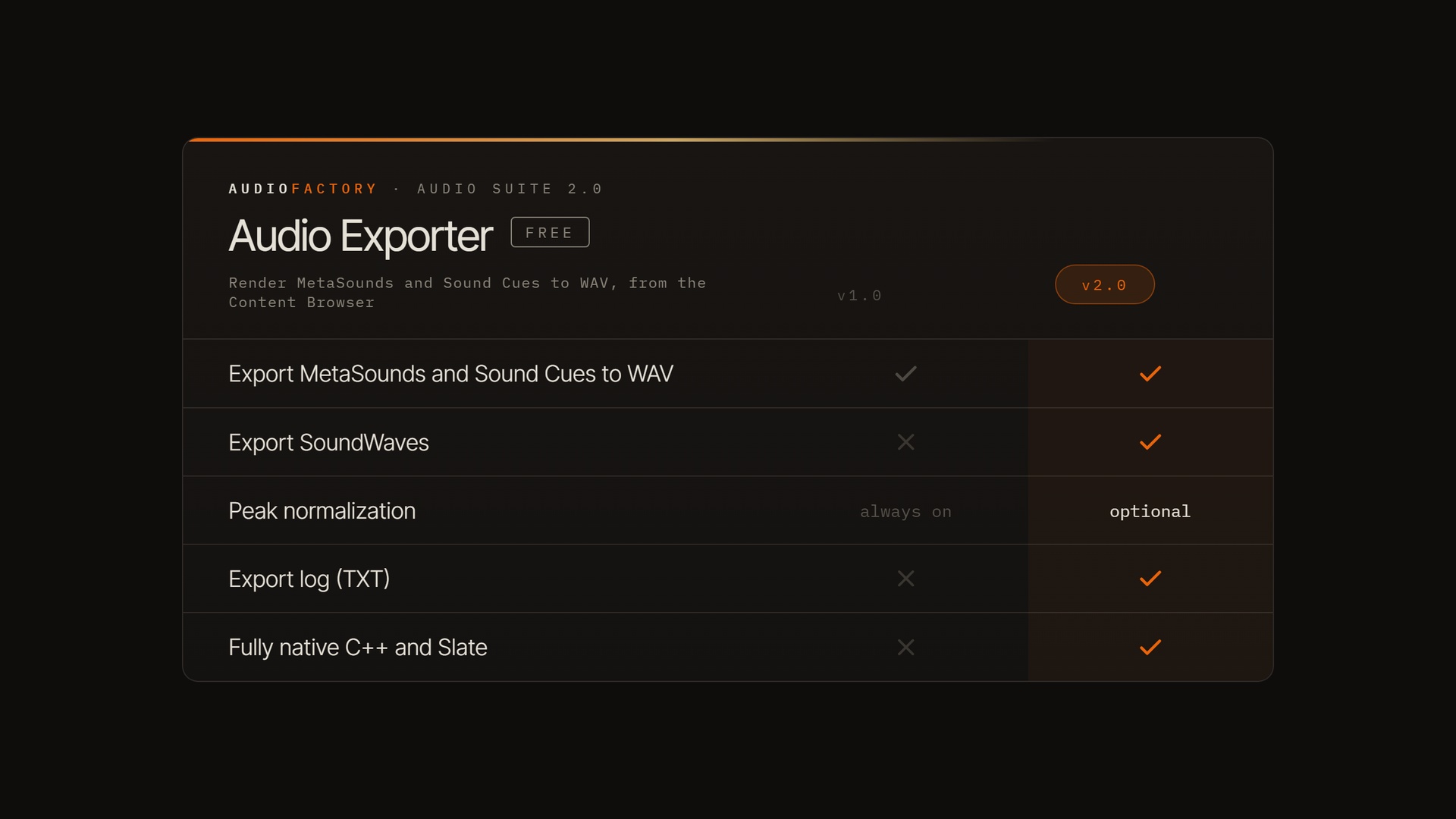
Fully native C++ and Slate. The whole plugin, UI included, was rebuilt on the engine's own code and widgets. It looks and behaves like it shipped with Unreal, starts instantly, and moves to each new engine version without a rewrite.
32-bit float rendering engine. Inherited from Audio Exporter Pro 1.0: audio is rendered in 32-bit float and written to 16-bit WAV.
Sound Wave export. Plain Sound Waves now export alongside MetaSounds and Sound Cues.
Optional normalization. Peak normalization is now a switch instead of always on.
Clean starts. Exported files begin on the source's first frame; the engine's own start-up silence is gone. Silence you authored is kept.
Export log. An optional text report per session.
Need 24-bit or 32-bit float files, more sample rates, seamless loop crossfades, naming templates or CSV reports? That is Audio Exporter Pro, built on our new offline rendering engine.
Note: if you install Audio Exporter Pro, uninstall the free version first.