説明
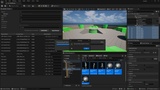
A easy tool that allow you to rename assets in Content Browser and actors in Outliner.
Supported languages: Chinese, English, Japanese.
Open Source On Github: EasyBatchRenamer
Usage Instructions:
Enable the EasyBatchRenamer plugin and restart the Unreal Editor.
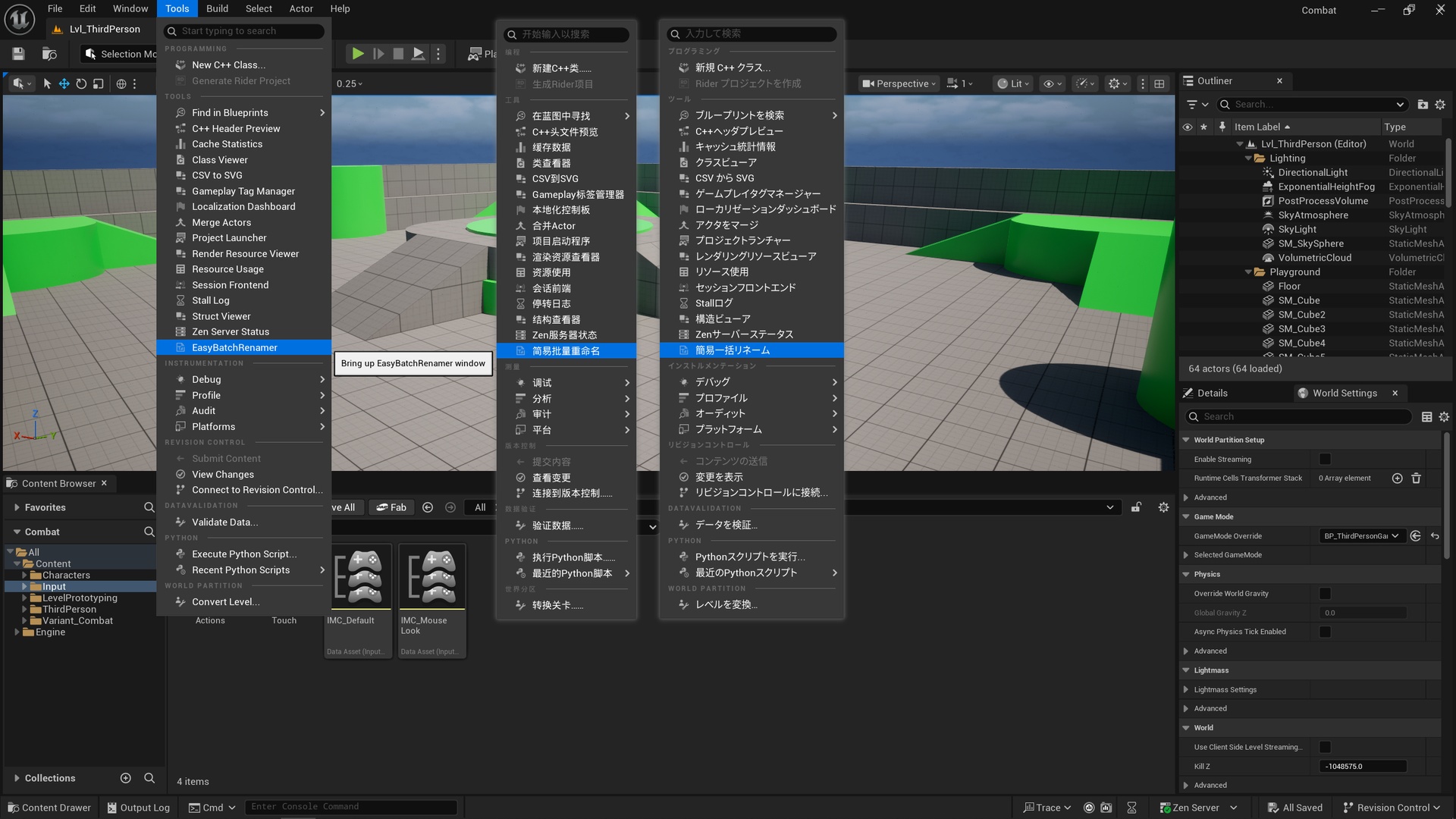
Open the Tools menu, locate EasyBatchRenamer under the Tool category.
Select the items to be batch-renamed, such as assets in the Content Browser, Actors in the Outliner, or objects directly in the Viewport.
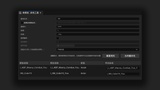
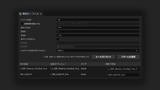
Enter renaming rules, such as search text, replacement text, whether to add prefixes/suffixes, etc.
Click the "Apply Rename" button and wait for the process to complete.
Features:
Support real-time preview of renamed names.
Support manual naming with priority over renaming rules.
Support renaming both assets and Actors simultaneously.
Support ordinary text search with case sensitivity.
Support regular expression search and capture group references.
Support adding prefixes and suffixes.
Support numbering.
Support case conversion (valid for English letters only): No Change, Replaced Part To Lower, Replaced Part To Upper, Whole Name To Lower, Whole Name To Upper.
Notes:
Ensure names comply with Unreal Engine specifications. The plugin's input fields do not validate naming conventions, and invalid names will trigger Unreal Engine errors and cause renaming to fail.
For batch renaming, avoid selecting tens of thousands of items at once. Instead, split large batches into smaller groups.
The renaming logic uses Unreal Engine's native API. If renaming fails, verify that the items can be renamed manually without the plugin first.