
설명
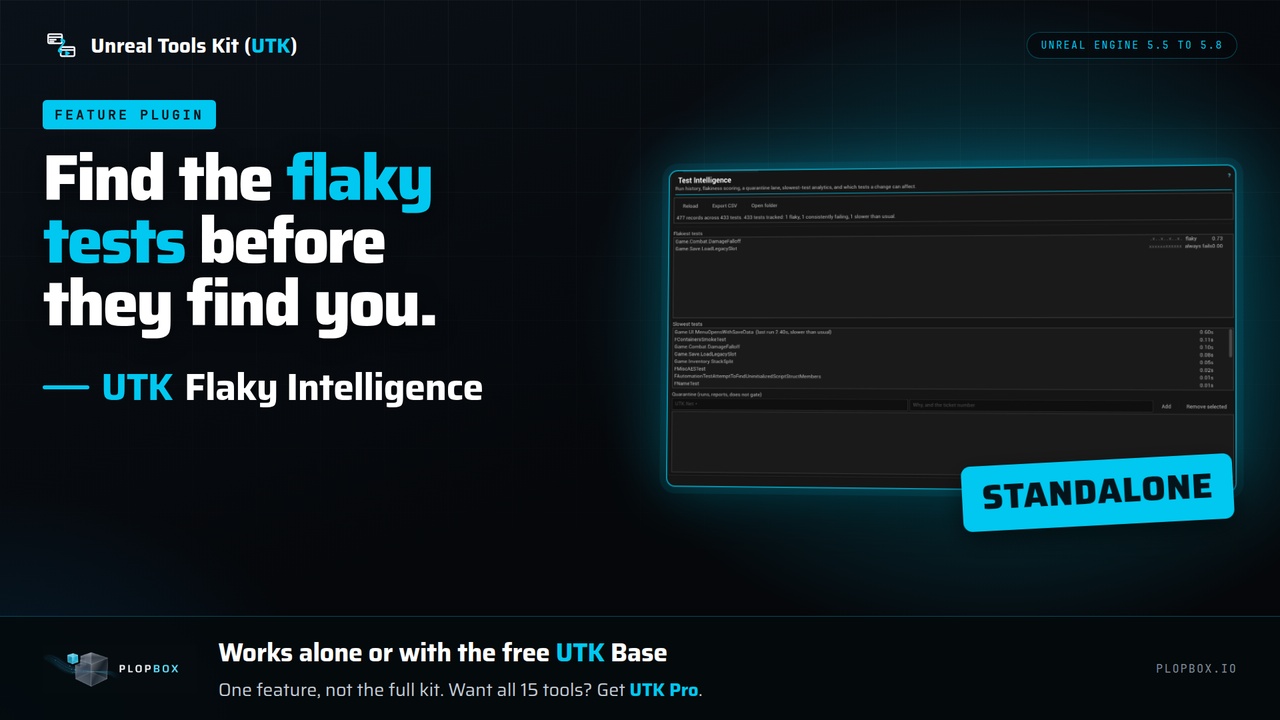
UTK Flaky Intelligence reads your test run history and shows which tests are flaky, which always fail and which are slow, so you know what to fix first and which tests to stop trusting.
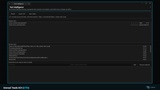
The panel is called Test Intelligence. It scores each test from its history, lists the flakiest and the slowest, and keeps a quarantine list of test name patterns. The plugin records the result of every automation test that runs in the editor, so the history builds up as you work.
How flakiness is measured:
How often a test's result flips between one run and the next.
How often it failed and then passed on a retry in the same run. Nothing changed between those two attempts except time, so it is the stronger signal.
A test that fails every time is labelled "always fails", not flaky. It is broken, and calling it flaky would send you looking for randomness in code that is simply wrong.
A verdict needs a minimum number of runs (5 by default), so one bad run does not brand a test.
In the panel:
Flakiest tests with a pass/fail strip, a badge (flaky, always fails, watch) and a score from 0 to 1.
Slowest tests by median duration, with a mark when the last run was much slower than usual.
Quarantine list: add a test name or a wildcard such as `UTK.Net.*` with a reason, and remove it later.
Export the table as CSV. Open the data folder.
Also in the plugin (C++): run history storage with retention (200 records per test and 90 days by default), and impact selection that chooses which tests a change can affect and errs toward running more tests.
Limits:
It does not run your tests and does not retry them. Run your tests as usual. Or Get the UTK Base for Free on Fab Store that includes Test Explorer and runner.
It does not enforce quarantine in a build. The panel stores the patterns and the plugin's code can match test names against them, and your own test runner applies the rule.
The thresholds (minimum runs, score threshold, window size, slowdown factor) are settings in the C++ code. The panel has no fields for them. (Can be requested as a Feature if needed)
Each list in the panel shows at most 25 tests.(Working on removing this limitation in future updates.)
What you get and what you do not. You get this one tool. It works on its own from Tools > UTK > Test Intelligence, and it also works with the free UTK Base, where it appears in the Hub. It is one feature, not the full kit. UTK Pro is the full kit: the Hub and all 15 tools in one plugin.
How it works
Open Tools > UTK > Test Intelligence (or open it from the UTK Hub). The panel reads history.json.
Read "Flakiest tests" and "Slowest tests".
Add quarantine patterns for the areas you want to park, and click "Export CSV" if you need the data.
Who it is for: Teams that run automation tests in CI and lose time to flaky and slow tests.
Support and updates. This purchase covers UTK 5 for Unreal Engine 5. You get every UTK 5 release (fixes, compatibility updates, improvements) and security updates for at least 5 years from purchase. UTK 6 for Unreal Engine 6 will be a separate product at its full price, for new and existing customers alike. UTK 5 keeps receiving updates for 6 months after UTK 6 launches, so you can decide whether to buy it or keep yours.
Email support is at [email protected].
Links
Documentation: https://plopbox.io/en/products/utk-flaky-intel/docs
Support and update policy: https://plopbox.io/en/support-policy
Contact: https://plopbox.io/en/contact