Description
Unity is removing Mono in 6.8. Unity calls the move to CoreCLR the most significant change to its C# layer in over a decade. Every commercial project has to audit for it, there is a hard deadline, and the official migration guidance is a forum thread.
This is that audit, as a tool you run in the editor and in CI.
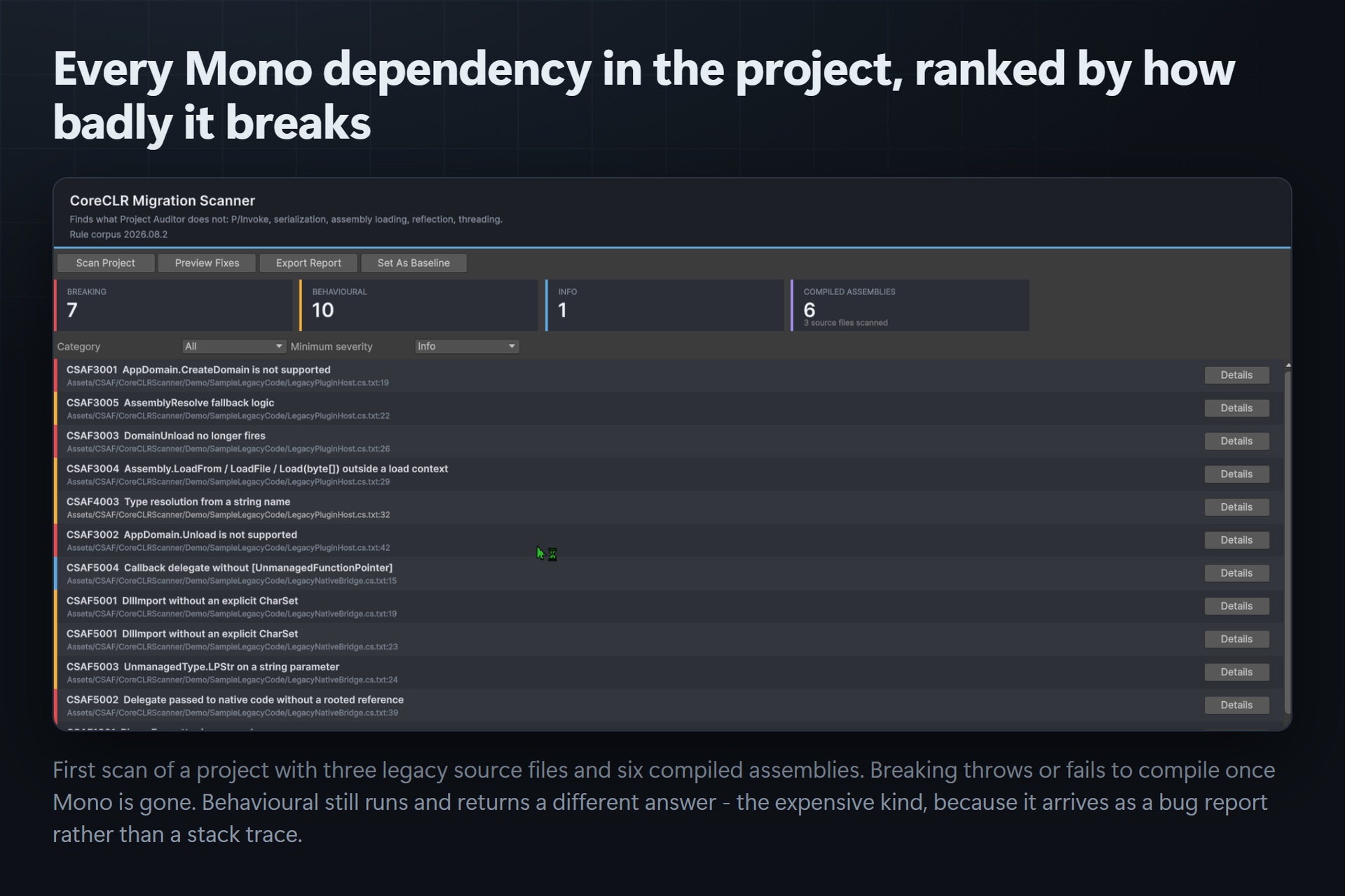
What it finds
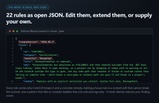
Twenty-two rules across the five categories nothing else covers, each carrying the reason CoreCLR breaks it and a concrete remedy:
Serialization — BinaryFormatter and SoapFormatter removal, IFormatter pipelines, ISerializable
Threading — Thread.Abort, Suspend/Resume, [ThreadStatic] lifetime, explicit GC.Collect
Assembly loading — AppDomain.CreateDomain/Unload, DomainUnload silently never firing, Assembly.LoadFrom
Reflection — Assembly.Location, Reflection.Emit, string type resolution, non-public reflection
P/Invoke — missing CharSet, LPStr marshalling, delegate lifetime, calling conventions
The part nothing else does: your compiled dependencies
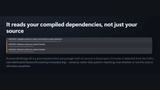
A text search over your own C# finds what you wrote. Your real exposure is usually in the plugins you bought — shipped to you as DLLs, from vendors who may no longer be active. There is no source to search, so a source-only audit reports a clean project and you find out at runtime.
This reflects over every compiled assembly in the project and detects platform-invoke methods using the CLR's own MethodAttributes.PinvokeImpl metadata flag. That is a certainty, not a pattern match, and it holds whether or not the source still exists anywhere on earth. Those findings are tagged [compiled assembly] so you always know which half found what.
A burndown, not just a list
Save any scan as a baseline and every later scan shows the delta — "-3 since baseline". That number is what a producer reports upward, and it is the only honest way to show a migration is progressing. A cancelled scan is flagged as cancelled everywhere it appears, because a partial scan finds fewer problems than a complete one and would otherwise read as progress that consists entirely of work not done.
Runs in CI
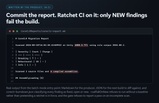
An -executeMethod entry point writes JSON and Markdown and fails the build on a breaking-count budget. Commit the JSON; the diff between two reports is the burndown. The gate refuses to report a pass on an incomplete scan.
What it deliberately does NOT do
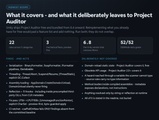
Unity ships Project Auditor free and bundled from 6.4 onward, and you should run it. It covers domain-reload static state, and since 2.0.0 obsolete API usage. This scanner does not reimplement either. Padding a feature list with things you already have for free would make the comparison dishonest and the report noisier. Run both — they do not overlap.
The scope limits are stated in full in the included readme, including the ones that cost a false negative: source rules are line-oriented and carry no type information, so a hazard reached through a variable the scanner cannot type is missed, and the assembly half reads metadata rather than method bodies.
What ships
10 C# source files, all raw and readable, under one Editor-platform assembly definition
The 22-rule corpus as plain JSON — add your own house rules, or point the tool at your own corpus
A demo scene and three deliberately non-compliant sample files, so you see real findings in a clean project
.unitypackage with GUIDs preserved, plus the raw tree
No Resources/ folder, no third-party dependencies, nothing added to your runtime build
Technical information
Unity version: 6000.5.7f1 verified. Written against the 2022.3+ editor API surface.
Assembly definitions: CSAF.CoreCLRScanner.Editor (Editor platform only), CSAF.CoreCLRScanner.Demo
Dependencies: none
Documentation: Readme_for_Users.md included
Verification: batch-mode compile with -warnaserror, 0 errors and 0 warnings; 41/41 EditMode tests green, including P/Invoke detection inside a precompiled third-party DLL
Documentation
Full documentation, including installation, a getting-started walkthrough and the complete Technical Information block: https://github.com/onefreeman1337/csaf-releases/blob/main/docs/coreclr-scanner/README.md — plus Readme_for_Users.md inside the package.
Installation
In Unity, choose Assets > Import Package > Custom Package...
Select CoreCLRScanner.unitypackage and click Import, leaving every item ticked.
Everything lands under Assets/CSAF/CoreCLRScanner/. There is no Resources/ folder, so nothing is added to your build.
Getting Started — how to launch it
Open the main window from the menu: Window > CSAF > CoreCLR Migration Scanner
Press Scan to run the rule corpus across your scripts and compiled assemblies. Findings are grouped by rule with severity, the file and line, and the rule's own remedy text. The scan is read-only — nothing is edited until you open the fix preview and apply it deliberately.
Try it on the bundled sample first: Tools > CSAF > Scan Bundled Sample produces a populated report, and Tools > CSAF > Fix Bundled Sample (Sandbox) applies the auto-fixable findings in a sandbox so you can read the diff. A demo scene also ships at Assets/CSAF/CoreCLRScanner/Demo/CoreCLRScannerDemo.unity.
Usage in CI (headless)
Unity.exe -batchmode -quit -nographics -projectPath <project> -executeMethod CSAF.CoreCLRScanner.BatchMode.Run -csafOutDir CoreCLRReports -csafBaseline CoreCLRReports/coreclr-baseline.json -csafFailOnNew -csafMaxBreaking 0
Exit codes: 0 pass · 1 ratchet or budget failed · 2 scan did not complete (or the ratchet had no baseline) · 3 scan threw. The CI gate refuses to report a pass on an incomplete scan.
Technical Information
Features: A rule corpus for the constructs CoreCLR breaks — P/Invoke and marshalling, DllImport charset and calling convention, threading primitives Unity is retiring, assembly loading and reflection. Findings carry severity, file, line and the rule's own remedy text. Applies only the fixes that are provably safe and deliberately refuses the rest. Every planned edit records the exact line it expects to change, and Apply refuses any edit whose file changed since the preview was built. Line endings, trailing newline and BOM are preserved. A burndown differences two JSON reports into fixed / open / new, and a CI ratchet fails on new debt only.
Code Modules: CSAF.CoreCLRScanner.Editor (Editor-only) · CSAF.CoreCLRScanner.Demo (Runtime, demo scene only)
Number of .cs Scripts: 14
Supported Development Platforms: Windows
Supported Target Build Platforms: All — editor-only tooling that ships nothing into a build. The Editor assembly definition carries includePlatforms: ["Editor"].
Supported Unity Pipelines: Built-in, URP, HDRP and custom SRPs. No pipeline coupling — it analyses C# source and compiled assembly metadata and never touches rendering.
Dependencies: None. No Asset Store package dependencies and no third-party libraries — both shipped .asmdef files declare an empty references array.
Documentation: the release page linked above, plus Readme_for_Users.md inside the package
Example Project: Yes — a demo scene at Assets/CSAF/CoreCLRScanner/Demo/CoreCLRScannerDemo.unity, plus a bundled code sample driven by Tools > CSAF > Scan Bundled Sample and Tools > CSAF > Fix Bundled Sample (Sandbox)
Versioning: 1.1.0
Support: through this Fab product page's support channel
Minimum Unity version: Unity 6 (built and gated on 6000.5.7f1)