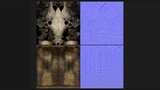
Açıklama
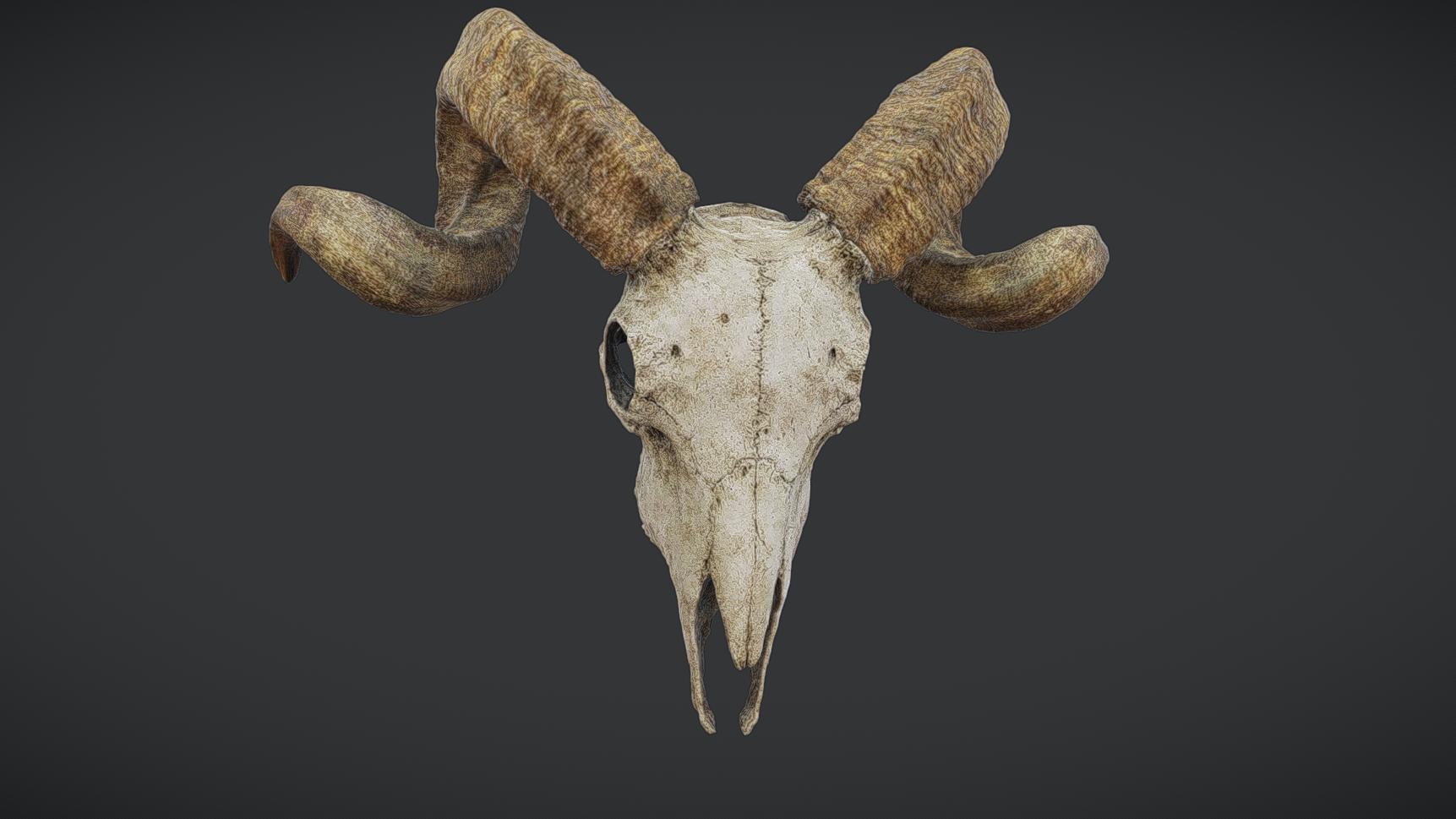
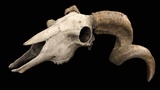
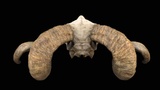
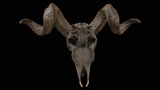
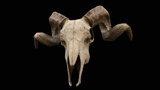
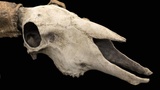
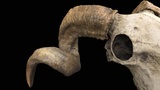
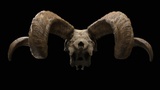
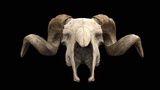
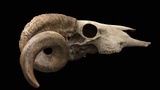
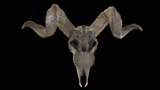
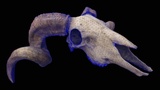
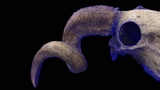
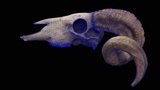
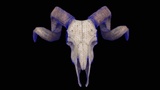
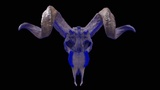
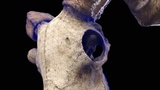
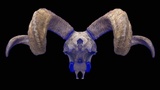
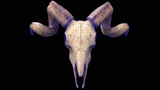
A realistic ram skull 3D PBR model featuring detailed bone structure, curved horns, and natural surface wear. Built with clean topology and balanced textures, making it suitable for games, cinematic scenes, environmental storytelling, horror or fantasy settings, and realistic prop use in real-time applications.
------------------------------------⚜️ GENERAL INFORMATION ⚜️----------------------------------------
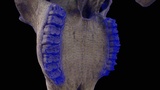
Optimized low-poly mesh with clean topology and performance-friendly detail retention
Real-world scale and accurate proportions
All objects are error-free and legal geometry
No subdivision required and no plugins needed
---------------------------------------------⚜️ FILE FORMATS ⚜️-------------------------------------------------
3ds Max 2021
Blender 4.4.3
FBX
GLB
GLTF
USDZ
USD
-----------------------------------------------⚜️ MODEL INFO ⚜️---------------------------------------------------
Object: Ram_Skull_001
Vertices: 57932
Polygons: 115010
Triangles (3-sided): 115008
Quads (4-sided): 2
Rendered Tris: 115012
--------------------------------------⚜️ MATERIALS & TEXTURES ⚜️------------------------------------------
ORM Map also included.
Metalness map is just black. You can use texture or just put 0 value in metalness if you do want to use metalness texture.
2× 3ds Max physical material with multi/sub-object material = for FBX, MAX, Blender.
2× 3ds Max physical material separately = for OBJ, glb, gltf, usd, usdz (as multi/sub material is not supported with single mesh).
Textures:
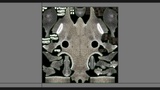
01_Ram_Skull_01_Albedo.png = 1024x1024
01_Ram_Skull_02_ORM.png = 1024x1024
01_Ram_Skull_02_Roughness.png = 1024x1024
01_Ram_Skull_03_Metalness.png = 16x16
01_Ram_Skull_04_Normal_DirectX.png = 1024x1024
01_Ram_Skull_04_Normal_OpenGL.png = 1024x1024
02_Ram_Skull_Horn_01_Albedo.png = 1024x1024
02_Ram_Skull_Horn_02_ORM.png = 1024x1024
02_Ram_Skull_Horn_02_Roughness.png = 1024x1024
02_Ram_Skull_Horn_03_Metalness.png = 16x16
02_Ram_Skull_Horn_04_Normal_DirectX.png = 1024x1024
02_Ram_Skull_Horn_04_Normal_OpenGL.png = 1024x1024
-----------------------------------------------⚜️ NOTES ⚜️---------------------------------------------------
You may need to reassign texture maps in your software.
You may need to flip the green channel of the normal map depending on your workflow (DirectX vs OpenGL)
Attached 3d view is not representing actually quality of the object and It is better as shown in render images