Descripción
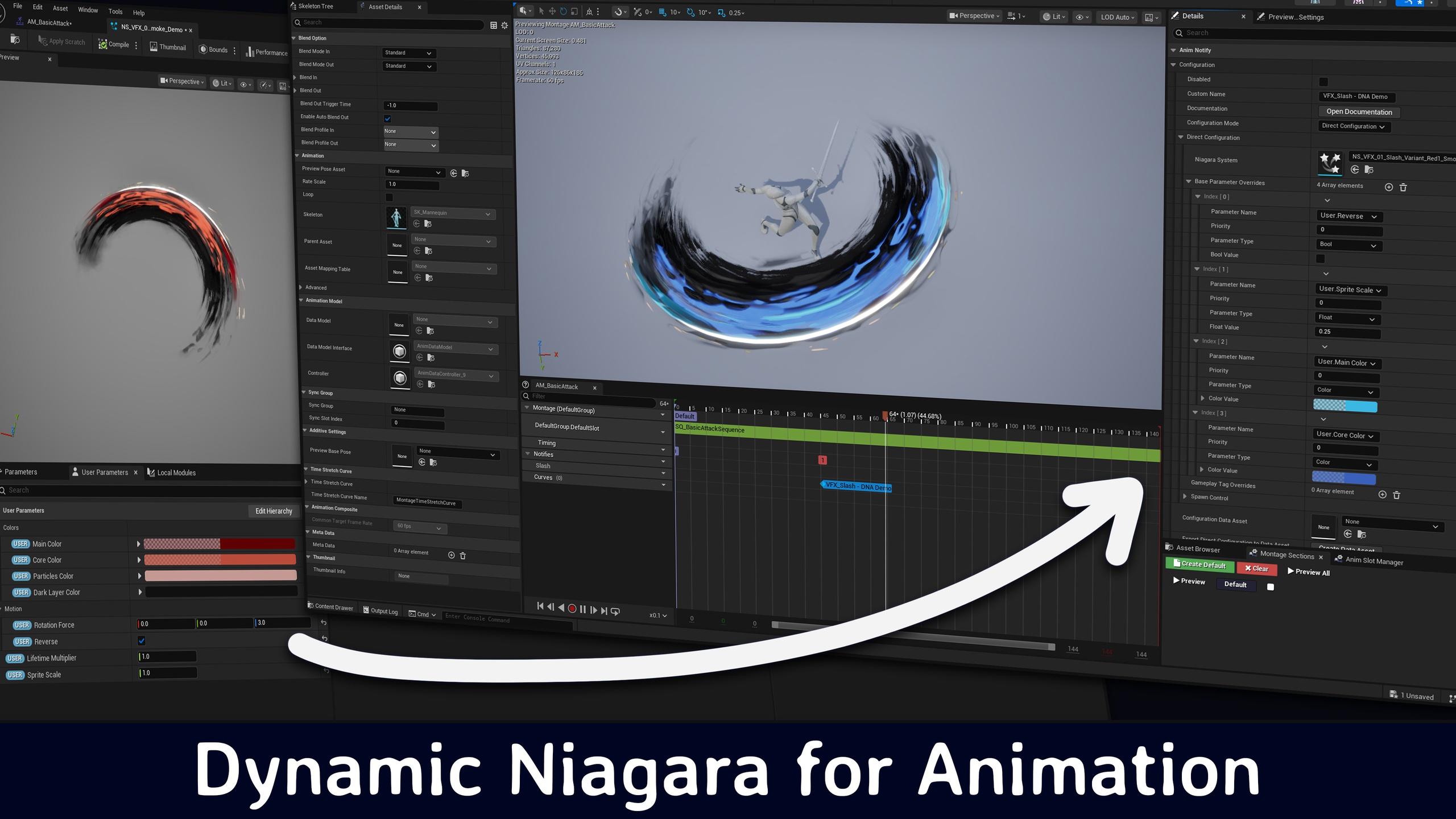
Control Niagara System parameters directly in the Animation Editor
Stop creating dozens of Niagara variants. Start controlling everything from the Animation Editor.
Spawn and control Niagara particle systems directly from Animation Montages or Animation Sequences with dynamic parameter overrides, curve-based animations, and gameplay-responsive effects. No more static particle effects - create VFX that adapts to your game state in real-time.
_____________________________________
Why Dynamic Niagara for Animation (DNA)?
🔴 Before DNA:
Multiple Niagara systems for simple color/size variations
Complex blueprint setups just to change a few parameters
No direct integration with animation timelines
Constant back-and-forth between animators and VFX artists
🟢 With DNA:
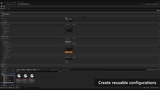
One Niagara system, infinite variations
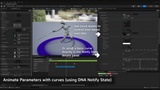
Control parameters directly in Animation Montages
Create contextual effects that respond to gameplay tags
Perfect animation-VFX synchronization out of the box
Artists work independently with real-time preview
_____________________________________
💫 Key Features
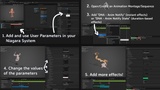
1. Intelligent Parameter Control
Real-Time Preview: See parameter changes instantly in the Animation Editor
Auto-Discovery System: Automatically detects and lists all compatible user parameters from your Niagara systems
Type-Safe Interface: Shows only the relevant input field for each parameter type (Float, Vector, Color, Bool, Int)
2. Dual Notify System
Anim Notify: Perfect for instant effects (impacts, explosions, one-shots)
Anim Notify State: Duration-based effects with curve-driven parameter animation over time
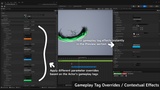
3. Contextual and Game State-dependent parameter overrides
Spawn control: Configure if the effect should spawn or not depending on Gameplay Tags
Contextual Overrides: Apply different parameters for different Gameplay Tags (within the same Animation, same Niagara System, same Notify)
4. Professional Workflow Features
Preview System: Test contextual effects in the editor without entering play mode
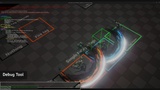
Debug Tools: Built-in monitoring and troubleshooting systems using ShowDebug DNA
Attachment Controls: Flexible attachment options including socket support and transform offsets
Lifecycle Management: Advanced cleanup options for duration-based effects
Priority System: Predictable parameter resolution with source-level and numeric priorities
_____________________________________
📦 What's Included
Core Plugin: Full DNA system with all features
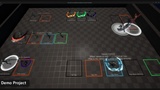
Demo Project: Example implementations and sample effects
Resources:
📄 Comprehensive Documentation: Step-by-step guides
🎥 Video Tutorials: Walkthrough videos for key features
_____________________________________
🧩 System Requirements
Unreal Engine 5.6 or later
Windows OS
Niagara Plugin enabled (default in UE5)
GameplayTagsEditor enabled