
描述
Introduction: Blueprint to C++ Converter
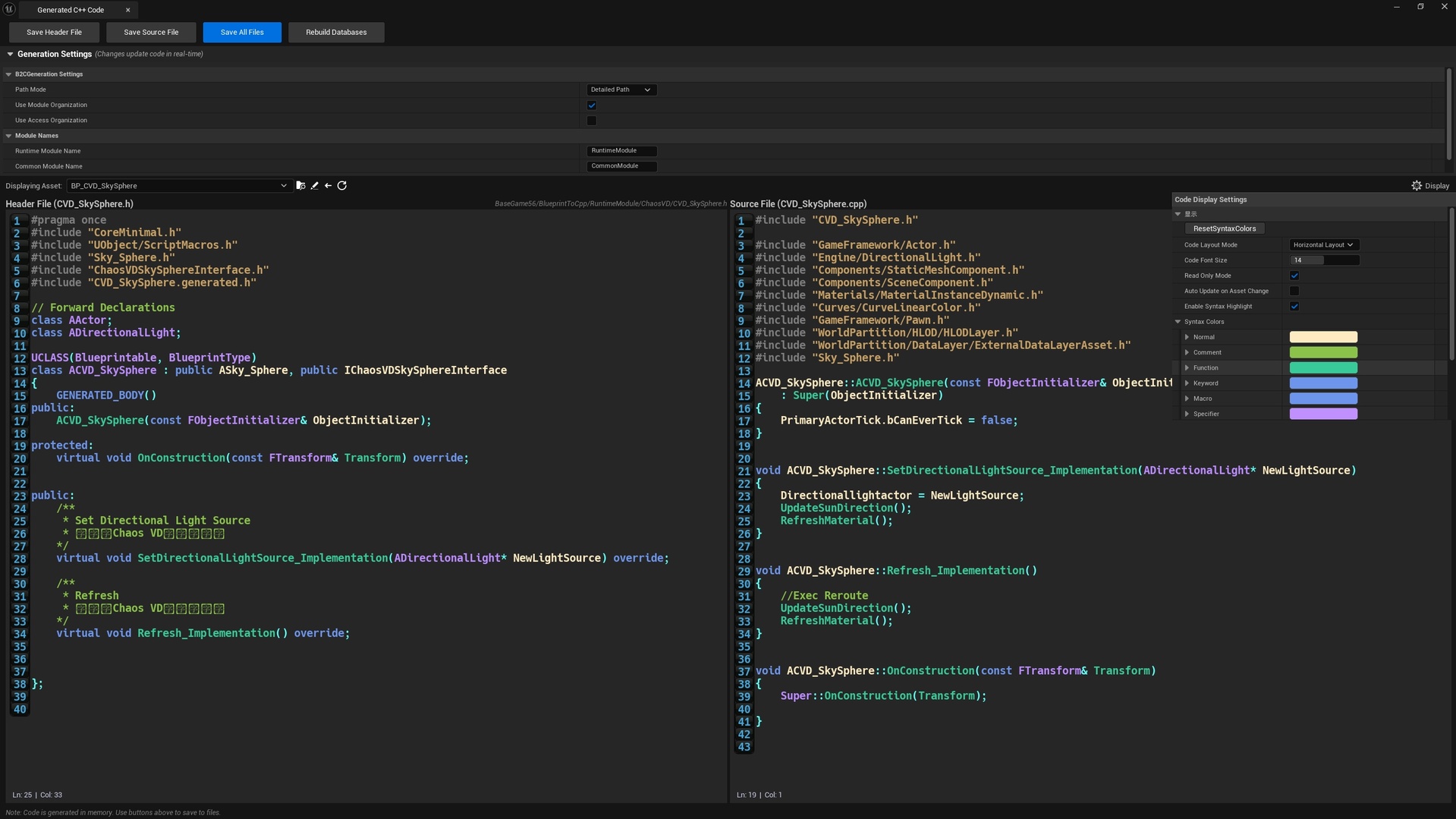
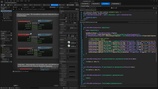
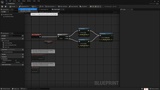
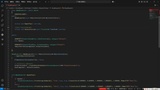
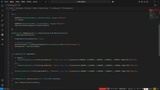
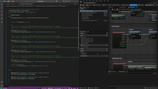
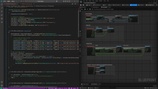
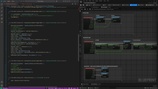
This powerful Unreal Engine editor tool is designed to accelerate your project's transition from Blueprint prototyping to performant C++ implementation. It automatically converts your Blueprint classes, structs, and enums into ready-to-use C++ code, streamlining the development process.
Key Features
Automated Code Generation: Seamlessly converts Blueprint classes, User Defined Structs, and User Defined Enums into native C++ code.
Unreal Engine Compliant: Generates both header (.h) and source (.cpp) files that adhere to standard Unreal Engine coding conventions.
Macro Expansion Support: Handles macro nodes by expanding their internal logic into corresponding C++ code.
Batch Processing: Save significant time by converting multiple Blueprint assets to C++ simultaneously.
Advanced Path & Module Management:
Configurable output paths (Detailed or Unified Global paths) with separate public/private directories for headers and source files.
Automatically updates relative #includepaths in generated header files.
Intelligently organizes output by separating runtime module and editor module Blueprint classes.
Shared assets (structs, enums, interfaces) referenced by both runtime and editor modules are automatically placed in a common module.
Code Preview & Display Control:
Supports code preview with syntax highlighting (note: highlighting may not be completely accurate).
Flexible display settings, including horizontal/vertical layout, font style, font size, read-only/edit modes, and configurable syntax highlighting colors.
Automatically updates code when the source asset is modified.
Technical Specifications
Code Modules: BlueprintToCpp(Editor)
Number of Blueprints: 0
Number of C++ Classes: 24
Network Replicated: No
Supported Development Platforms: Windows, Mac
Supported Target Build Platforms: Windows 64-bit
Documentation: https://drive.google.com/file/d/1br4HPn8MFATsl913StrrjoHdmDh8dPYD/view?usp=sharing
UsageVideo: https://drive.google.com/drive/folders/1Ca2CjlWLf9EzZQAE-Xe_C-M7Aotl6k9G?usp=sharing
Important Notes & Limitations
While this tool is highly effective, it is essential to be aware of its limitations. The generated code often requires manual review and adjustment, especially for non-standard Blueprints.
1. Architectural Complexity: The tool works best with standard Blueprint architectures. Complex structures featuring advanced node networks, custom macros, or intricate inheritance may generate code with structural errors that require manual correction.
2. Automatic Prefix Removal: The tool automatically strips common Blueprint prefixes (e.g., BP_, BPI_) from names. You must ensure that names remain unique after prefix removal to prevent code file overwriting and naming conflicts.
3. Missing/Incorrect Includes: Generated code may have missing or incorrect header file includes and module dependencies. You must manually check and add these includes for the code to compile correctly.
4. Code Preview Crash:The code preview feature is prone to editor crashes during interactive clicks on empty characters. Testing reveals that the base class SMultiLineEditableText also exhibits this issue.
Disclaimer: Always thoroughly review the generated code before using it in production projects. It is critical to validate variable access patterns and the correctness of the execution flow. This tool is an assistant to speed up development, not a substitute for a programmer's review.