Opis
Update 01
Added a MetaHuman body mask (WI_OA_Tactical_Base_P01 → Body Hidden Face Map) that hides underlying body geometry under clothing for optimization and clipping prevention.
Added clothing masks for dynamic material color customization.
-------------------------------------------------------------------------
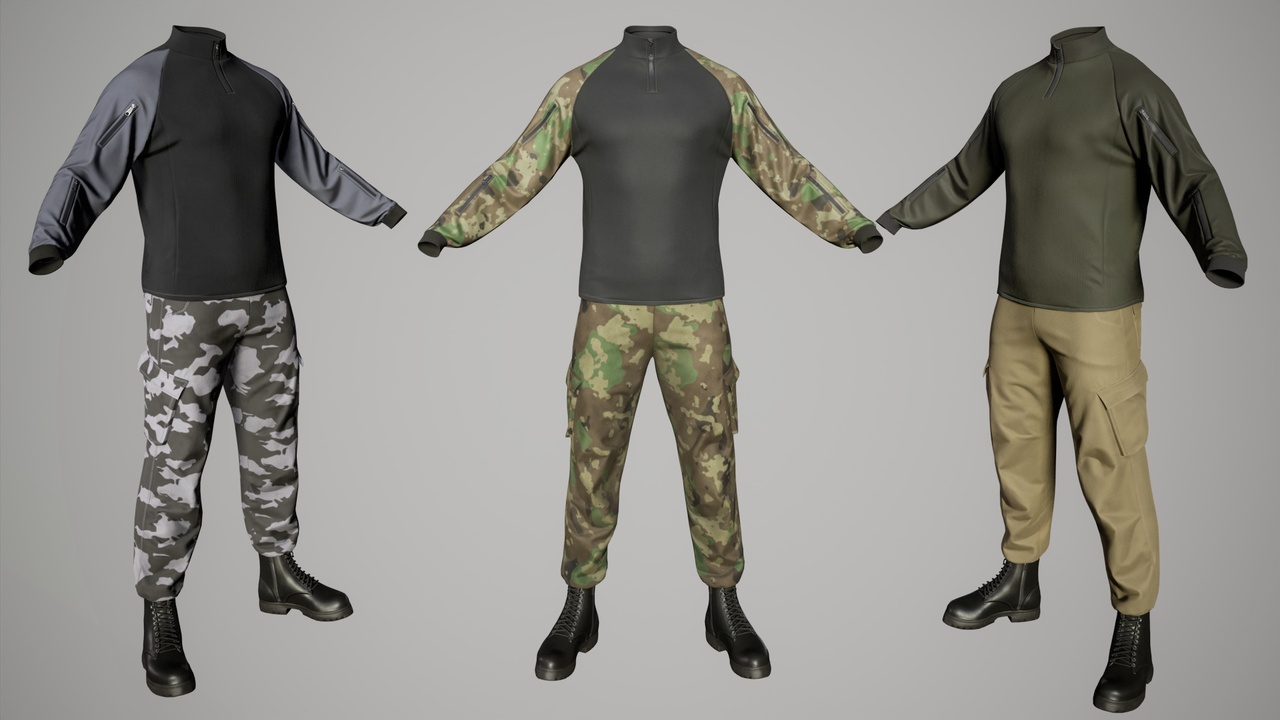
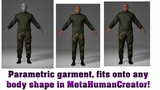
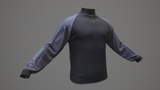
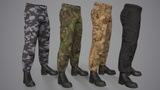
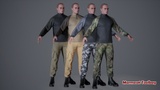
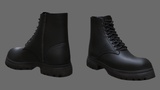
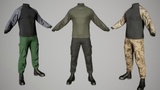
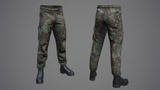
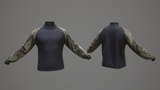
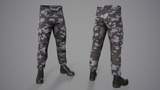
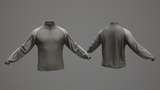
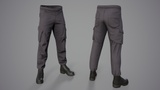
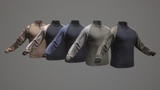
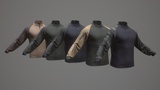
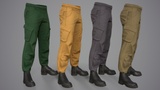
MetaHuman Techwear Outfit is a parametric outfit asset created for MetaHuman characters. It is capable of resizing with your character in MetaHuman Creator in Unreal Engine. It consists of a Sweater_Base_01, Cargo_Base_01, and Boot, but they are all one outfit as opposed to separate pieces. However, you can divide the project into parts (Helmet, Pants, etc.) Watch the attached video how to do it!
Video presentation: https://www.youtube.com/watch?v=6K0v2hHjjDE
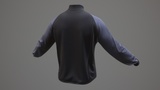
Sweater_Base_01 (Metahuman Rigged);
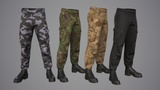
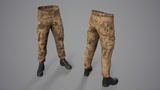
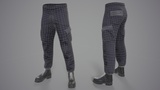
Cargo_Base_01 (Metahuman Rigged);
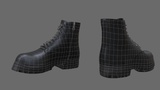
Boot_B_Base_01 (Metahuman Rigged);
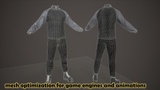
Optimized Game Ready 3D model for game engines and animation.
Blender 4.5 project with customized materials and Rigs (Metahuman Rig);
In the Blender file, the metric system is configured for export to Unreal Engine! If you need a standard export, correct the metric system in the project to the standard one.
Rigging and Skinning 3d model;
Metahuman for UE 5.6-5.8;
Included textures in sizes 4096;
Triangulation model (divided into triangles) for correct export to game engines;
18 color textures of clothing;
PBR - Base_Color, Ambient_occlusion, Height, Normal_OpenGL, Roughness, Metallic and other;
Full Pack - Verts 14,880; Tris 28,805;
------------------------------------------------------------
The asset includes a MetaHuman Body Mask (WI_OA_Tactical_Base_P01 → Body Hidden Face Map) that automatically hides the base body geometry under the clothing.
This prevents clipping issues (such as body parts intersecting with garments) and follows standard MetaHuman workflow practices.
The clothing is adapted for all 4 MetaHuman base body shapes (Body Shape A / B / C / D) and works correctly with parametric bodies without requiring any manual adjustments.
Important note:
The Body Hidden Face Map removes underlying body geometry during MetaHuman assembly.
If visible body parts (e.g., hands) are required, the mask must be disabled before assembling the MetaHuman, and the character must be rebuilt.
After assembly, the mask cannot be re-applied — rebuilding the MetaHuman is required.
A video tutorial is included, demonstrating the full workflow and final body mesh optimization.
Tutorial: Body Masking for MetaHuman Mesh Optimization https://www.youtube.com/watch?v=uCwlerLjDI8
-----------------------------------------------
Question: Why did all clothing (sweater, pants, shoes) become a single mesh after creating a MetaHuman character?
Answer: This isn’t a mistake by the model author — MetaHuman Creator automatically merges all parts of the model into one mesh upon export.
Solution: You can export the character to Blender, separate the desired parts, and then import it back into Unreal Engine.
Alternatively, you can also split the mesh directly inside Unreal — see the video presentation (link included). Video presentation: https://www.youtube.com/watch?v=6K0v2hHjjDE
-------------------------------------------------------------
Please follow the instructions to successfully import the outfit with the correct textures:
1) Create a folder called "Outfits" and a subfolder "Tactical_Base_P01". In this way Outfits\Tactical_Base_P01
2) Transfer the file - OA_Tactical_Base_P01 to the created folder - Tactical_Base_P01
3) Transfer the WL (WI_OA_Tactical_Base_P01) file to MetaHumanCreator