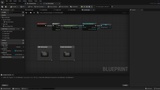
설명
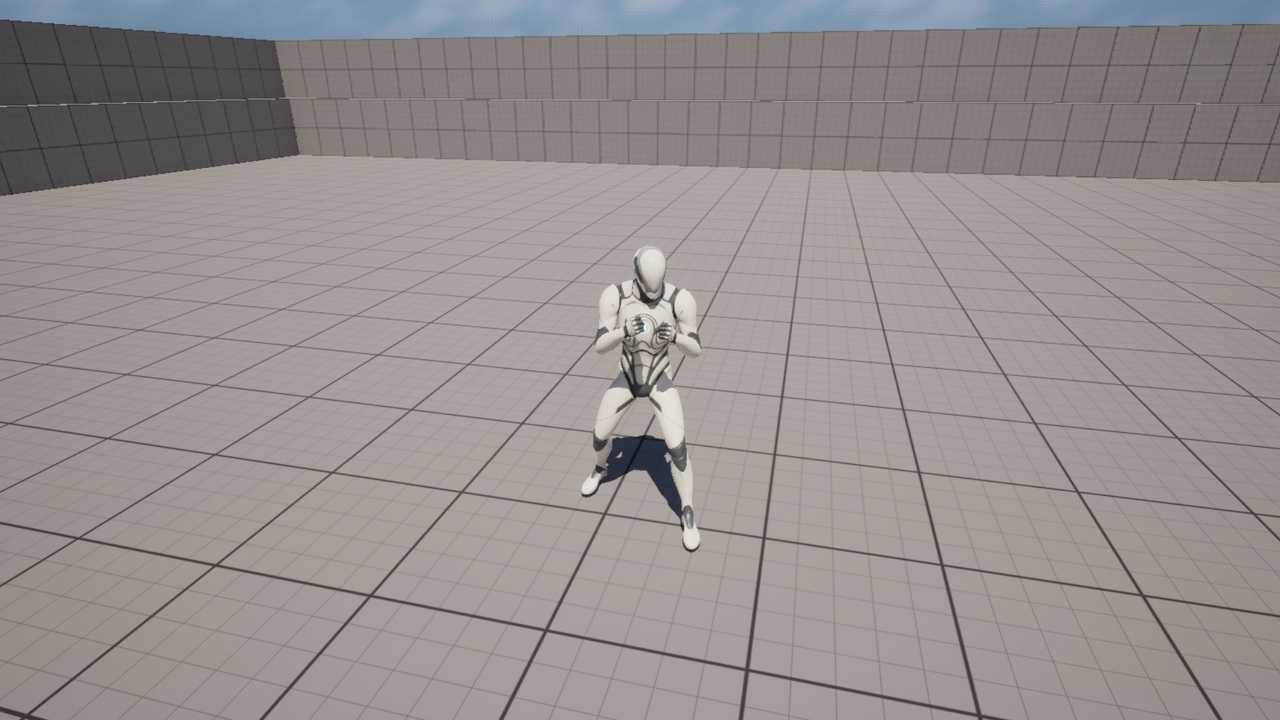
UAF_H2H is a Blueprint-based Actor Component for Unreal Engine 5.6 that provides a foundational hand-to-hand combat setup using included melee, evasion, and locomotion animations. The component is designed to be added directly to a character or pawn actor and requires minor setup adjustments to integrate into an existing character.
This asset is intended as a flexible starting point rather than a fully automated, plug-and-play combat system.
Features29 included animations
Hand-to-hand combat Actor Component
Randomized left/right punch selection
Blocking functionality
Evade system (left, right, back)
8-direction walk and run locomotion
Blueprint-only (no C++)
Built for Unreal Engine 5.6
Right-hand punches (4):
Cross
Hook
Overhand
Uppercut
Left-hand punches (4):
Hook
Jab
Overhand
Uppercut
Evade Left
Evade Right
Evade Back
8-direction Walk animations
8-direction Run animations
Idle
Idle Guard
Controls / Commands (Default Key Bindings)Note: Punch animations are selected using a random integer system. Left and right hand punches are not separated into individual input commands.
This asset uses standard Blueprint key bindings and does not include Enhanced Input Actions or Input Mapping Contexts.
Default bindings used in the example setup:
Right Mouse Button: Hand-to-Hand Combo
Left Mouse Button: Block
Q: Evade Left
E: Evade Right
Z: Evade Back
These bindings are implemented in the example demo character only. Buyers are expected to manually recreate or adapt these inputs inside their own character Blueprints.
Input & Setup ClarificationThe UAF_H2H Actor Component does not automatically bind inputs.
Input handling is implemented in the example demo character using Blueprint key events.
The keybindings listed above reflect this example only.
Buyers must manually recreate or adapt these input bindings in their own character Blueprints for the component to function correctly.
Minor setup adjustments are required to connect the component and animations properly.
No Enhanced Input Actions included
No Input Mapping Contexts included
Input handled through Blueprint key events
Designed for easy adaptation to custom input setups
Add the UAF_H2H Actor Component directly to your character or pawn
Connect required references inside your character Blueprint
Assign animations as needed
Adjust or replace input bindings
Extend or customize logic freely in Blueprint
Animation Preview VideoMinor configuration is required to integrate this component into an existing character.
Animation Preview (Not Full Gameplay Showcase)
https://youtu.be/uiq4zFhKz-k
This video is provided to meet Epic Marketplace requirements and displays:
All included punch animations
Evade animations
Walk and run locomotion animations
Shown in-engine for animation reference purposes only.
A full gameplay showcase video may be added in a future update.
Prototyping melee combat systems
Animation reference and testing
Blueprint-based combat foundations
Projects requiring manual input setup and control
Unreal Engine 5.6
This asset is an Actor Component, not a standalone character
Does not automatically bind to player inputs
No Enhanced Input setup included
Minor setup adjustments are required