Descrição
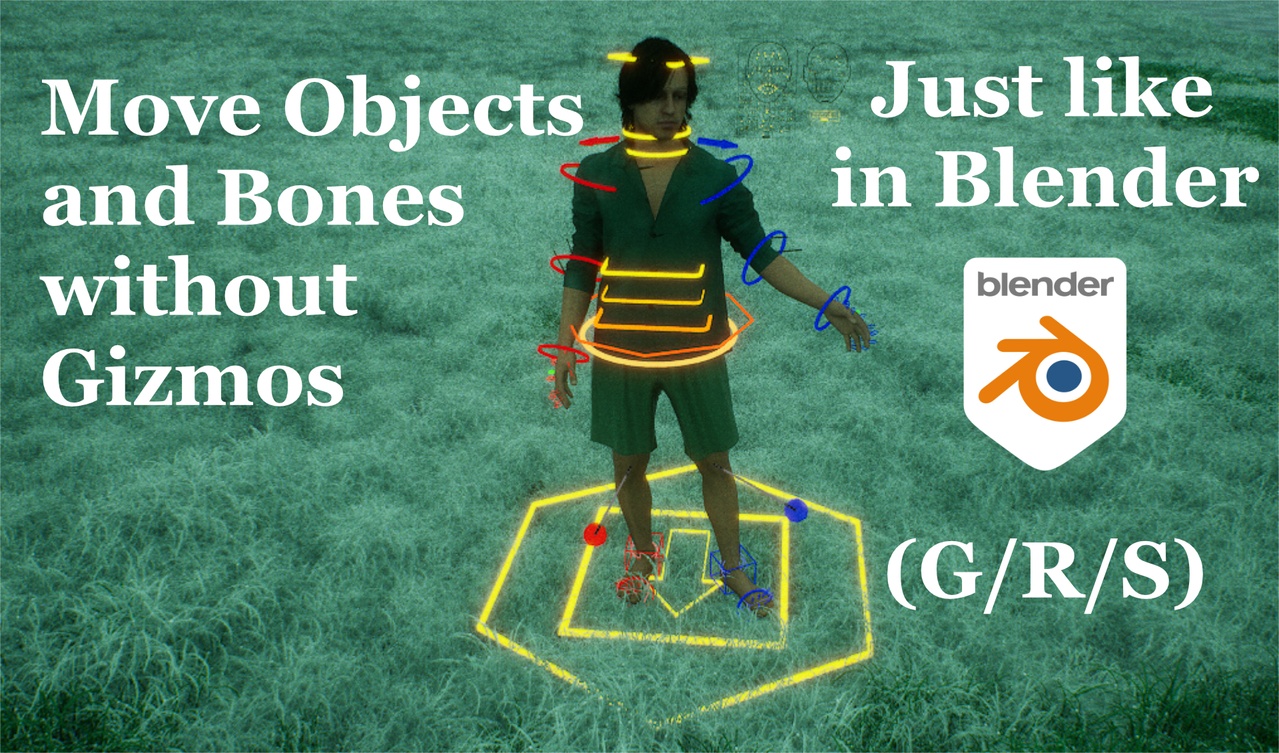
Blender's tools to Move objects and Navigate the viewport are finally in Unreal Engine. Stop using Gizmos in favor of a faster workflow.
Main Features:
Move objects (G), Rotate (R), Scale (S) - (Customizable shortcuts)
Navigate the 3D viewport: Orbit (MiddleMouse), Pan (Shift+MiddleMouse), Precision Zoom (ScrollWheel) (customizable shortcuts)
Export from Bleder to Unreal Engine or from Unreal to Blender in one click (Shift+Alt+E), send complex armatures and meshes with correct translucent materials for plants or regular PBR setups, Blender Addon included
Move and scale Nodes in any node tree with G and S (Blueprints, Materials, etc)
Node Wrangler: connect Nodes with a gesture: Alt+RightClickDrag to connect the selected nodes to the target node, Shift+Alt show a menu to pick sockets; Ctrl sever connections, Shift creates node points on existing connections. (customizable shortcuts)
Box Select with Shift+ClickDrag, Ctrl to Deselect, Shift+Alt to Intersect, Alt to Sphere Select (NEW) (customizable shortcuts)
Now works inside the separate Blueprint 3D Viewport editors! And when double clicking on Blueprint Components in the 3D level
Shift+Spacebar to record sequencer keyframes while moving the selected objects, or G/R/S with Auto-Key turned on,
Shift+Spacebar to record camera movements while piloting a camera
Move Rotate and Scale bones for control rigs in animation mode exactly like normal objects
Works also on Keyframes in the Sequencer and Sequencer Curves
Secret Materials: handle materials from the new window, history of socket assignments, duplicate versions, preset sliders
Secret Outliner: group objects into collections that you can turn on and off similarly to blender, rather than relying on unreal engine's outdated outliner.
More Features:
Works in the main selection mode, no need to change anything, also works during Simulation mode and all the secondary 3D Blueprint viewports
Snap to XYZ axis while transforming, press again for local coordinates, middle mouse drag to find the closest Axis
Create new cube (H), sphere (Shift+H), plane (Alt+H), ready to be sent to blender to be remodeled. Rec light (Ctrl+Alt+L), spotlight (Shift+Alt+L)
See .blend files from the Content Browser
Ctrl+C 3D actors and Alt+V in the content browser will save those objects as Level Instances, and vice versa to import
Drag and Drop Level Instances from content browser on secret outliner folders to import them
While moving an actor that has children, press P to only move the parent.
Shift to slow transforms down, Ctrl to enable snapping, Left Click to confirm, Right Click or Esc to undo-abort
While Scaling: Alt to scale around Individual Origins, Ctrl+Alt to scale only location between selected objects, Shift+Alt to scale using the mouse as temporary pivot
While Rotating: Alt to rotate around Individual Origins, Shift+Alt to rotate using the mouse as a temporary pivot
Alt+G to reset Position, Alt+S reset scale, Alt+R reset rotation
Ctrl+G to teleport an object at mouse position, Ctrl+Shift+G Copy location and rotation from last selected object to all selected actors
Arrow Down while Moving(G) to snap the object to the ground
Disable the features you don't need with checkboxes in the editor's preferences
Alt+D to duplicate and move objects and nodes right away
Shift+S to Scale the object from the camera's perspective
Shift+Tab to toggle between World Space Coordinates and Local Space Coordinates
Infinite Scroll: now the mouse wraps around the screen while moving objects
Viewport panning orbiting and zooming now work on ALL secondary 3d viewports (Material Viewer, Skeletal Mesh viewport etc.)
Pilot Camera with viewport orbiting and panning commands
Extra Features:
Works for Camera Rail Spline Points
Shows real time updates even when "Realtime Viewport" is turned off
Middle mouse drag to pan on any panel following the mouse movements just like in Blender
Panning, Orbiting and Zooming now anchor on top of actual geometry surfaces, including inverted normals.
Snapping on top of objects and navigating the viewport both respect the "Allow Translucent Selection" checkbox (T)
You can now Pan Orbit and Zoom while moving objects (early implementation)
Scaling now also works on Rec Lights and Point Lights
Future Updates:
Will work in modeling mode to move faces and vertices with Blender's modeling shortcuts
Send objects and armatures back and forth from Blender to Unreal Engine
Documentation and tutorial: https://orencloud.art/secret-blender-transform