

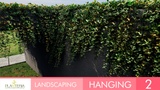
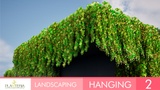
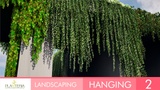
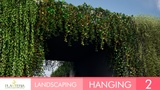
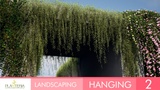


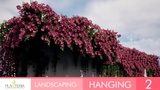
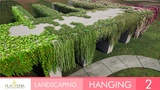
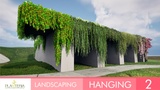
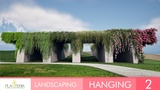
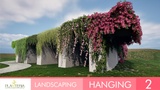



설명
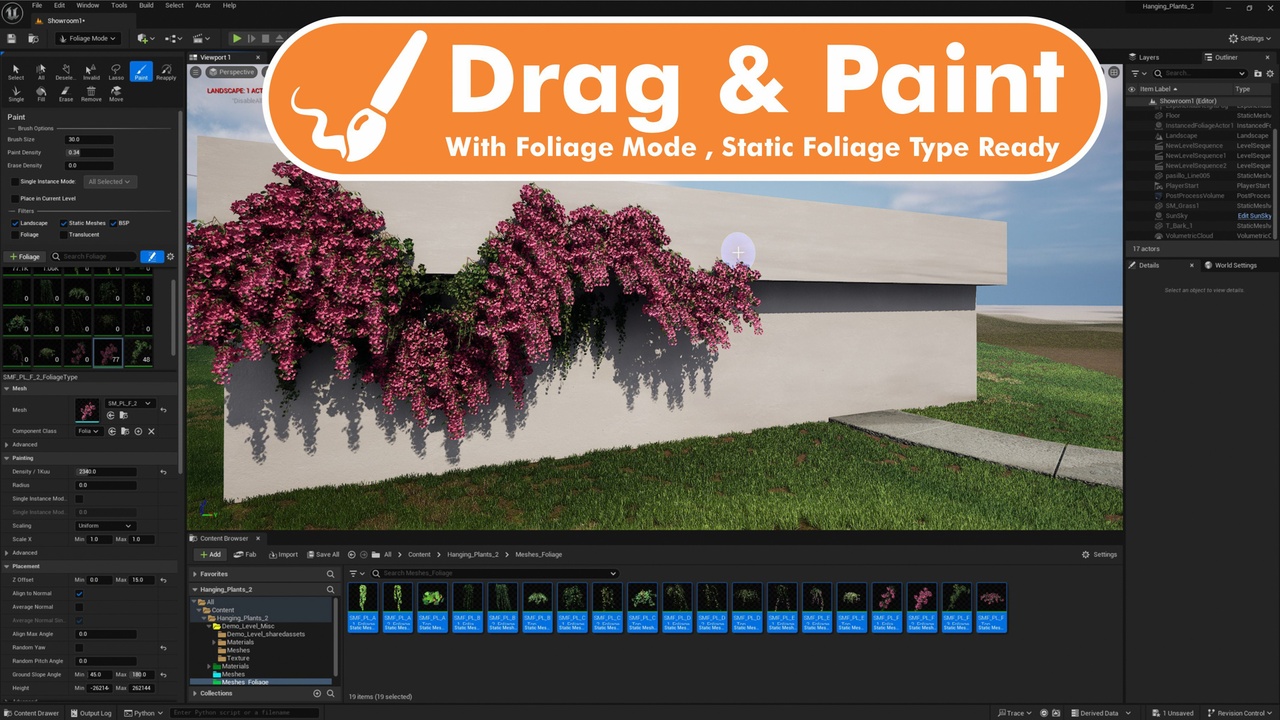
Just Drag & Paint !
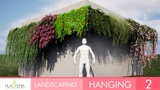
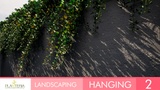
We know the importance of filling your architectural spaces with life. There are plants that look good in static renders, but in animations, cinematics, or virtual tours, they look motionless or with very unnatural movements.
That is why we decided to have it all in this pack of plants. With a process of selection of hierarchies in each leaf, each branch, each trunk.
Thus we achieve a natural, fluid movement and consuming a minimum of resources thanks to the "Pivot Painter 2.0" technology.
These assets are modeled and textured to achieve great realism and performance, taking care of details such as small imperfections and editable PBR materials easy to customize to your liking.
All assets come with Nanite technology, so we don't sacrifice quality or performance.
All Assets come separately to add them individually or in groups.
Need More Hanging Plants ?
Instructions to use the Static Mesh Foliage correctly:
Using as Foliage:
Drag the Static Mesh Foliage directly into Foliage Mode.
That’s it — they’re already set up with the ideal parameters to allow you to paint on walls.
Important: do not adjust the Placement section. You can freely tweak the Painting section to fit your needs.
If adding simple Static Meshes instead of Foliage meshes:
You will notice you can’t paint on walls by default.
To fix this, inside Foliage Mode, go to the Placement section:
Uncheck Random Yaw
Set Ground Slope Angle Max to 180
*This product supports Nanite for Unreal Engine 5.0+
*This product supports Lumen for Unreal Engine 5.0+
* The SunPosition plugin is enabled. In order for the demo map to work correctly.