
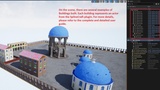
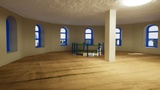
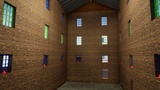
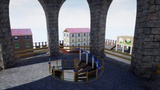
الوصف
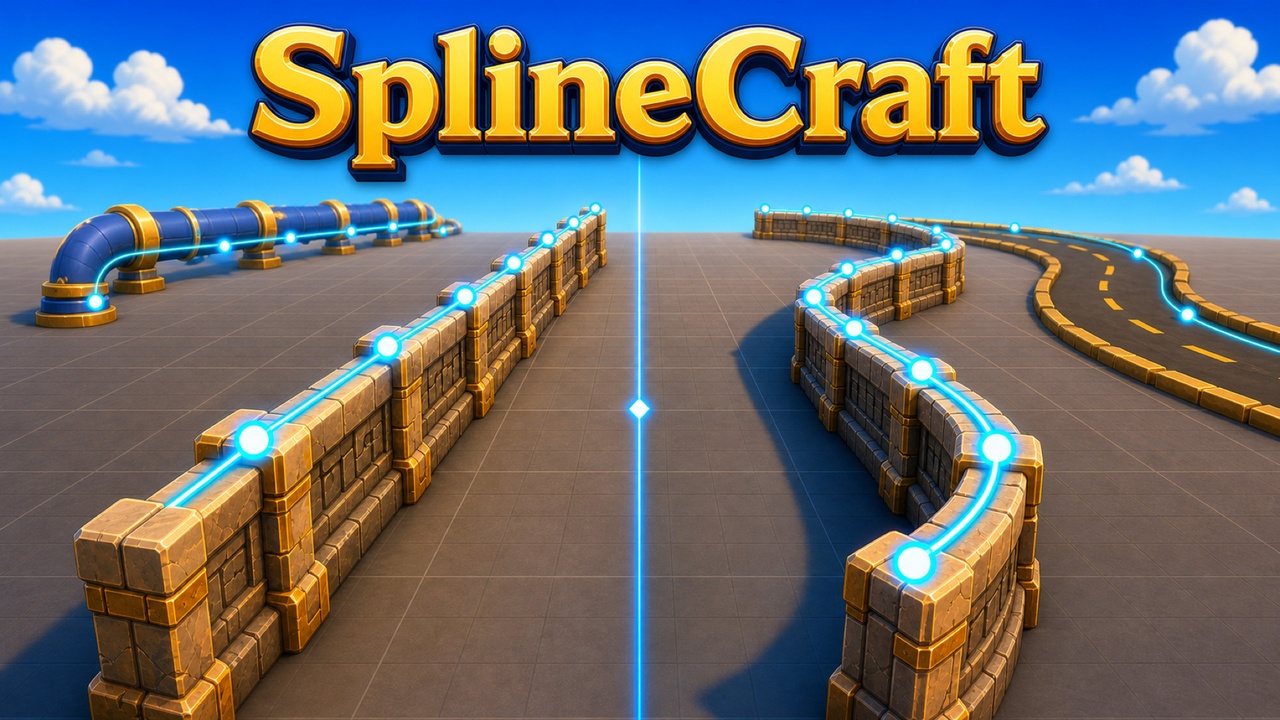
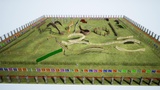
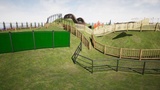
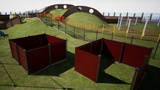
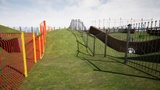
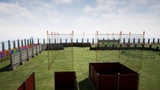
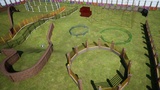
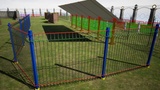
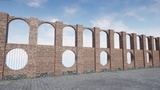
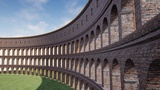
SplineCraft turns a fence, a balustrade, a colonnade, a pipeline, a spiral stair or a whole castle wall into a Details-panel job — one data-driven actor that shapes itself along a spline and regenerates its geometry the instant you change a value.
Drop the actor into a level, shape its spline by hand or with a layout tool, and fill in the SplineCraft Configuration section. The actor reads that config and builds the structure from your own Static Meshes: placed at every point, spanning every gap, capping every post, filling the outline, cut by openings where a gate belongs.
No Construction Script to write, no per-variant Blueprint, no modelling pass. Change the spline, the meshes or any number and the structure rebuilds under your cursor.
Why SplineCraft
Repetitive structures are one problem wearing many hats - a mesh repeated along a path, with rules - and every ad-hoc solution outgrows itself. A Blueprint with a spline and an instanced-mesh loop handles a straight fence, then breaks on the first corner post, the first gate, the first "every third baluster is taller", the first railing that has to follow a curve.
SplineCraft is that Blueprint written once and properly: points, spans, caps, fill and cut-outs as separate configurable layers; straight or curve-following placement; index rules, alternates, specials and seeded randomisation on every layer; and a bake-to-Static-Mesh step for when the design is finished.
One actor, six kinds of element
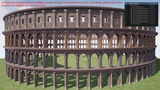
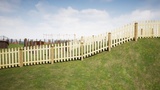
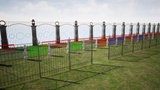
Posts - a mesh at every spline point: fence posts, balusters, columns, stanchions. Stack several Post layers for a base, a shaft and a cap.
Sections and Tubes - a mesh spanning the gap between consecutive points: panels, infill and boards, or rails, cables and crossbars. One configuration type, two named slots, so a railing carries both at once.
Knobs - decorative meshes mounted on a post or a span at a weighted position: caps, spheres, finials, lanterns. A knob can display an Actor instead of a mesh - a working light, an emitter, any Blueprint - placed by the same rules and live at runtime.
Free Knobs - the same decorative meshes positioned freely in the actor's own space, off the spline, for one-off props beside the structure.
Polygons - filled shapes built at runtime as a procedural mesh from the spline outline: a floor inside a fence, a ceiling under an arcade, a platform, a water plane.
Openings - gaps cut through every layer at a distance along the spline, independent of point spacing: gates, doorways, passages. Editor markers show where each one falls.
Shape the spline with a tool, or by hand
Manual placement always works. On top of it, a layout tool places the points for you and re-runs only when its own settings change, so points you nudge by hand survive:
Line
Rectangle (with optional bevelled corners)
Ellipse
Arc
Regular Polygon
Sinusoid
Spiral - a helix once it has height - spiral stairs, ramps, wells
Zigzag
Catenary - the curve of a hanging chain; a negative sag arches it upward for rope barriers, garlands and cables
Bind To Surface - drop the existing points straight down onto the ground beneath them
Uniform - redistribute them evenly along the spline
Follow Spline - copy another actor's spline — a road, a river, a cliff edge — optionally offset to one side
Straight, or bent along the curve
Two placement backends.
Line Mode - drops every mesh into an Instanced Static Mesh component, one per unique mesh, so a long run of identical parts stays a handful of components instead of hundreds of actors.
Curve Mode - turns section and tube meshes into Spline Mesh components that bend along the spline.
Concrete Mode - lets each element choose for itself. A common workflow is to build and tune in Line mode, then switch the whole actor to Curve.
Read-only fields in the panel report exactly how many components and instances each rebuild produced.
Rules on every layer
Each Post, Section and Tube layer carries its own:
Visibility rules - show every Nth, hide every Nth, hide by index or index range, first or last only, odd or even, extremes only.
Alternate meshes - a different mesh at the first point, the last point, odd points, even points.
Special meshes - a different mesh across specific index ranges, taking priority over the rest.
Random meshes - one picked per element from a list.
Per-instance randomisation - independent From–To ranges on scale, padding, offset and roll, sampled for every element, with per-layer switches to opt any category out.
Seeded, so the same config is the same structure
Turn on a random seed and every randomised value is driven by it: one seed always rebuilds the identical structure, and changing it gives another variation of the same design. Leave it off for a fresh roll on every rebuild.
Presets - a style you reuse
Save an actor's whole configuration - every layer, every rule, every mesh - into a Preset asset, without the spline shape.
Apply it to any other SplineCraft actor to restyle it in one click.
The spline, the loop, the openings and your notes stay with the individual actor; the style travels.
Build Scenario - a structure that assembles itself
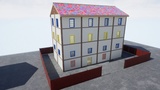
Assign a Build Scenario asset and the actor becomes a director. A scenario is an ordered, timed list of presets, each with a delay, a transform offset and an appear animation - rise from below, scale up, or instant. Play it and the structure reveals itself step by step along its spline, the way a building goes up in a strategy game; play it in reverse and it comes back down. Stack the same "floor" preset on Z and it becomes the storeys of a tower. Scrub a preview slider from 0 to 1 to inspect any moment without playing. Blueprint calls - play, stop, finish now, reverse - plus step and finished events tie it into your own gameplay.
Collision, mobility and hit events
One collision block - profile, hit events, overlap events - applies to every generated component, instanced meshes and procedural meshes alike; mobility likewise.
Section, Tube, Post and Knob impacts each fire their own multicast delegate, so a car clipping a fence or a round striking a baluster is a Blueprint event, not a trace you write.
Runtime
The structure rebuilds in the editor on every property edit and again at Begin Play.
Set Mobility to anything but Static and a single Blueprint call rebuilds it live in a running game - swap the mesh set, the seed, the spline or the layout tool and see the new structure the same frame.
Bake to a Static Mesh when it's done
One editor button merges every generated component - instanced, spline-mesh and procedural alike - into a single Static Mesh asset, with material merging, simplification and lightmap UVs, and optionally replaces the SplineCraft actor with a plain Static Mesh Actor using it.
Design with the tool; ship a clean mesh.
What's in the box
ASplineCraftActor - one Blueprintable C++ actor, configured entirely in the Details panel.
Preset and Build Scenario Data Assets
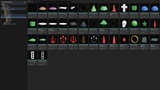
A primitive library:
16 post meshes,
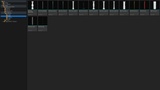
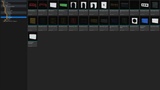
25 section meshes (grids, arches, arrow and circle patterns),
14 tube profiles,
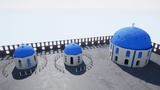
50 knob meshes (cones, cupolas, pyramids, stars, finials, window frames, balconies)
A master colour material with black, navy, red, green, white, gold and steel instances, plus noise and normal-map textures.
A ready-made Blueprint actor and sample presets, including a "Growing Tower" build scenario
Documentation
Full documentation - core concepts, every element type, the layout tools, per-layer rules, randomisation, presets, build scenarios, collision, runtime use, baking and the Blueprint API - in English and Ukrainian, kept in sync with every release: https://logdok.github.io/ue-plugins-docs/spline-craft/Full/en/