설명
VIDEO PREVIEW
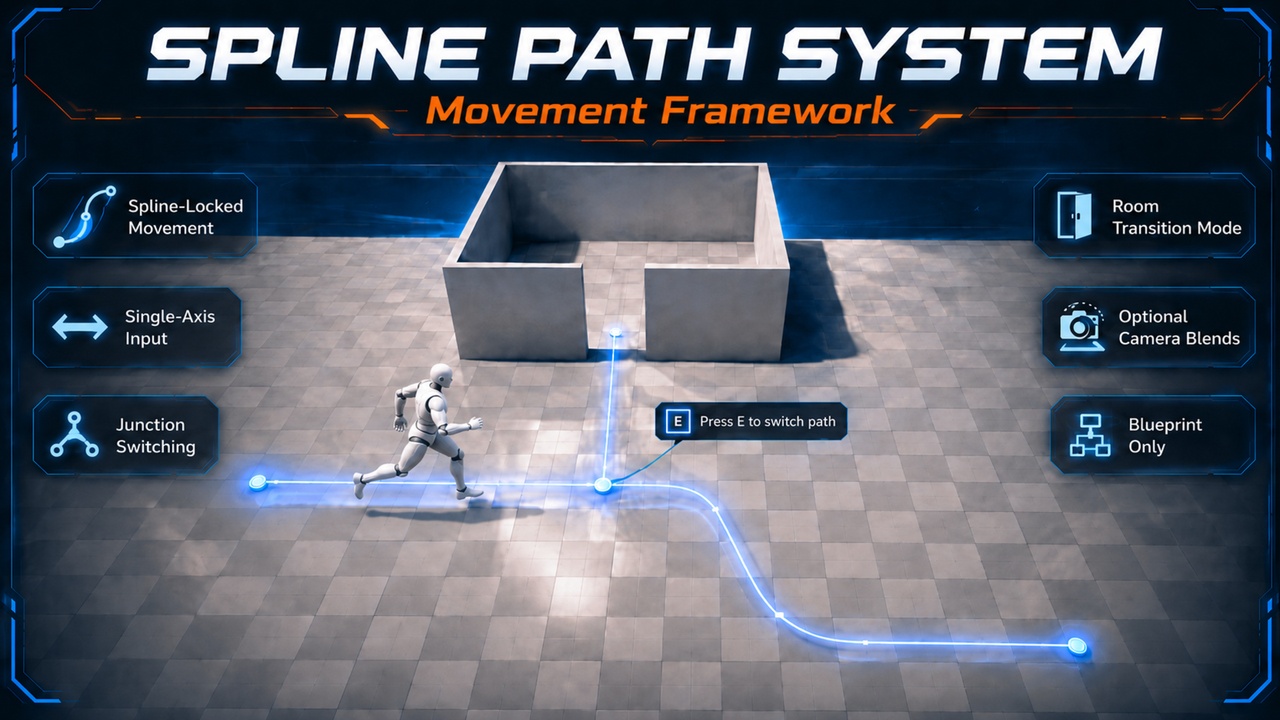
Spline Path System – Movement Framework is a Blueprint-only spline-locked movement solution for “rail / guided path” gameplay with optional junction switching and room transitions.
Key Features
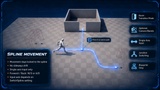
Spline-Locked Movement (No Drift): player movement is strictly constrained to the active spline.
Single-Axis Input: movement uses only one axis (forward/back) while on spline.
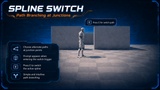
Junction Switching: show an interaction prompt and press E to switch to an alternate spline at junctions.
Room Transition Mode: exit spline mode and restore full WASD movement inside “Room” areas.
Optional Camera Blends: smoothly blend to a new camera when entering a room (if configured).
Blueprint-Only: no C++, easy to integrate.
How It Works
Enter spline mode via BP_SplineSwitchTrigger.
While on spline, movement is locked to the path (no sideways movement).
At junction triggers, a prompt appears: “Press E to switch path”.
At end triggers, you can either exit spline mode or transition into a room (full WASD).
Controls / Input
SPLINE MOVEMENT (LOCKED)
Movement is strictly constrained to the spline (no sideways drift).
Axis mapping depends on SwitchSpline:
SwitchSpline = False — driven by X
SwitchSpline = True — driven by Y
Enter the path via BP_SplineSwitchTrigger.
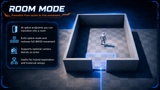
ROOM MODE (UNLOCKED WASD)
EndPath can be configured as a room transition (CanGoToRoom = True).
Exits spline mode and restores full WASD movement.
Optional: if NewCamera is set, the view blends to that camera on enter.
Return to spline via BP_SplineSwitchTrigger.
Included
Blueprint actors: Spline switch triggers / junction triggers / end triggers
Example level setup (recommended)
Basic UI prompt widget (switch path)
Notes
Designed for quick integration: place splines + triggers, assign references, play.
This system is also included in my full version asset.
If you find this asset useful, a Fab review would really help. Thank you!