Description
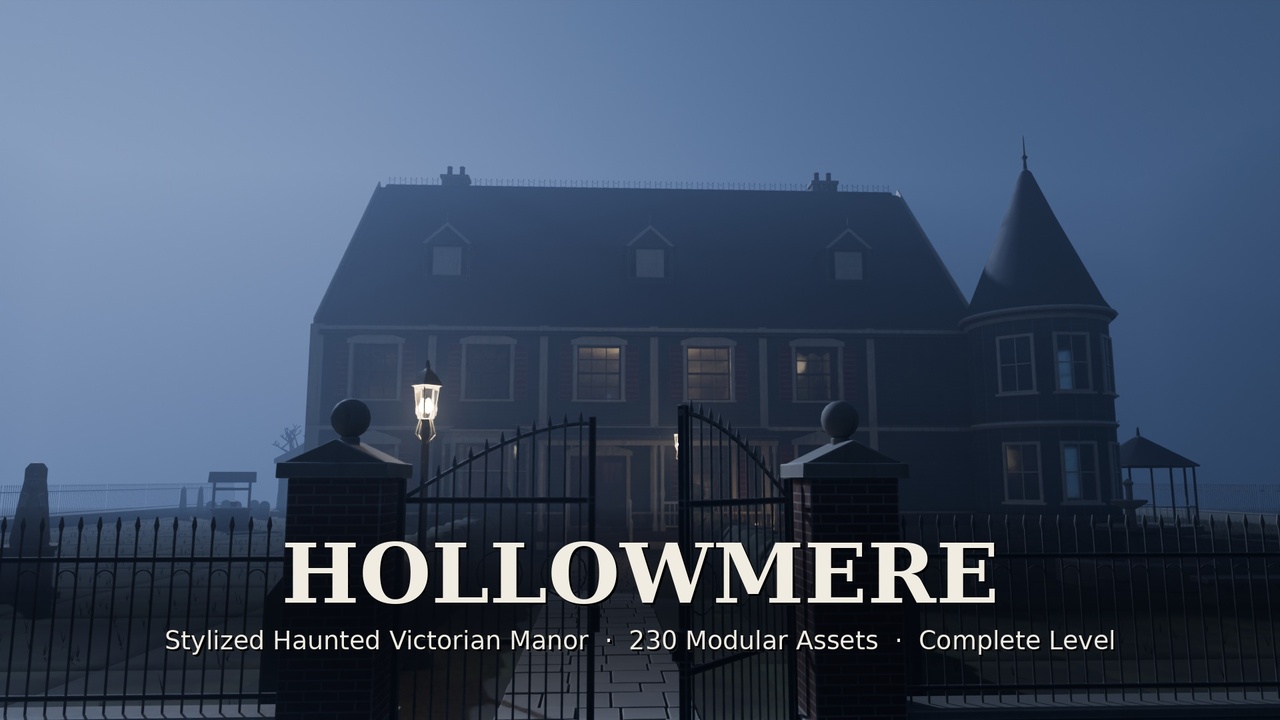
A complete, explorable haunted Victorian manor in a clean stylized look.
230 modular pieces
a three-storey demo house with cellar, attic and grounds
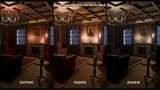
three colour palettes
night and day lighting
What is it?
A haunted Victorian manor you can open and walk through straight away, and take apart to build your own houses. Every piece snaps to a 1 m grid on 4 m modules.
Who is it for?
Developers of horror, psychological-horror, exploration, co-op ghost-hunting, mystery and escape-room games. It is also for level designers who need a finished-looking haunted house fast.
What can I build?
Haunted houses, manors, mansions, vicarages, orphanages and country estates, from the cellar to the attic, plus the grounds around them.
What's included
230 assets, organised in:
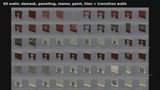
60 walls, including transition walls between room styles
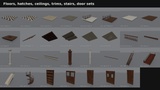
9 floors (including 2 with a working hatch), 5 ceilings
8 trims (cornice, columns, balustrade, newel, wainscot)
4 stairs (grand, service, spiral, attic)
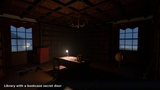
5 door sets with moving leaves, including a bookcase secret door
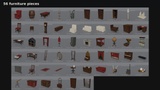
56 furniture pieces
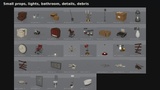
18 small props
5 light fixtures
4 bathroom fixtures
4 wall details
6 debris sets
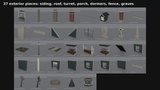
37 exterior pieces: siding, roof, turret, porch, dormers, chimneys, fence, gate, lamppost, trees, graves
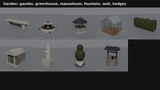
9 garden pieces: gazebo, greenhouse, mausoleum, fountain, well, statue, bench, hedge, topiary
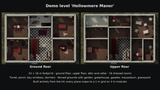
Demo level "Hollowmere Manor":
24 × 16 m footprint on three storeys plus a cellar
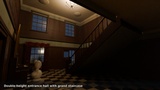
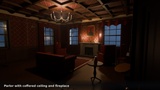
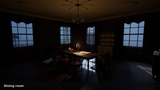
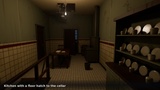
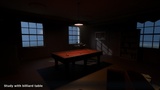
Ground floor: double-height entrance hall with grand staircase, parlor, library with a bookcase secret door, study with billiard table, dining room, kitchen with a hatch to the cellar
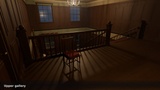
Upper floor: gallery landing, master bedroom, nursery, guest room, sewing room, bathroom, servant hall, store room with sheeted furniture
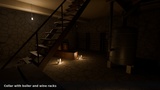
Attic with dormers; cellar with boiler and wine racks
Exterior: corner turret, front porch, bay windows, chimneys; fenced grounds with hedged path, fountain, gazebo, well, greenhouse, mausoleum and graveyard
Lighting: two setups in Blender — Night (fixtures, candles, moonlight, fog) and Day.
Palettes: three colour palettes — Gothic (default), Faded, Ashen. Switch them in Blender, or use the baked texture sets in engines.
Formats
Blender 5.2 (.blend):
kit + demo level
one procedural master material with editable colours, wear, grime, water streaks and peeling paint
light fixtures and candles switch on and off per object
FBX, per mesh part: LOD0 (bevelled), LOD1 (lighter) and convex collision (UCX_ naming).
glTF (.glb), per asset: embedded Base Color + ORM textures.
PNG textures, per part:
Base Color for each palette
ORM (AO / Roughness / Metallic)
1024 px for architecture, 512 px for props
How optimised is it?
230 assets, 370k triangles at LOD0 and 206k at LOD1 in total.
Per asset: median 1,005 triangles (LOD0) / 506 (LOD1); range 12 – 15,680 (LOD0), largest is the grand staircase.
LOD1 stays under 3k triangles per asset, except 4 detailed assets that keep their full mesh at LOD1.
694 convex collision meshes (UCX_) shipped with the FBX files; doorways, the entrance steps and the porch stay walkable.
One master material per asset.
A separate emissive material only on lights; a separate glass material only where there is glass.
How modular is it?
1 m grid, 4 m modules.
Walls: 3.5 m high, 0.2 m thick, centred on the grid line. Storey height 3.6 m.
Doorways:
single 1.2 × 2.3 m
double 2.0 × 2.5 m
Windows: 1.6 × 2.0 m.
Pivots:
walls and floors: corner
props: bottom centre
ceiling fixtures: top centre
Moving parts are separate meshes pivoted on their hinge: door leaves, gate leaves, the bookcase secret door, floor hatches.
What makes it different?
A finished, explorable house from cellar to attic, not a box of loose props.
Stylized, readable art direction with no photo textures.
Transition walls, so rooms of different styles meet cleanly.
Three palettes and two lighting setups.
Supported versions
Blender 5.2+.
FBX and glTF for Unity, Unreal Engine, Godot and other engines. Engine-specific projects (prefabs, material instances) are not included.
How quickly can I use it?
Blender: open the file and render. Drag single assets from the Asset Browser.
Engines: import the FBX folder, then assign the Base Color and ORM textures.