설명
Organize complex levels, prevent accidental edits and take direct control of Unreal Engine’s World Outliner.
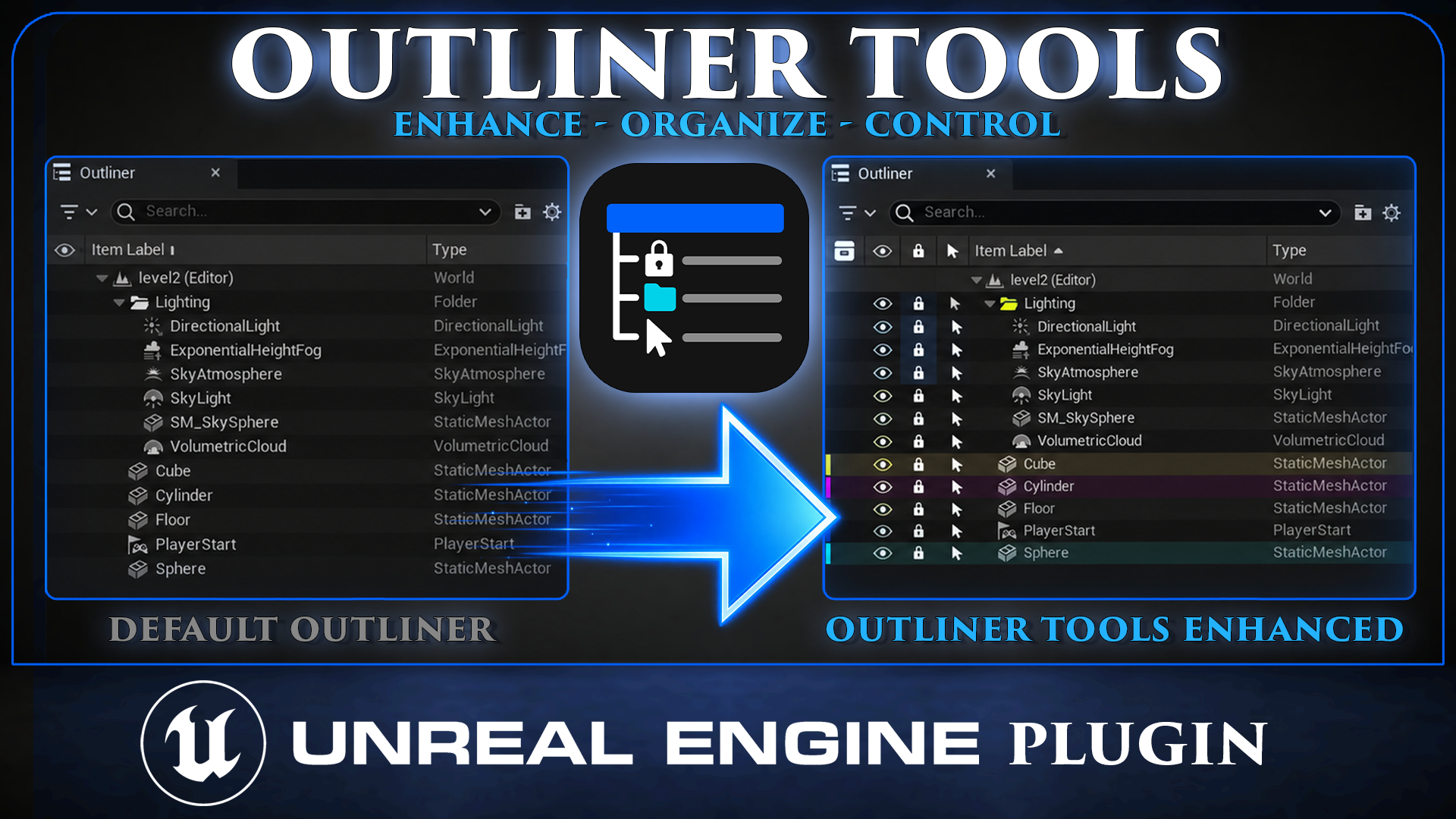
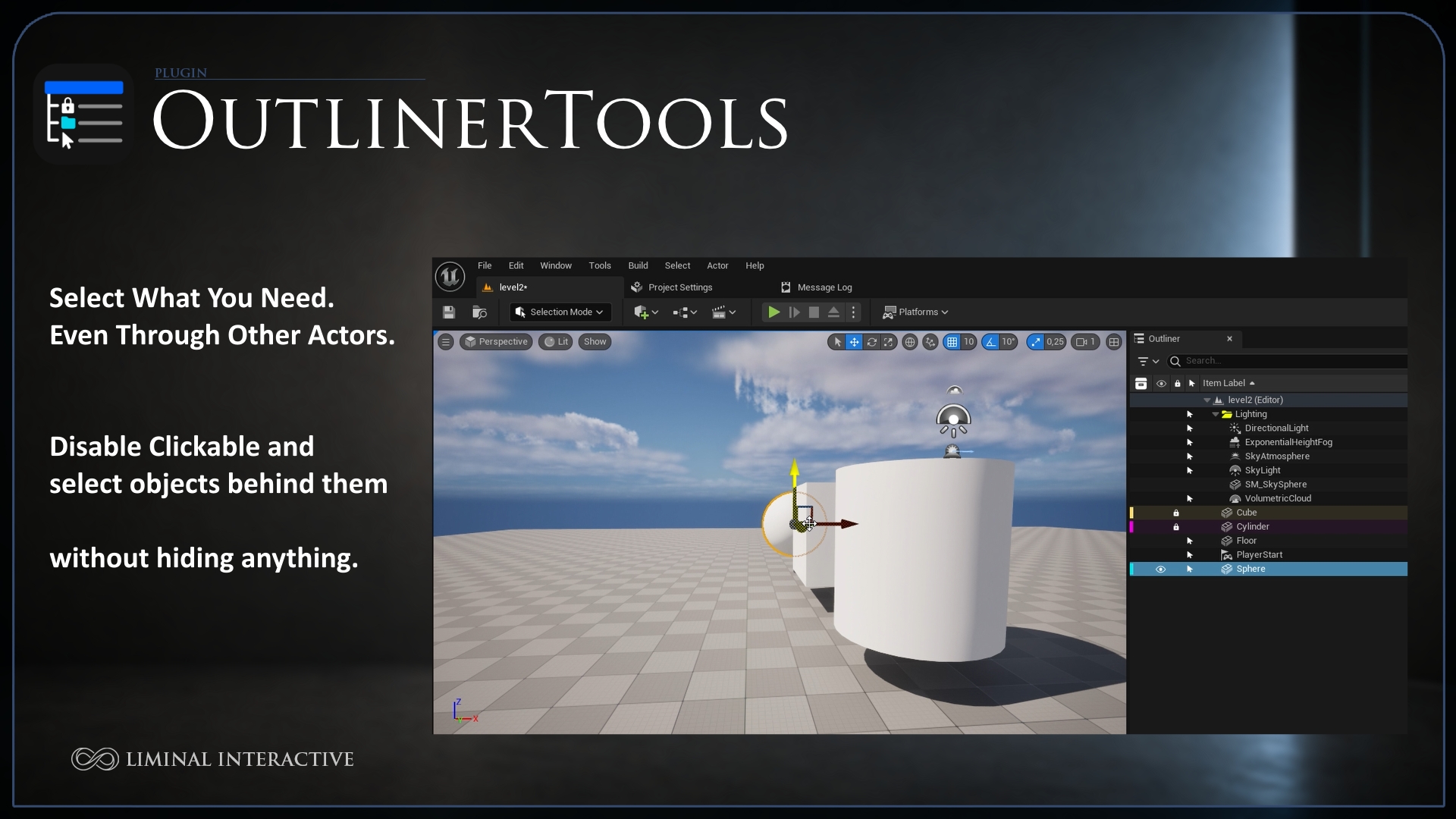
Outliner Tools is an Editor-only Code Plugin that extends the World Outliner with actor locking, selection protection, custom folder colors and persistent actor Collections.
Designed for both Blueprint and C++ projects, it provides a faster and clearer workflow without adding runtime systems or dependencies to your packaged game.
Video: MetaHuman OutlinerTools Overview
Documentation: Visit our website
Support: Join our Discord server
Customer form: Share with ous your thoughts
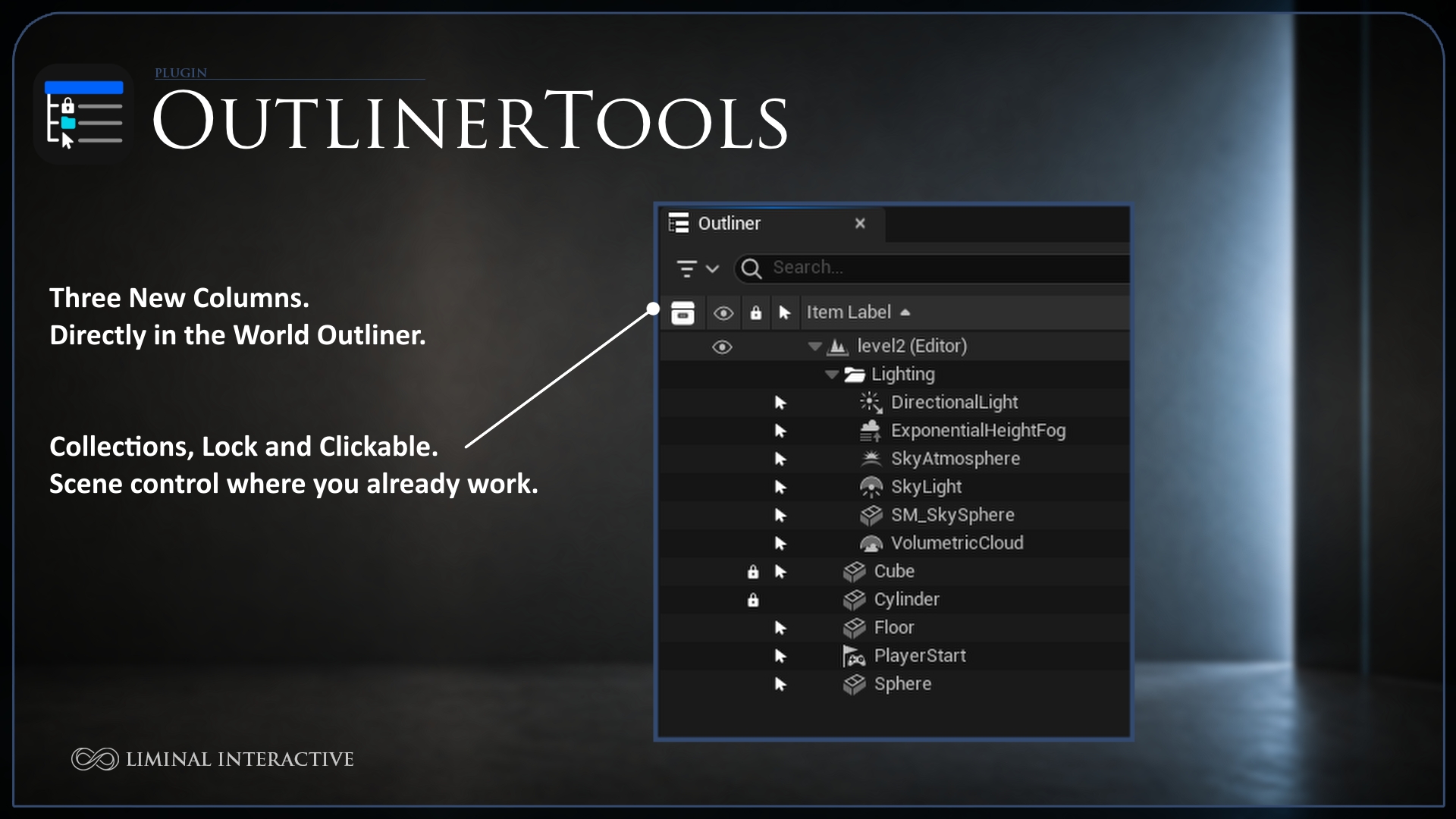
Lock Actor Transforms
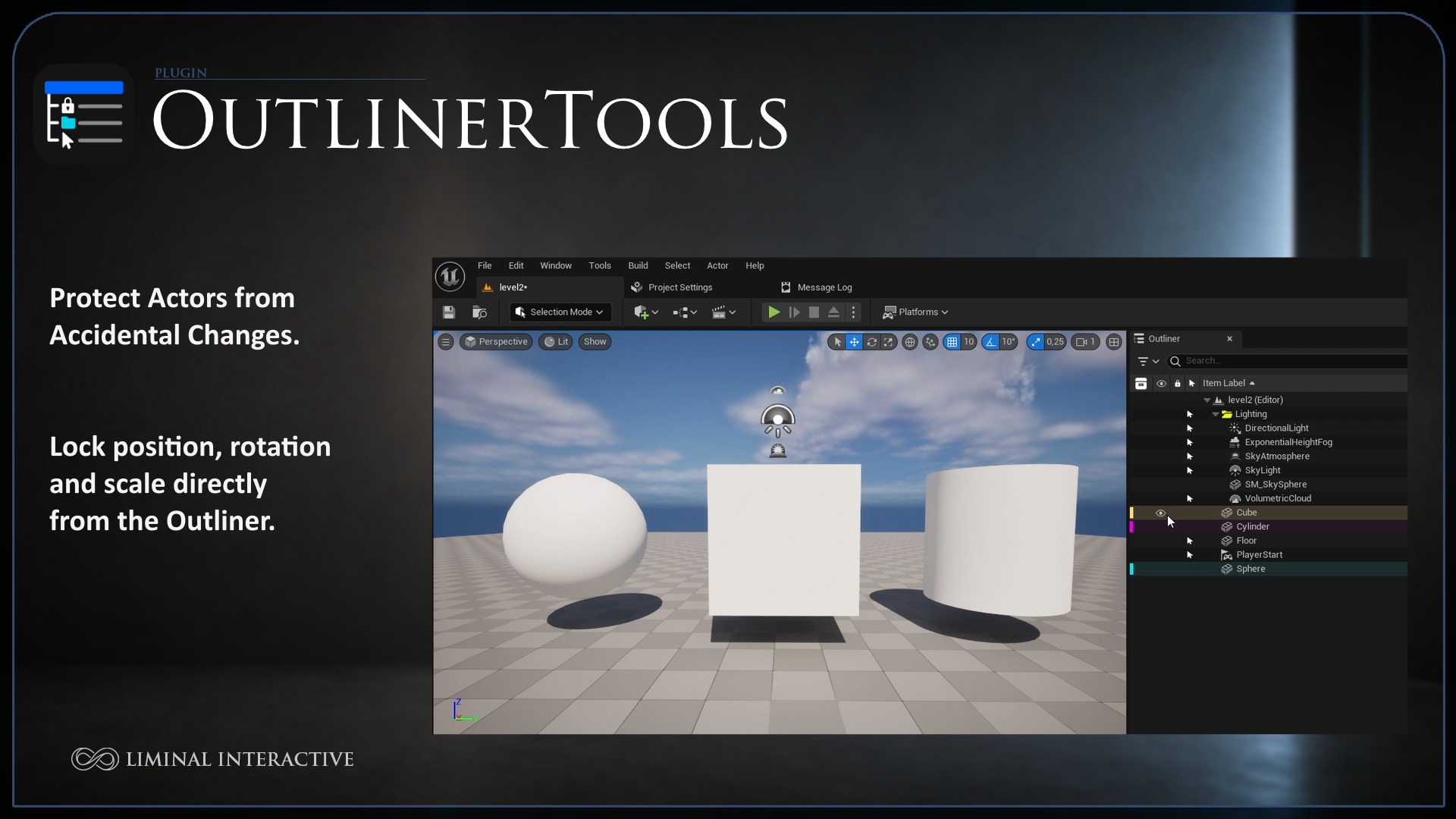
Lock or unlock individual actor transforms directly from the World Outliner.
Prevent accidental movement, rotation or scaling.
Apply Lock recursively to complete folders and nested subfolders.
Actors added to a controlled folder inherit its effective folder rule.
Control Actor Selection
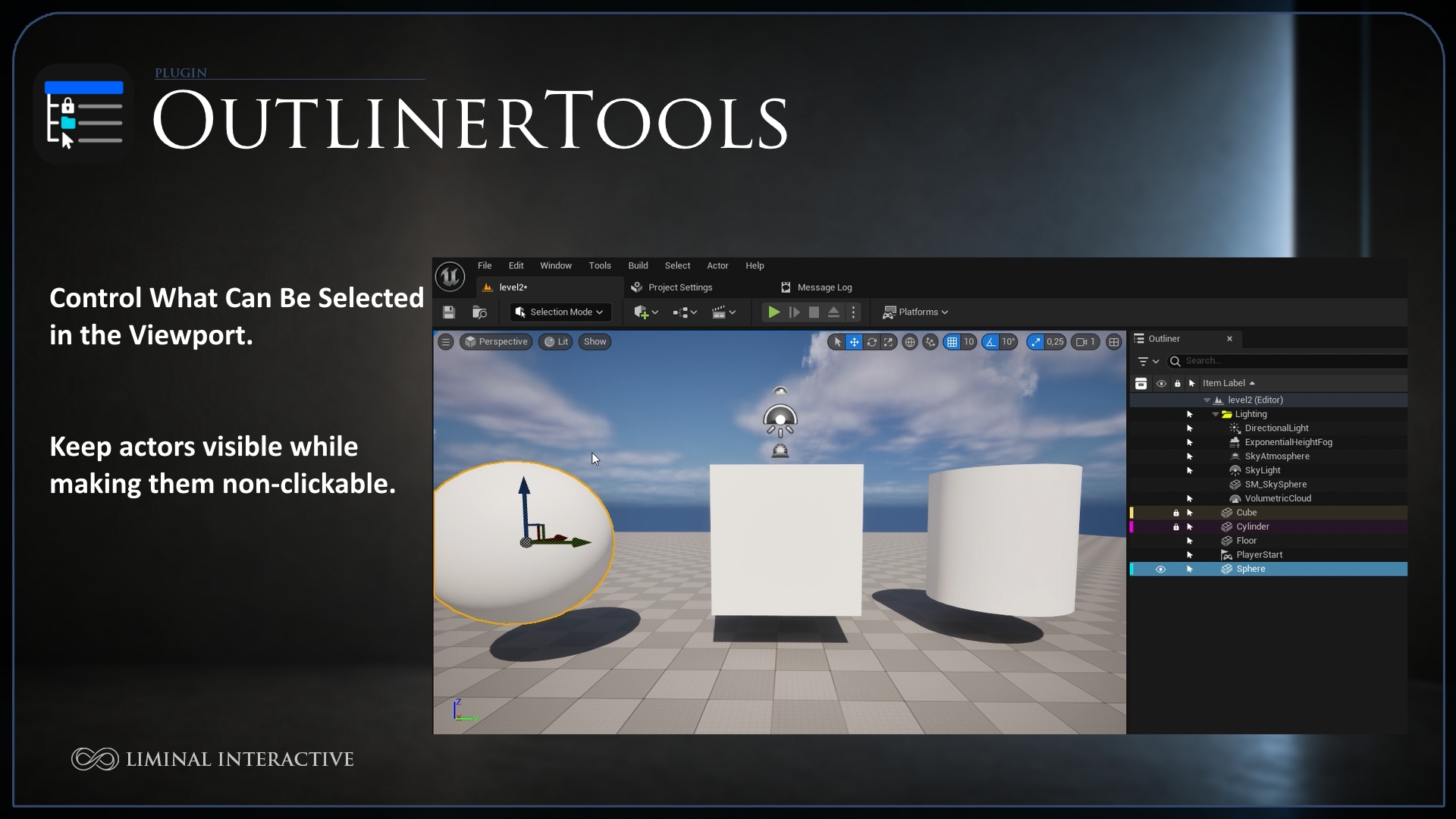
Make individual actors selectable or protected from editor selection.
Apply selection rules recursively to complete folder hierarchies.
Protected actors are removed from the current selection and cannot be selected accidentally.
Targetable only affects editor selection. It does not modify runtime collision, traces, input or gameplay targeting.
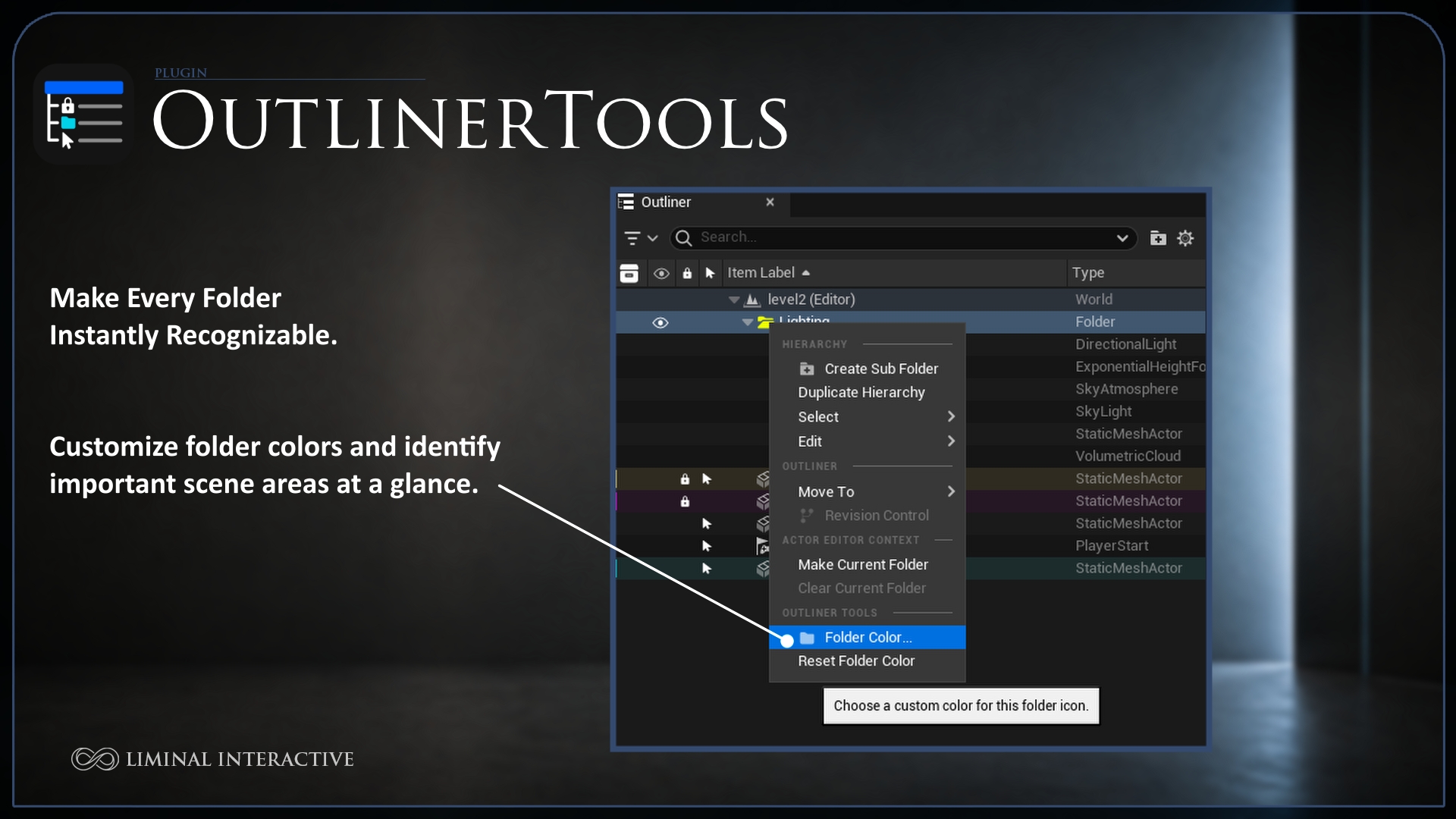
Custom Folder Colors
Assign custom colors directly to World Outliner folders and create a clearer visual hierarchy for large levels.
Custom open and closed folder icons.
Persistent per-map colors.
Dedicated Reset Folder Color action.
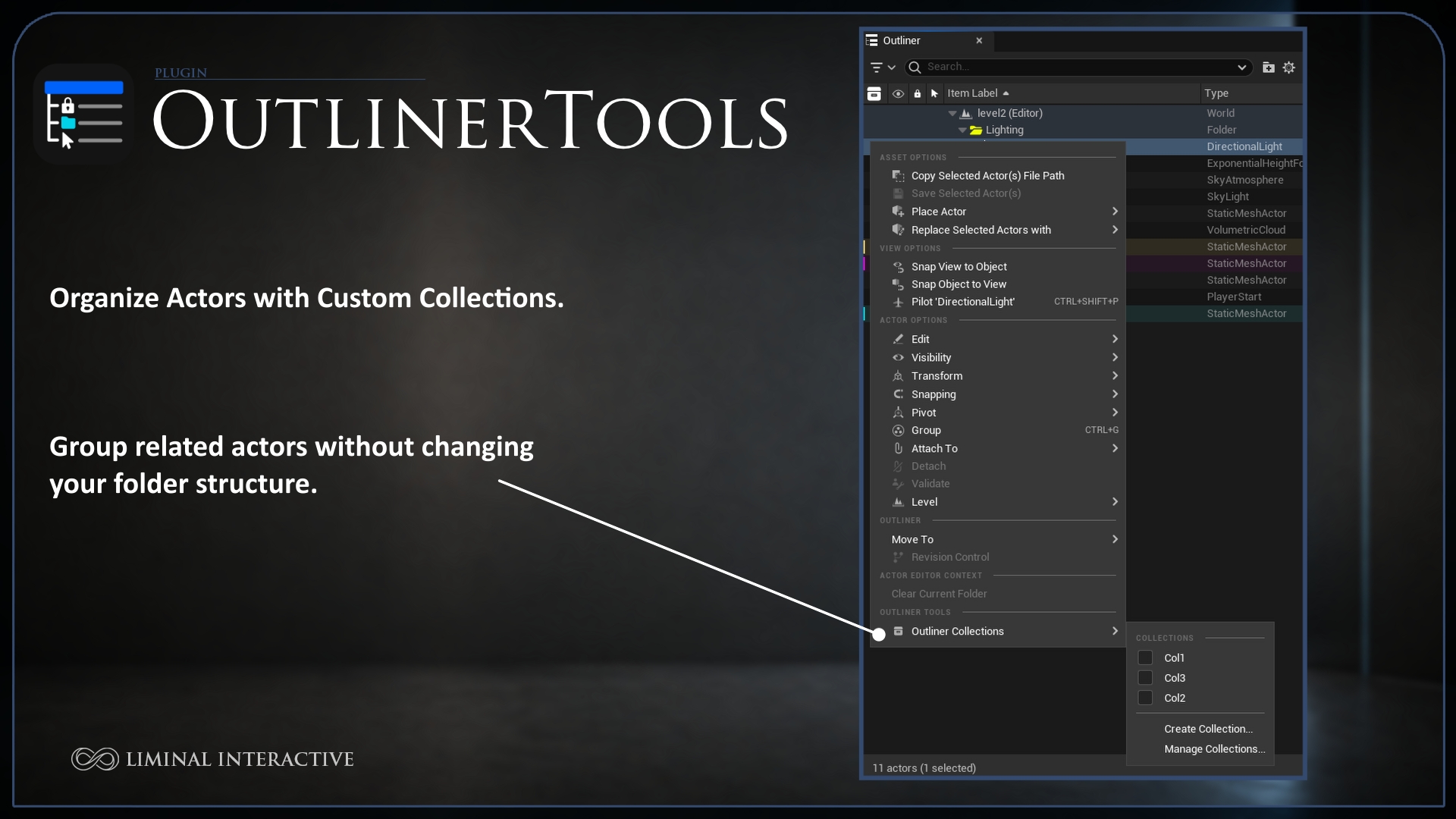
Outliner Collections
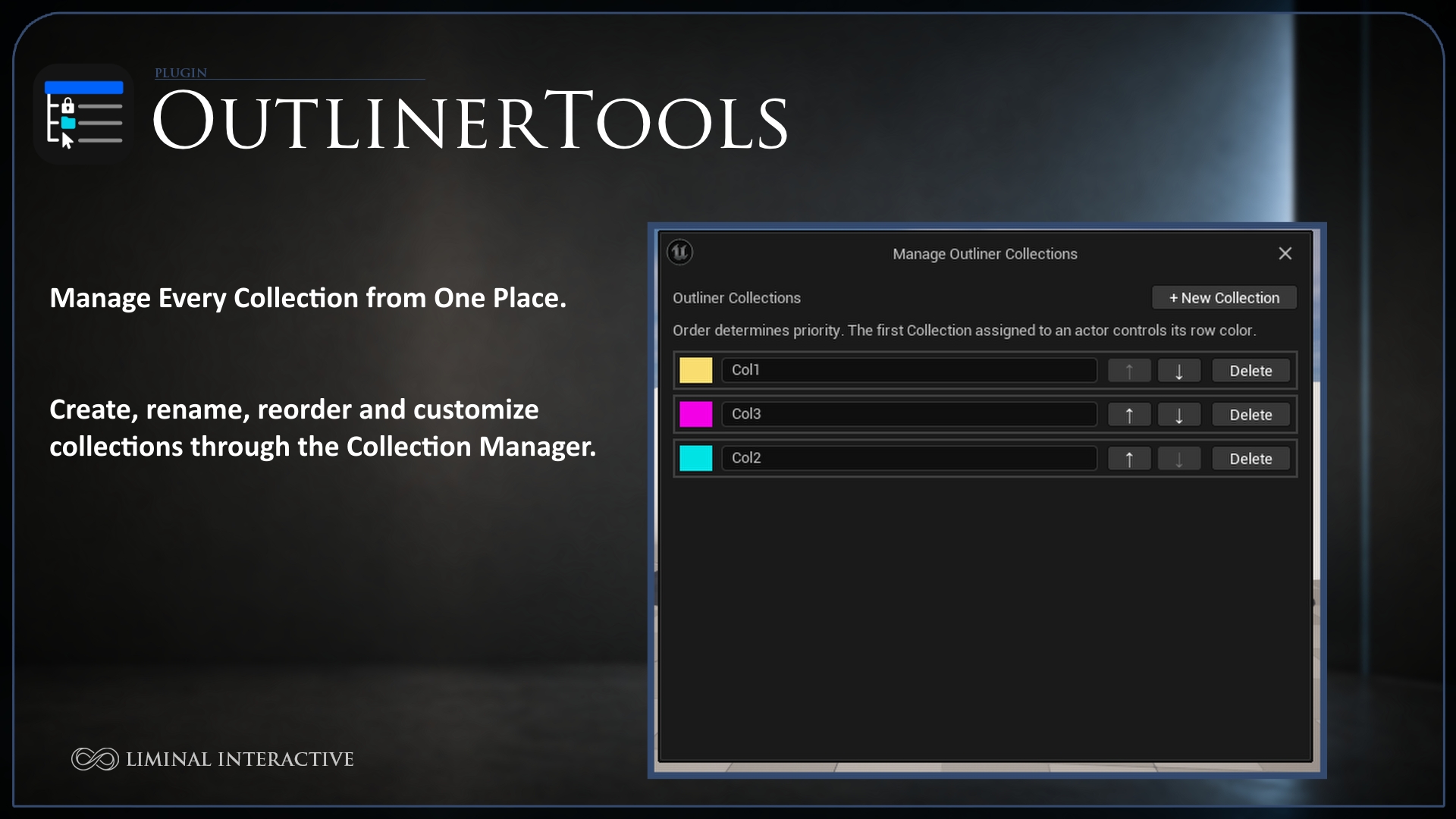
Create logical, color-coded actor groups without modifying the existing folder hierarchy.
Create Collections with custom names and colors.
Assign multiple selected actors at once.
Allow one actor to belong to multiple Collections.
Display compact colored markers for Collection membership.
Apply subtle full-row highlighting based on Collection priority.
Rename, recolor, reorder and delete Collections from a dedicated manager.
Search for actors using their Collection names.
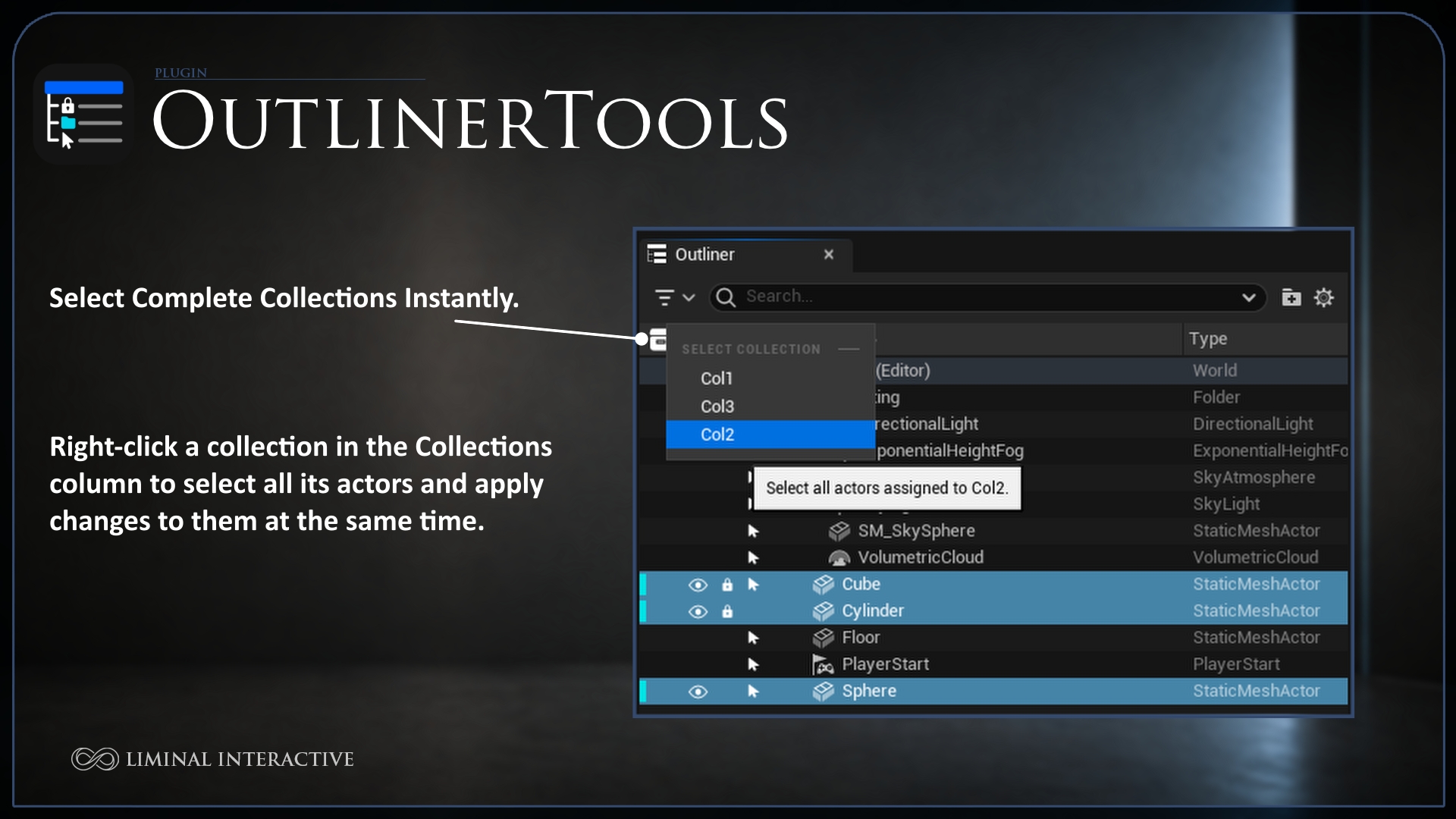
Select every actor assigned to a Collection from the Collections column header.
Persistent Map-Aware Organization
Outliner Tools preserves its organization data when saving, closing or reopening the project.
Persistence has been validated across:
Normal Save and First Save.
Save As.
Map duplication and copying.
Map renaming and moving.
Folder renaming, moving and deletion.
Editor restart.
Compatibility
Unreal Engine 5.3 to 5.8
Supported platform: Windows 64-bit
Supported project types: Blueprint and C++
Plugin type: Editor-only Code Plugin
Third-party dependencies: None
Important Information
Outliner Tools does not add runtime gameplay functionality.
Lock controls editor transforms only.
Targetable controls editor selection only.
Collections organize actors and are independent from Unreal folders and Content Browser Collections.
Collections are stored independently for each map.
Folder colors affect World Outliner folders, not Content Browser folders.
Developed by Liminal Interactive.