Descripción
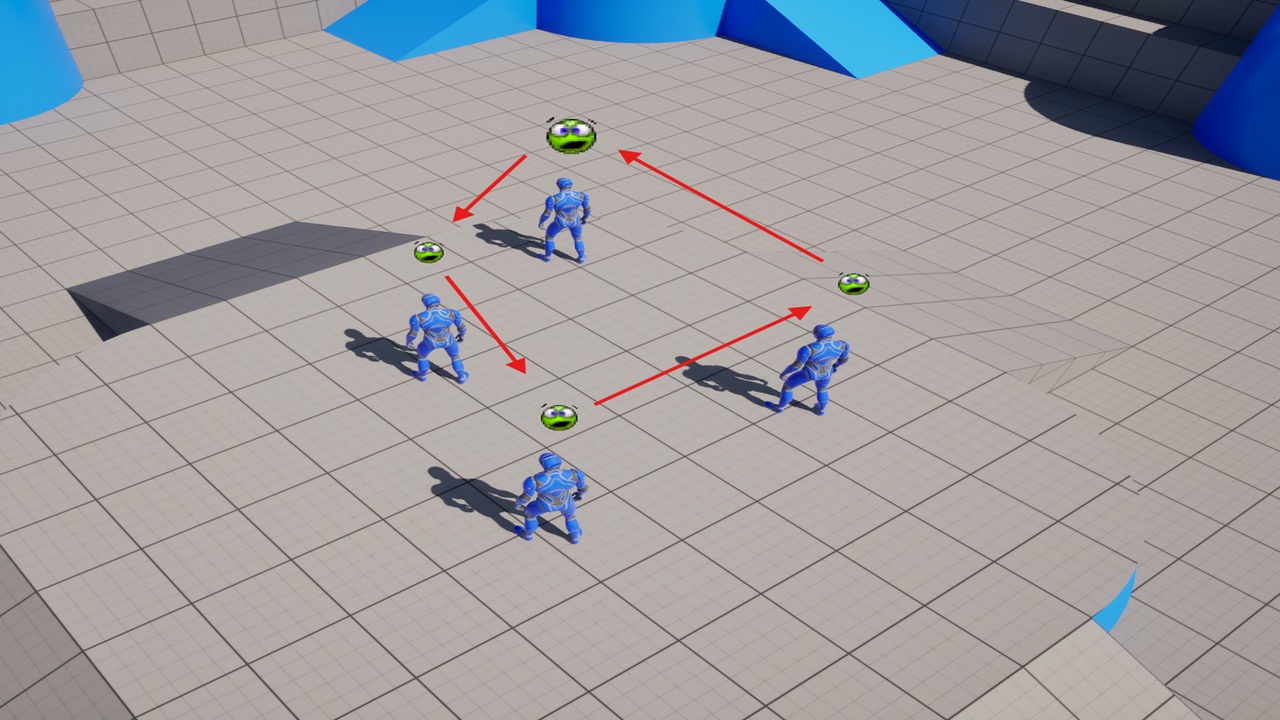
A simple plugin that consists in a Gameplay Debugger Extension that allows cycling between AI agents when using the Unreal's Gameplay Debugger
By default Unreal does not provide a way to cycle between AI agents when using the Gameplay Debugger. This plugin provide this functionally allowing for easier and faster debug of AI agents.
Notes:
Keys can be remapped under Project Settings->Gameplay Debugger->Addons->AICycleDebugger
Currently four options are available under Project Settings->Engine->Gameplay Debugger AI Cycle:
Seach Radius - Radius area around the player character to gather the possible AI Agents
AI Filter Classes - When added an entry, only AI agents of these classes will be gathered
Include Player - To include the player in the list of possible actors
Organize By Distance - To organize the list of actors based on the distance to the player