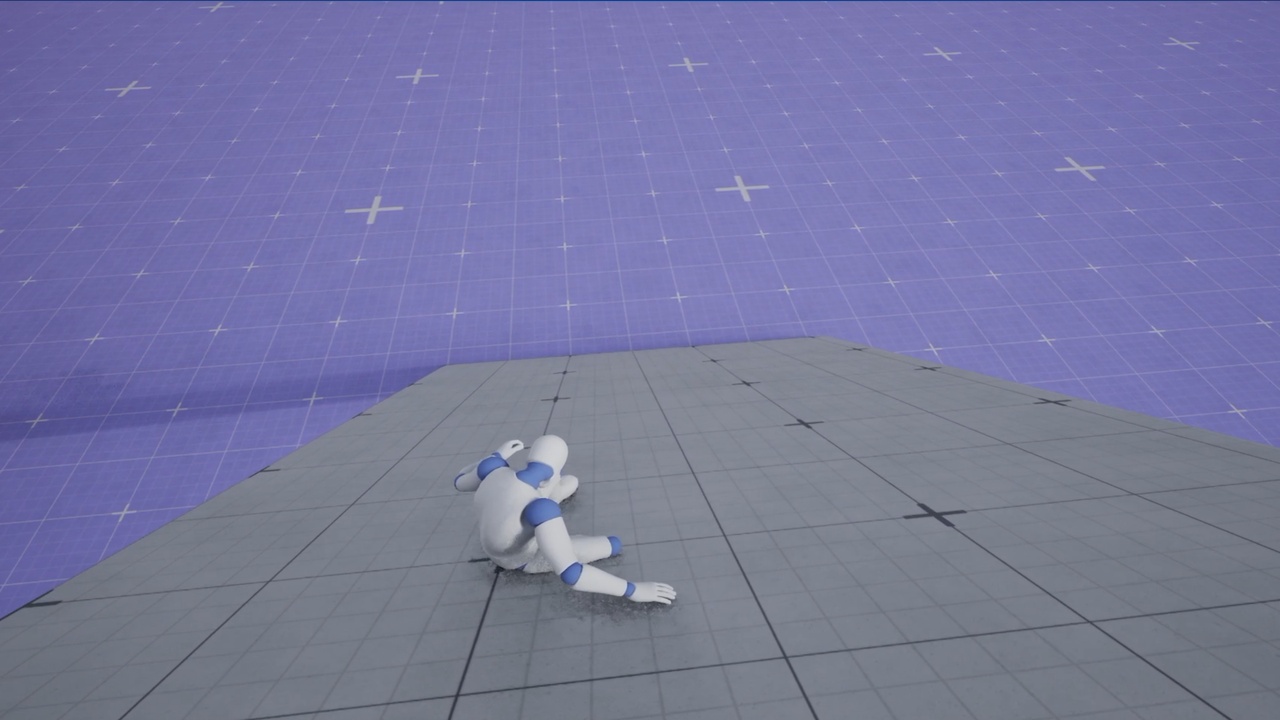
Descrição
See the video: https://youtu.be/I329xAazlEM
EN - AutoSlide — Setup and Configuration Guide
This plugins provide the AutoSliding for the Mover 2.0. You can set all the parameters (angle ecc, ecc) you need to make the AutoSliding start whenever you want.
Version: 1.0 Engine: Unreal Engine 5.7 Requirements: plugin Mover from Epic (experimental) e a pawn based on UMoverComponent
Before you buy — read this
AutoSlide does not contain animations. The plugin provides the sliding physics and the signals indicating when the slide occurs. Connecting those signals to the Animation Blueprint is up to you, and this is explained in Step 8. If, after installation, the character slides but remains in the walking pose, this is not a bug; the animation connection is simply missing.
AutoSlide requires the Mover plugin. Mover is designated as experimental by Epic, meaning its API may change between engine versions. This plugin is compatible with UE 5.7. However you can rebuild the plugin with your UE version.
Minimum slide angle and walkable angle
AutoSlide only works on surfaces that the Mover considers walkable. If a surface is too
steep to walk on, the Mover causes the character to fall; AutoSlide does not activate.
The walkable angle is derived from the Max Walk Slope Cosine, found in the
MoverComponent under Shared Settings → Common Legacy Movement Settings →
Ground Movement:
walkable angle = arccosine(Max Walk Slope Cosine)
Auto Slide Sampling Settings — slope sampling
This block appears in the MoverComponent's Shared Settings after adding transitions.
What it does: Without sampling, the slope is measured from a single contact point beneath
the character. On a protruding tile or the edge of a step, that point might momentarily
register an almost vertical surface, triggering an unintended slide. Sampling takes multiple
radial measurements beneath the character and uses the average; a slope is a property
of a surface area, not a single point.