



Description
About The Plugin
Overview Video
Teaser Video
Documentation
Roadmap
Support
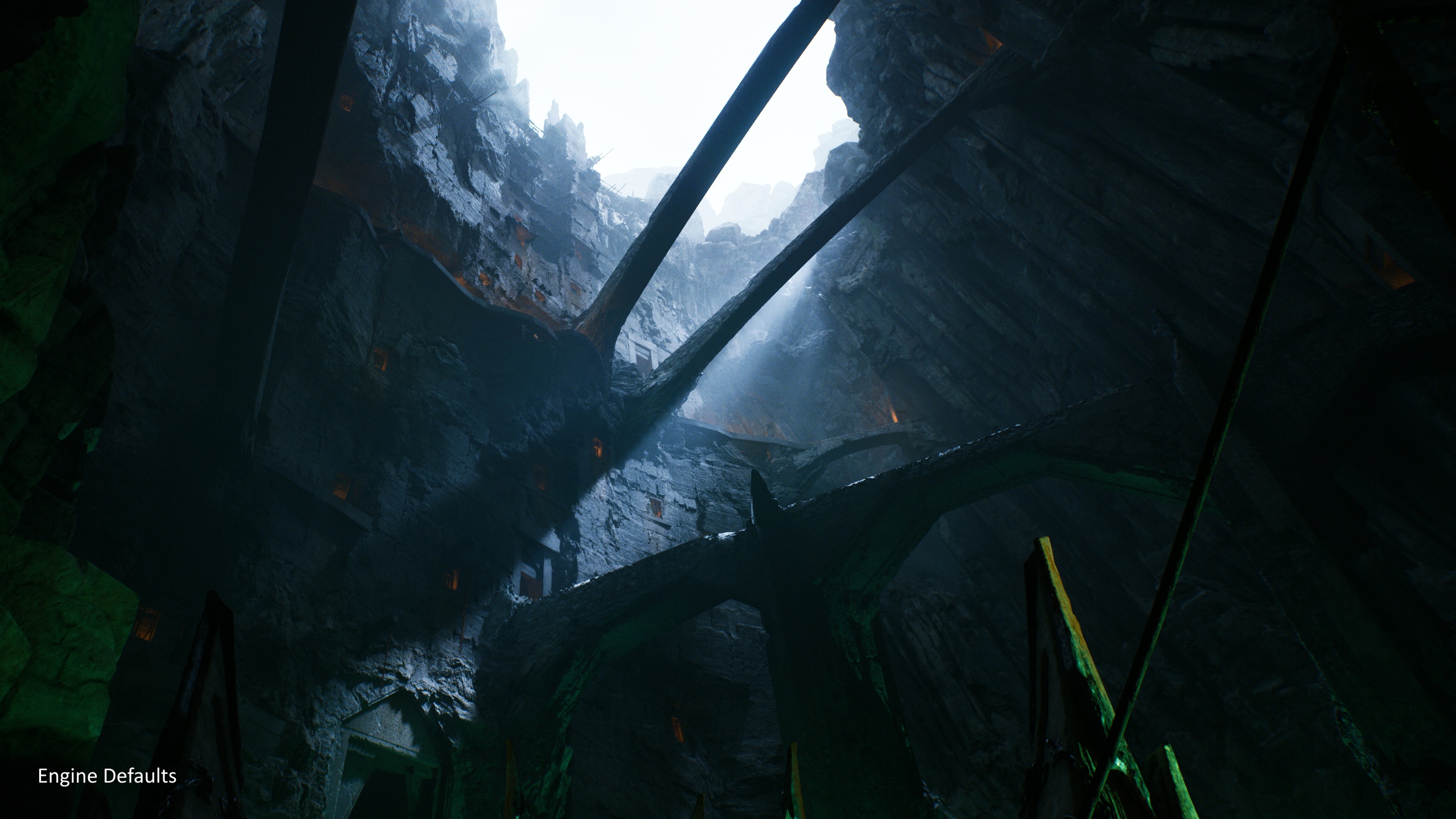
ShaderShift: Engine Shaders Override allows you to customize the look of your Unreal Engine game without being an expert at HLSL. With simple, easy to understand options, you can change tonemapper, diffuse and specular BRDFs and bloom methods to set your game apart from the crowd.
ShaderShift works by replacing the Engine's shaders in a way that is portable, non-destructive and easy to use. No need for a custom engine version to add customizations to the Engine's default shaders, and it's easy to share with your team.
If you have experience with HLSL, you can also configure your own customizations to any Unreal Engine shader, with a convenient options menu in your Project Settings to swap back and forth between engine defaults and your custom shaders.
Over time, we'll be adding more types of rendering customization to the plugin to give you even more ways to customize the look of your game!
To learn more and see the entire range of options, information about performance impact and how to add your own shader customizations, check out the documentation.
Features
Tonemapping Modes:
AgX (Neutral/Golden/Punchy)
Reinhard
Uncharted 2 Style
NEW GT7
NEW GT 2025
NEW Apex (AgX Look + HDR Support, ShaderShift Exclusive)
NEW Prism (Hue-preserving + HDR Support, ShaderShift Exclusive)
Diffuse BRDF Modes:
Energy Conserving Oren-Nayar
Lambert-Sphere
Gotanda
NEW Callisto BRDF
NEW Proxima BRDF
NEW Regolith (micrograin dust layer BRDF, ShaderShift Exclusive)
Specular BRDF Modes:
Multi-Lobe Cinematic
NEW Callisto Modified Dual GGX
NEW Regolith Sheen (micrograin dust layer, ShaderShift Exclusive)
Bloom Modes:
Dual Kawase blur bloom
COD-style scatter-as-gather hierarchical bloom
Diffraction spikes / starburst via FFT
Anamorphic lens streak
Spencer et al. ocular bloom (PSF model)
Anime / toon hard glow
Retro / CRT-style glow
Volumetric Fog Alternatives
Organic Film Grain
Film Halation