

Description
Fab Package Builder – Submission Toolkit
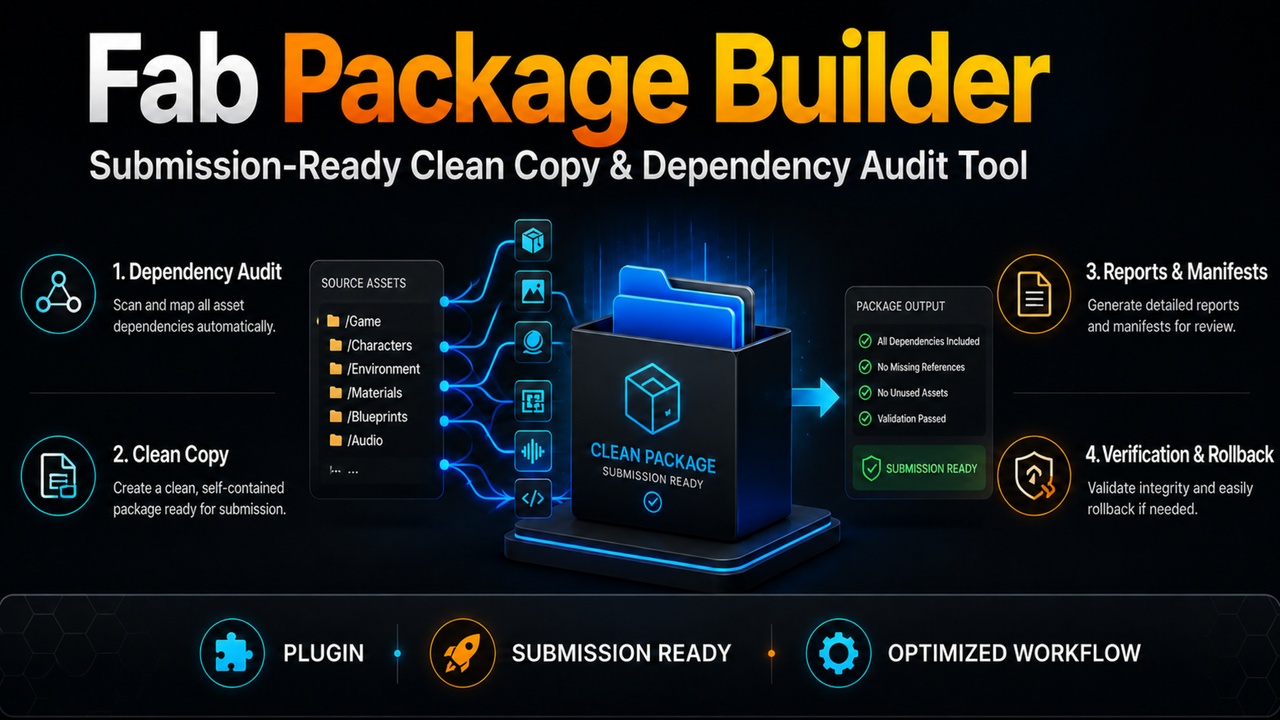
Fab Package Builder is an editor-only Unreal Engine plugin designed to help creators audit, organize, and prepare Unreal Engine products for marketplace submission.
Scan a content or plugin root, review dependencies and validation issues, generate detailed reports, and create a separate organized copy without modifying the original product.
Features
Dependency Audit: Scan hard, soft, direct, and transitive dependencies. References are classified as internal, external game content, plugin content, engine content, missing, or whitelisted.
Validation Profiles: Choose between Fab Content Product, Fab Code Plugin, and Generic Marketplace profiles. Each profile applies product-specific validation rules and severity settings.
Submission Readiness: Receive a readiness score based on Critical, Warning, Info, and Passed results. Every finding includes a stable Rule ID, evidence, score deduction, and suggested fix.
Issues and Reports: Review validation results directly inside the editor and export detailed JSON or Markdown reports.
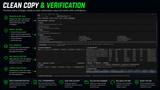
Clean Copy Dry Run: Preview every planned copy operation before any assets are created. Dry Run displays source packages, destination packages, classifications, actions, conflicts, and estimated size.
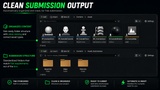
Automatic Folder Organization: Assets can be organized into standardized submission folders based on asset type and Demo or Production placement.
Entry Point Mode: Select specific assets and include only their reachable dependency closure instead of copying the entire source root.
External Dependency Handling: Explicitly block, retain, whitelist, or include external dependencies in the generated output.
Conflict Protection: Existing output packages are never overwritten. Missing packages, duplicate mappings, unsupported references, and stale plans can block execution.
Verification: After execution, the plugin checks created package counts, missing packages, redirectors, external references, and references back to the original source root.
Safe Rollback: Remove unchanged packages created by a selected Clean Copy operation while preserving the original source, pre-existing output, unrelated assets, and subsequently modified packages.
Operation History: Review completed Clean Copy operations, verification state, rollback availability, and exported manifests.
Built-in Help: A complete workflow overview is available directly inside the Fab Package Builder window.
Clean Copy Workflow
1. Run a scan on the source product.
2. Open the Clean Copy tab.
3. Choose a separate writable /Game output root.
4. Review the available options.
5. Click Generate Dry Run.
6. Resolve external dependencies and conflicts.
7. Review every planned destination path.
8. Click Execute Clean Copy when Execution: Allowed is displayed.
9. Wait for Verification: Passed and inspect the generated output folder.
Important Information
Automatic Demo and Production placement is inferred from source paths, asset types, dependency relationships, selected entry points, and manual overrides.
Automatic placement may be incomplete or inaccurate for shared, indirectly referenced, dynamically loaded, editor-only, or intentionally unused assets. Always review the complete Dry Run Manifest before execution.
Fab Package Builder helps prepare and inspect marketplace products, but it does not guarantee Fab approval. Marketplace requirements and review decisions may change.
Support
If you encounter an error or malfunction, contact support at [email protected].
Please include:
• A clear description of the issue
• Steps required to reproduce it
• Screenshots when relevant
• Relevant Output Log messages
• The Rule ID or Clean Copy Operation ID when available
Other Links