Açıklama
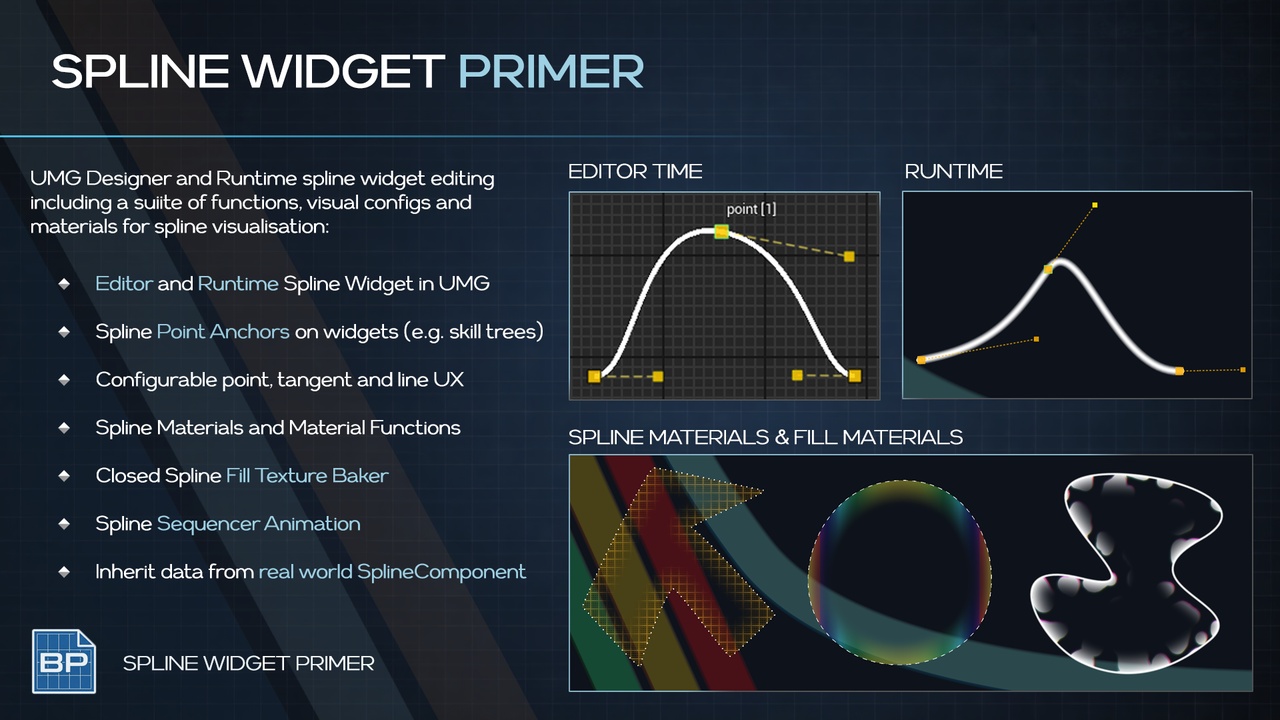
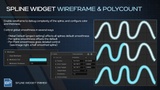
Primer Spline Widget is a comprehensive UMG spline editing tool for Unreal Engine, built for designers who need editable spline visuals directly inside UMG, and runtime!
An interactive spline widget with editor-grade controls, material-driven rendering, and optional filled regions for maps, routes, regions, and stylized UI overlays.
OVERVIEW VIDEO | DOCUMENTATION | DOWNLOAD DEMO
CORE FEATURES
UMG-based spline editing (designer + runtime)
Point editing, tangents, keyboard shortcuts
Material-driven rendering
UV mapping to width, length, tangent direction
Interval textures, curvature arrows, north-facing sprites
Filled regions + optional SDF generation
Map / route / region use cases
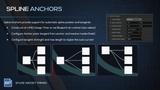
Import data from Spline Components in world
How To
Drop PrimerSplineWidget into your UMG Hierarchy
Start Editing!
UMG Spline Widget
Editable spline rendered in UMG
Editor-style tangent handles
Identical UX for UMG designer & runtime editing
Smooth, sharp, convex, and concave shapes
No mesh or actor components required
Spline Editing & Authoring
Point Creation & Deletion
Keyboard shortcuts for rapid spline authoring
Add, move, duplicate, and remove points
Multi select, multi move, multi delete
Tangent Handles
Visual tangent editing
Fine-grained control over curvature
Linear, Auto Curve, Split Curve options
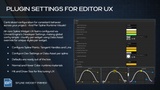
Developer Settings
Centralized settings for:
Handle size
Handle color
Line thickness
Editor visibility
Consistent editing experience across projects and teams
Per Spline Visual Settings
Data Asset driven overrides for appearance
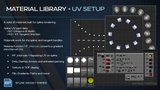
Material UV Rendering
UVs Mapped to Width & Length
UV1 mapped to width and distance along spline
UV2 mapped to tangent direction
Enables
Consistent dash spacing
Flowing gradients
Animated materials that scale with spline length
Interval Textures (curvature arrows, north facing sprites)
Includes Spline Materials
Material Function MF_Intervals
Outputs UV repeated over the distance of the spline
Soft edge line
Dotted line
Dashed line
Arrow line
Animated gradient line
Interval Texture aligned to Spline Curvature
Interval Texture aligned to Screen Space
All materials are designed to be extended or replaced — not hard-coded.
Filled Shapes & Regions
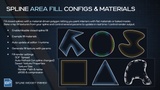
Closed Spline Fill Support
Optional filled interior for closed splines
Separate Fill Material Slot
Ideal for:
Map regions
Territories
Zones
Highlighted UI areas
Optional SDF Texture Generation
Generate an SDF texture from the spline fill
Feed directly into materials for:
Inner glow
Soft edges
Stylized borders
Distance-based effects
Supports both static baked workflows and runtime-generated fills.
Ideal for
World and minimap routes
Region and territory overlays
Diegetic maps and holomaps
Stylized UI lines and borders
Procedural UI visuals
Technical UI prototyping
Use it as-is, or extend / modify it into a bespoke spline-driven UI system tailored to your game.
PRIMERS
Part of the Primer series, this plugin prioritizes clarity, control, and practical workflows.