
描述
Demo Project (Follow install note in github, you will be able to download editor build from nuget, so you don't need to pay for trying this plugin.)
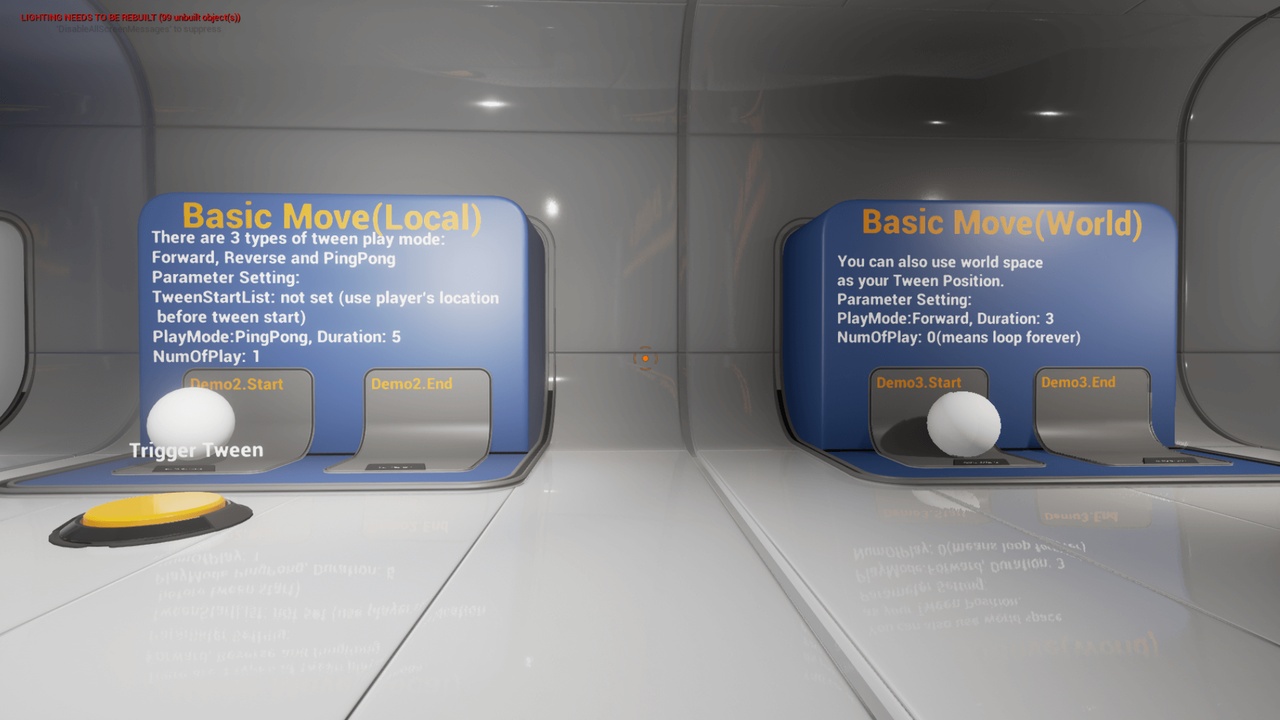
Horizon Tween plugin is a plugin for Unreal Engine that lets you create and manage on-the-fly tween animations for your games. Tween animations are animations that smoothly interpolate between two or more values over time, such as position, rotation, scale, color, and so on.
Horizon Tween plugin supports various features that can enhance your tween design and functionality, such as tween events, tween modes, tween curves, tween collisions, tween splines, and more. You can create tween animations for actors, scene components, and UMG widgets without any C++ code required.
Horizon Tween plugin provides easy callbacks for you to implement your own game logic and feedback for each tween interaction. You can also use different lerp modes and custom curves to customize your tween effects and transitions. Horizon Tween plugin can be used in both blueprint and C++.
This plugin offers various features that can help you create and manage on-the-fly tween animations for your games, such as:
- Support for different types of tween targets, including actors, scene components, and UMG widgets. You can create tween animations for moving, rotating, scaling, coloring, and following spline paths with ease and flexibility.
- Flexible callbacks for each tween event. You can add your own custom actions before, during, or after each tween event using the OnTweenStart, OnTweenUpdate, OnTweenLoop and OnTweenFinished callbacks.
- Collision detection support for actors and scene components. You can use flags such as bSweep, bTeleport, and bCollideAndFinishEvent to control how your tween targets interact with the environment and other objects.
- Support for tweening along spline paths for actors, scene components, and widgets. You can create smooth and curved motions for your tween targets using splines.
- Support for multiple TweenStart and TweenEnd parameters for each tween event. You can design fancy and complex tween animations by specifying different start and end values for your tween targets.
- TweenSystem event control methods. You can use methods such as StopTweenEventByName, PlayTweenEventByName, PauseTweenEventByName, ResumeTweenEventByName, RemoveTweenEventByName, StopAllTweenEvent, PlayAllTweenEvent, PauseAllTweenEvent, ResumeAllTweenEvent, and RemoveAllTweenEvent to control the flow and timing of your tween events.
- About 30 types of lerp modes are implemented. You can choose from different lerp modes such as Linear Lerp, BounceInOut, InterpSinInOut and more to customize the effects and transitions of your tween animations. You can also design your own custom curves in Unreal Editor if the default lerp modes do not meet your requirements.