설명
MHBP: MetaHuman to Blueprint
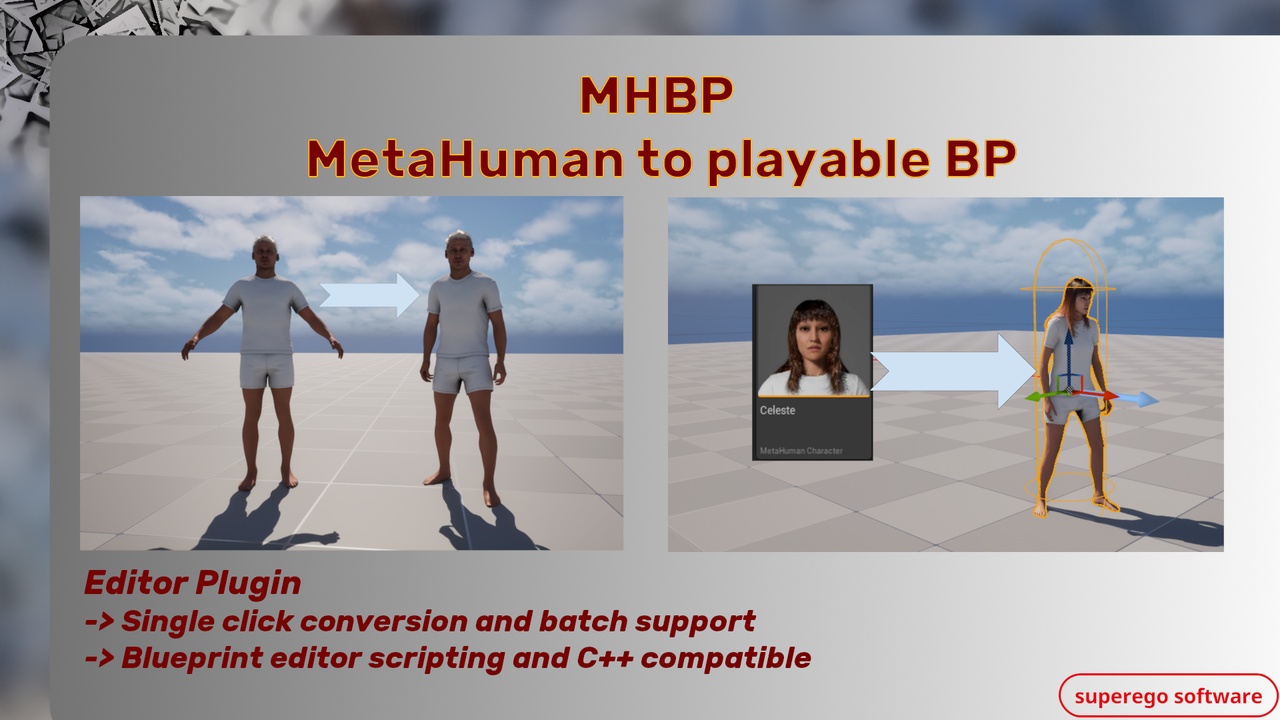
MHBP is an Unreal Engine editor-only plugin that automates the conversion of MetaHuman characters into playable Blueprints.
Quickly test your MetaHuman in the game map you are already working on, or batch-convert multiple MetaHumans into playable, game-ready assets.
Let me know if you find any bugs!! (links below)
Key Features
Simplifies and automates several common processes when working with MetaHumans such as "Create Full Rig", "Download Texture Sources", "Perform Assembly".
Convert a MetaHuman character into a playable Blueprint with one click.
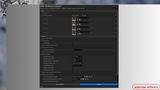
Batch-process multiple MetaHumans directly from the editor UI.
Ideal for playable pawns or AI-possessed pawns.
Supports editor UI workflows, Blueprint editor scripting, and C++ interfaces.
Sequential pipeline stages can be toggled on or off independently.
Settings persist between editor sessions.
Example Use Cases
You created a MetaHuman and want to control it in your level with minimal setup.
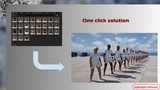
You have 11 MetaHuman characters and need to generate a full playable sport team using an existing gameplay setup.
You want a fast way to test multiple MetaHumans inside your current project.
Quick Start
The default settings allow you to quickly test the plugin:
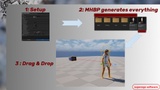
Open a map.
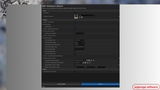
Open the MHBP editor widget from Window.
Select your MetaHuman.
Click Process.
For a first test, you can use LVL_MHBP_TestOutput, which already includes the correct GameMode and PlayerController setup for the generated MHBP character.
Notes
Includes original MHBP plugin content and Unreal Engine / Epic sample-derived Third Person animation and input content used for the playable-character template.
MetaHuman operations can be memory and time intensive, especially when downloads are required. The editor may slow down while characters are being processed.
Required dependencies:
MetaHumanCharacter plugin
MetaHuman plugin
Both plugins must be enabled. You may also need to add the relevant MetaHuman plugins to your .uproject file.
When building your first character from a blank project, you may see Missing Project Settings warnings. These can be enabled through the pop-up shown by Unreal Engine.
Support and Resources
Documentation: Link
Support (Discord): Link
Queries: [email protected]
Website: Link
This plugin is part of a larger plugin suite. Stay connected for future updates.