Descripción
Written documentation | Demo Video
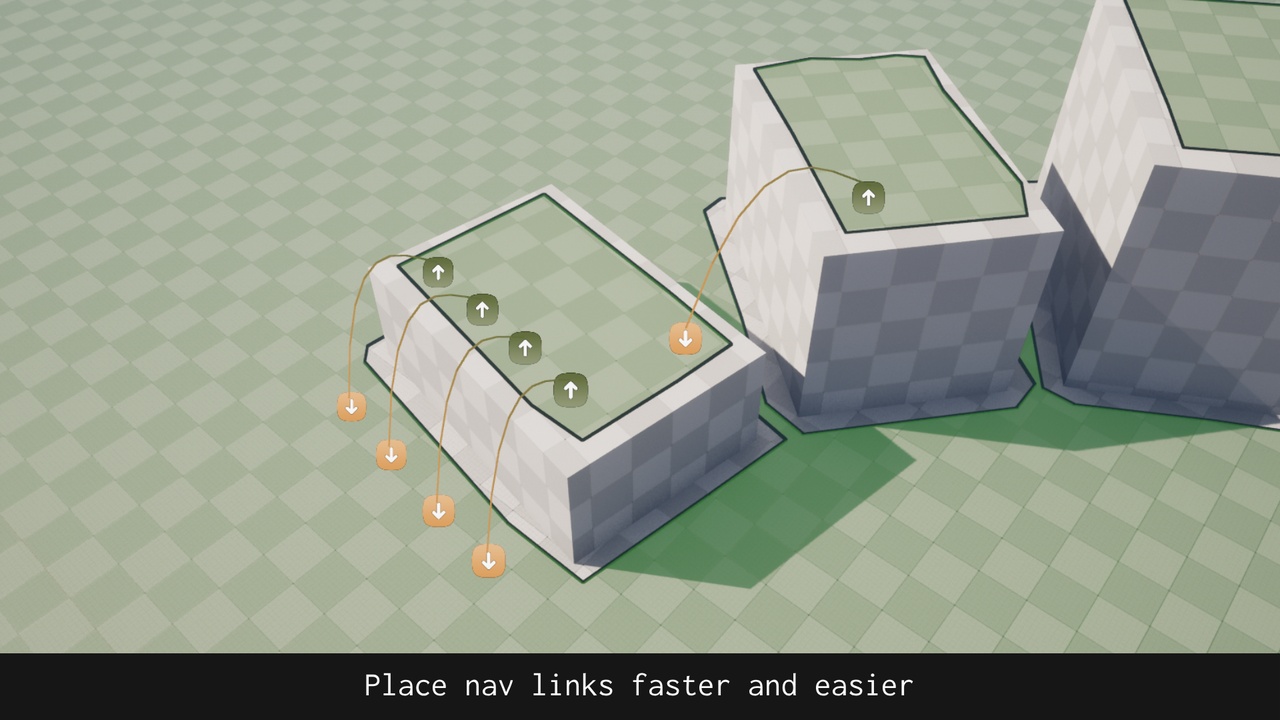
This editor mode will help you both setting up your level's navigation links as well as modifying the nav link proxies that already exist in the level. It provides a faster way of adding nav links, allowing the user to select multiple links to move, as well as a click and drag based movement. This editor mode uses standard features included in the engine (navigation meshes, navigation links and navigation link proxies), so UE's AI workflow is preserved.
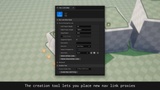
By using the creation tool, you can first visualize your nav links and then, once you are done, create a navigation link proxy. This way, you can work faster by just designing and placing navigation links and let Unreal Engine build the navigation mesh only after you have finished.
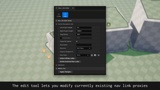
When using the edit tool, you can modify nav link proxies in the level using the same behavior as the creation tool. This allows faster iterations, since changes are only applied when the user decides to do so.