






説明
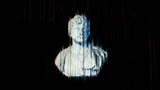
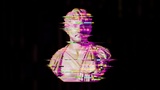
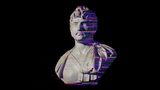
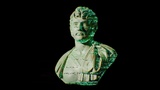
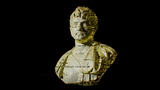
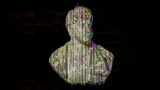
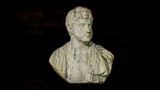
Asset pack All Glitches is a project thanks to which it is very easy to apply the glitch effect to any mesh. In addition, using the many high quality textures included in this asset pack, you can easily create an infinite variety of glitches to suit your needs.
The glitch effect in this materials is mainly achieved with Screen Space Projection, WorldPositionOffset and OpacityMask. However, both of these parameters can be switched off in the Material Instace if desired.
Below is a link to a cinematic reel of All Glitches:
https://www.youtube.com/watch?v=8DS-nPnaj8M
How All Glitches works?
All Glitches Materials works by combining your existing material with the glitch material
How to use All Glitches?
There are 2 methods of using All Glitches:
- In the M_Glitch_Custom material, substitute the function "MF_Example_Main_Material" for your material and then connect MakeMaterialAttributes to MainMaterial to the function "MF_Glitch_Blend".
- Create a copy or work on the "M_Glitch" material and in place of "MF_Example_Main_Material" create your own material. Then connect MakeMaterialAttributes to "A" in BlendMaterialAttributes. When you create a copy of "M_Glitch" then remember to replace the parent for the Material Instance.
Both methods are very simple and intuitive.
There is a guide how to use All Glitches here:
https://www.youtube.com/watch?v=bEtoE_Bt3Ps
If you like this asset please leave a review :)