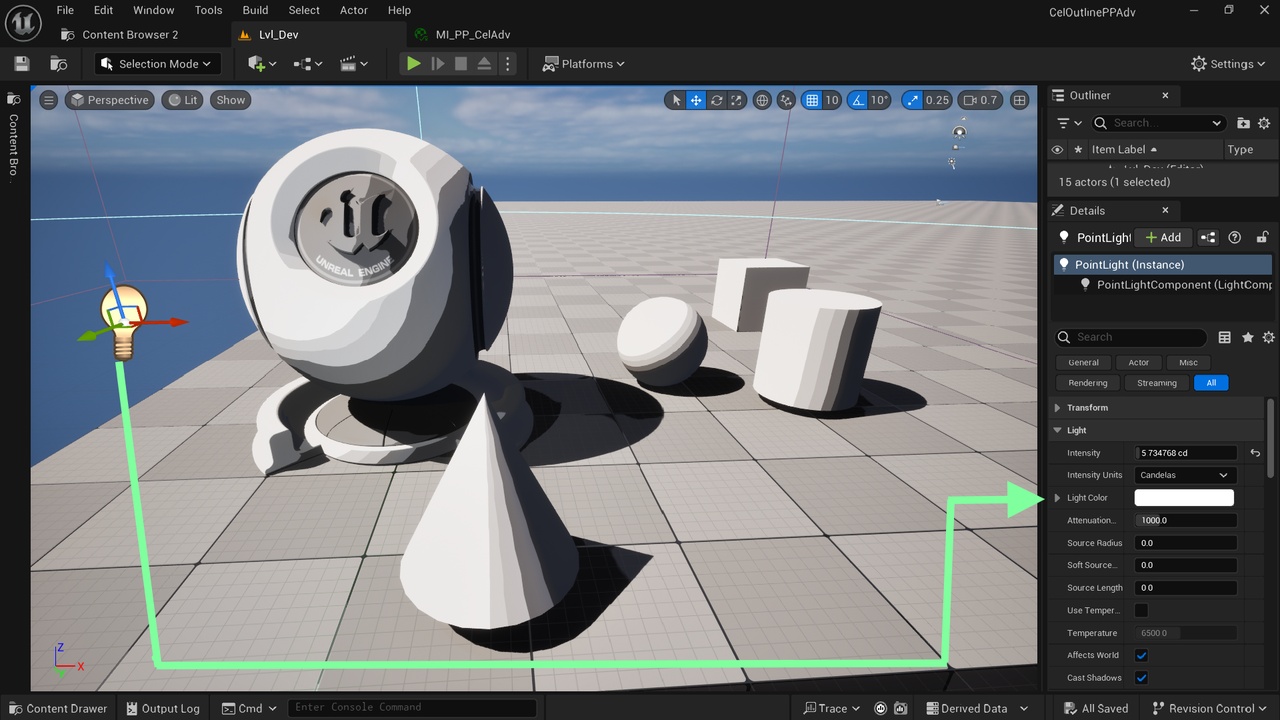
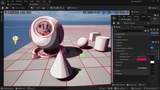
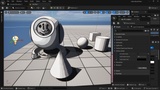
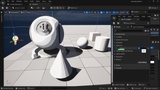
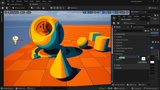
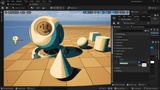
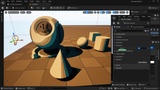
Descripción
For Beginners: Video on how to apply a Material To Post Process Volume
Video showing the effect of each parameter
The Domain of use:
Only deferred rendering.
Only Windows 64-bit.
Tips:
Reduce the number of bands: Each cel band is the threshold to the bands below. If you want to reduce the number of bands, give the lower bands high values so they stop on the band above them.
Lumen consideration: Sometimes a smooth gittering happens, usually in the darkerst cel bands, to fix it, in your post-process volume, switch the parameter Method in the section Global Illumination from lumen to none. You can also do the same for the parameter Method in the section Reflections. When Lumen is disabled, you can use the Ambient Occlusion feature that comes with this product.
Features:
Keeps lights colors: Most post-process cel shaders override the lights colors and take into account only the lights intensity. Our advanced post-process shader takes into account all the lights information, i.e color and intensity.
4 customizable cel bands shades: the number is customizable, as explained in the tips above. Also, the softness is customizable by tweaking the parameter Shadow Contrast, which softens or sharpens the bands' transition. You also have 2 color tint parameters, one for the dark bands and the other for the light ones.
Advanced flexible outlines system: 3 outline types are available: Sobel, based on depth, and based on normals. Each one is switchable on and off and tweakable with color and thickness parameters. The Sobel detects, in addition to the objects' contours, fine details (even big lighting shifts and shadow contours could be detected), the depth detects objects' contours, and the normal detects surfaces' details. This gives you the power to detect and outline many types of details in your scene.
Ambient Occlusion: With a tweakable amount from 0 to 1 and tunable intensity. Works only when Lumen is disabled for the post-process volume. Details in the tips above.
Keep the sky: Most stylized post-process material gives you a black sky. Our advanced material keeps the sky as it is.
Custom Depth: To exclude an actor from the effect, enable its 'Render CustomDepth Pass'. You can find this parameter in the Rendering section of the actor.
Sharpen, Lighten, and tweak Saturation: with customizable intensity.
Split Compare: split the screen to compare to the original scene.
Overall Effect Amount Parameter: a 0 to 1 parameter giving you the ability to tune the amount of this post-process applied to the scene; 0 -> no effect and 1 -> Full effect amount.
Flexibility:
The post-processing nature of the material makes it applicable and tweakable for any project. Just create your postProcess volume and apply your material instance to it.
Easy and intuitive to use:
Create your material instance, tweak a few parameters, and get an infinite amount of cel toon post-process shader styles.
Intuitive parameters' names:
No technical names, a parameter name tells exactly what a parameter does.
If the name is not enough, some parameters have descriptions; just hover over your parameter.