
Beschreibung
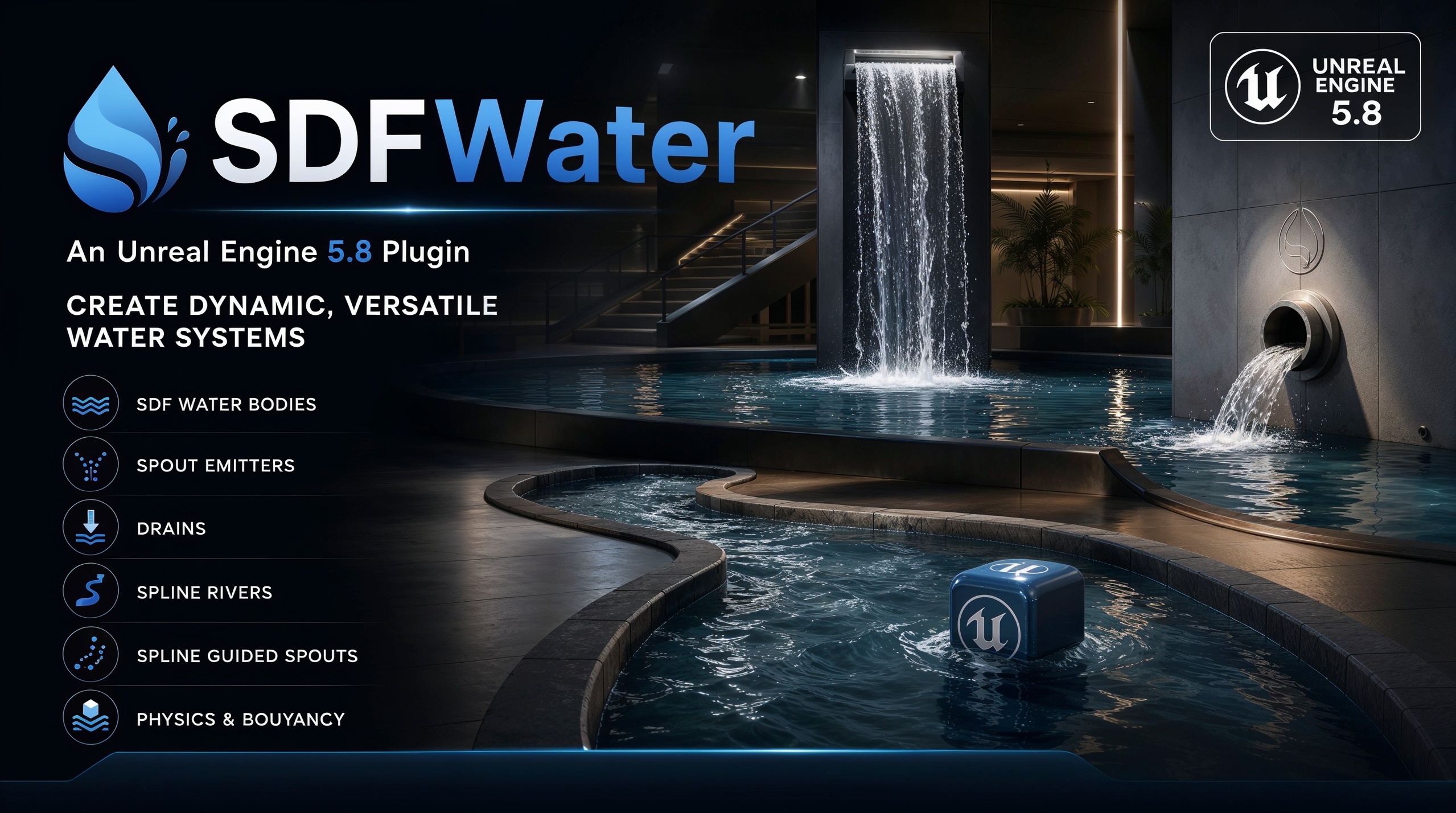
SDF Water — Real-Time Implicit Fluid Simulation & Volumetric RaymarchingNext-Generation Dynamic Liquids, Procedural Rivers, Particle Spouts & Physics Buoyancy for Unreal Engine
Say goodbye to rigid water meshes, clipping artifacts, and disconnected particle sprites. SDF Water brings the power of Signed Distance Fields (SDF) and GPU-accelerated volumetric raymarching into Unreal Engine. Craft infinitely smooth, organically merging fluid bodies, dynamic splashing spouts, flowing rivers, and real-time Archimedes buoyancy—all with zero polygon stretching and seamless topological changes.
🌊 Overview
SDF Water is a complete, fluid simulation and rendering toolkit built from the ground up for Unreal Engine. By representing fluids as a continuous scalar field of signed distances rather than traditional polygonal geometry, SDF Water allows liquids to naturally blend, split, splash, pool, and cascade around complex environment obstacles.
Whether you are designing mountain streams, interactive fountains, sewage pipes, fluid puzzles, flooded corridors, or high-end digital twin simulations, SDF Water provides an intuitive suite of drag-and-drop level design components backed by high-performance HLSL compute shaders.
🚀 Key Features💧
Organic SDF Blending & Implicit Geometry
Seamless Topology Changes: Powered by mathematical polynomial smooth minimum (smin) operators, adjacent water volumes, droplets, and splines organically merge like physical liquids without geometric seams.
Infinite Resolution: Implicit surfaces evaluated via volumetric sphere tracing eliminate polygon faceting, hard edges, and UV stretching.
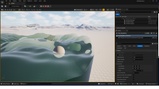
Primitive Brushes: Place and transform Sphere, Box, Cylinder, and Capsule water brushes in real time.
Subtractive Cut Masks: Effortlessly carve dry pockets out of water volumes for boat interiors, waterproof cabins, and drainage tunnels.
🚿 2. Dynamic Spouts & Droplet Simulation
Real-Time Fluid Emission: Spouts emit independent, physics-driven SDF droplets and fluid mass into your scene.
Swept-Sphere World Collision: Droplets collide accurately against static and dynamic environment geometry using custom restitution, surface friction, and slope-flow physics.
Impact Spreading & Splashing: Droplets scatter outward on impact and naturally coalesce into standing pools.
Settled-Droplet Caching: Automated spatial binning and sleep caching preserve high frame rates when hundreds of droplets settle into calm pools.
🏞️ 3. River Splines & Directional Flow Guidance
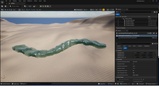
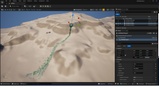
SDF Water Splines: Author continuous riverbeds, streams, and canals with configurable width, depth, segment length, and taper scaling along spline points.
SDF Flow Splines: Guide water momentum and droplet velocity vectors through winding channels, pipes, and chutes without breaking physical collision or gravity.
🚤 4. Two-Way Physics Coupling & Buoyancy
True Volumetric Buoyancy: USDFBuoyancyComponent calculates exact submersion depth across multi-point sample grids using Archimedes' Principle.
Seamless Chaos Physics Integration: Objects naturally bob, tilt, settle, and float with configurable fluid density and linear damping.
Full Blueprint & C++ Library: Query distance-to-surface, surface normals, submersion state, and water height at any world position with single-node Blueprint functions.
⚡ 5. Volumetric Rendering Pipeline
Relaxed Sphere Tracing: Custom raymarching pass with step relaxation prevents overshooting and visual tearing even under rapid fluid deformation.
Physical Light Absorption & Scattering: Deep and shallow linear color tinting with Beer-Lambert absorption per meter.
Dynamic Refraction & Reflections: Real-time scene refraction (custom IOR) coupled with Screen-Space Reflections (SSR) and procedural sky fallbacks.
Procedural Waves & Ripples: Multi-frequency animated SDF swells and fine normal-detail wave displacement.
Quality Presets: Easily toggle between Performance, Balanced, and High raymarch budgets via ASDFWaterManager.
🛠️ Included Components & Actors
Component / ActorDescription
ASDFWaterManager: Global manager controlling water appearance, linear color absorption, refraction IOR, SSR/sky reflections, wave profiles, and GPU render quality presets.
ASDFWaterShape: Modular primitive brushes (Box, Sphere, Cylinder, Capsule) with adjustable BlendRadius and subtractive carving modes.
USDFWaterSplineComponent: Spline-driven continuous river and canal volumes with width/depth controls and per-point scaling.
USDFFlowSplineComponent: Vector guidance spline that accelerates and aligns droplets along custom trajectories, pipes, or slides.
USDFWaterSpoutComponent: Fluid emitter generating dynamic colliding droplets with impact splash and sleep-caching optimization.
USDFWaterDrainComponent: Volumetric fluid sink that carves out negative fields and permanently consumes fluid mass and droplets.
USDFCutMaskComponent: Subtractive volumetric mask designed to keep boat hulls, submarines, and tunnels completely dry.
USDFBuoyancyComponent: Multi-point physics buoyancy component implementing Archimedes' principle for Chaos physics bodies.
USDFWaterLibrary: Blueprint Function Library exposing GetDistanceToWater, GetWaterNormal, IsUnderwater, and GetWaterSurfaceHeight.
💻 Technical Specifications
Engine Compatibility: Unreal Engine 5.8+
Shading & Compute Pipeline: Custom HLSL Shaders, Scene View Extension, Render Dependency Graph (RDG), Relaxed Sphere Tracing.
Target Platforms: Windows (DirectX 11 / DirectX 12 / Vulkan), macOS (Metal).
Network Replication: CPU fluid queries, buoyancy, and spline systems are fully deterministic and Blueprint-accessible for server-side authority. Droplet visual smoothing runs client-side.
💡 Quick Start Guide
Note: Before using, make sure your project is a Desktop project set to maximum, Then ensure that Motion blur is enabled and marked visible in the viewport visibility options.
Place Manager: Drop an ASDFWaterManager into your level to configure lighting, absorption, and wave styles.
Add Shapes or Splines: Drag in ASDFWaterShape actors or attach USDFWaterSplineComponent to create pools, fountains, or rivers.
Emit & Drain: Add a USDFWaterSpoutComponent to spray colliding water droplets, and place a USDFWaterDrainComponent where you want water to exit.
Make It Float: Add USDFBuoyancyComponent to any physics-enabled Static Mesh to instantly grant realistic floating physics! (Settings may require tweaking for desired results)
💬 Support & Community
Seller / Publisher: Pixonix Studio
Itch.io Portfolio: https://pixonixstudio.itch.io/