Descrição
What is this addon?
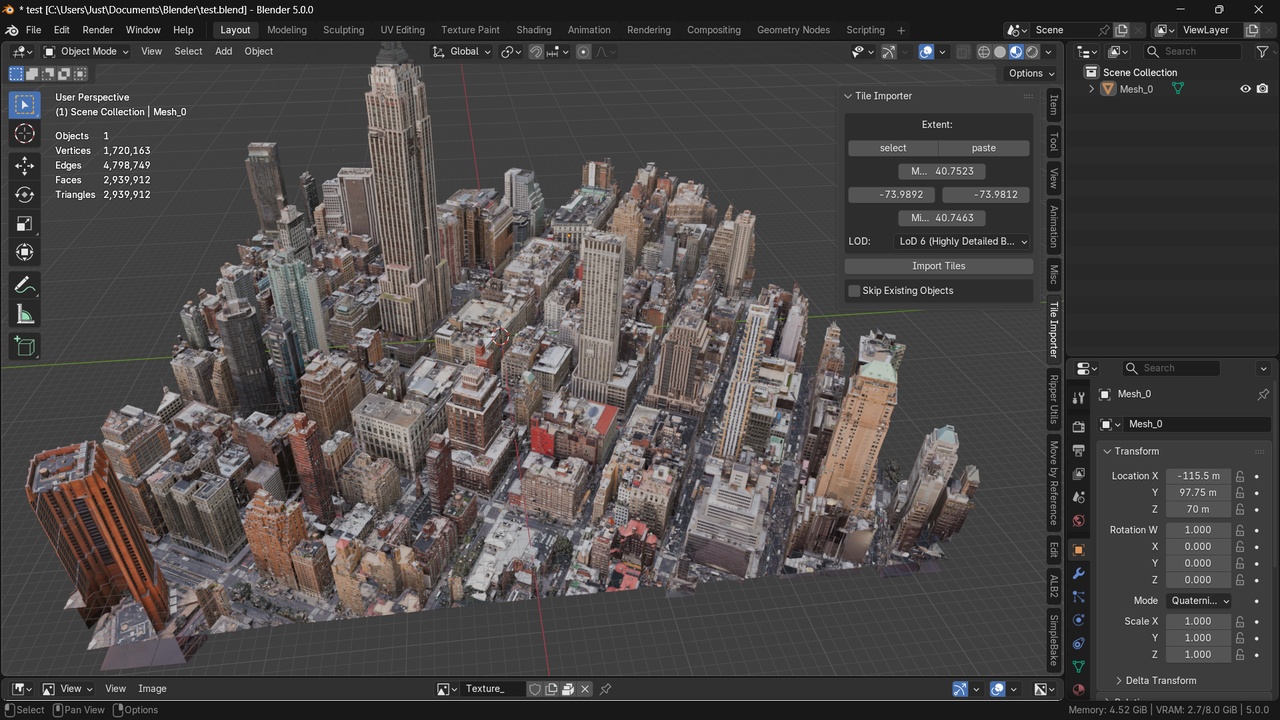
The Tile importer addon lets the user import Google Maps 3d Tiles into Blender directly using the Google Maps api.
Why need this addon?
This addon takes inspiration from Blosm addon by Prochitecture. Blosm addon allows users to import Google map 3d tiles, but blosm has some serious limitations when it comes to importing areas larger than 1km x 1km. Blosm addon takes too long to import when the tile count exceeds a thousand. It does not have any sort of backup in case of blender crashes.
This addon has fthe ollowing features:
Download the tiles asynchronously
Caches the downloads in case of Blender crashes
Allows the user to skip duplicate tiles that are already imported
Allows for importing of areas larger than 10km x 10km (system limitation may apply )
How to use:
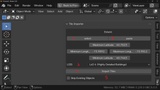
The addon panel is located on the Tile Importer tab of the right side panel of the Blender 3D View. The panel is toggled with the N key.
Press the button select (i) to select a map extent for your area of interest. A browser window pops up with the special page to select the map extent. Follow the instructions on the webpage. At the end of this step, you will have a string with coordinates copied to the clipboard. Now return to Blender.
Press the button paste (ii) to paste the coordinates of your area of interest.
Select a desired level of detail in the drop-down list (iii).
Press the button import (iv) to start the download and import of Google 3D Tiles.
If you have already imported an area and you want to expand it. You can select the desired area and then check the (v) box, and it will skip those tiles that are already imported