Описание
SuperLumen — every Lumen setting in one window, each one explained, with the fixes for what breaks Lumen in your project.
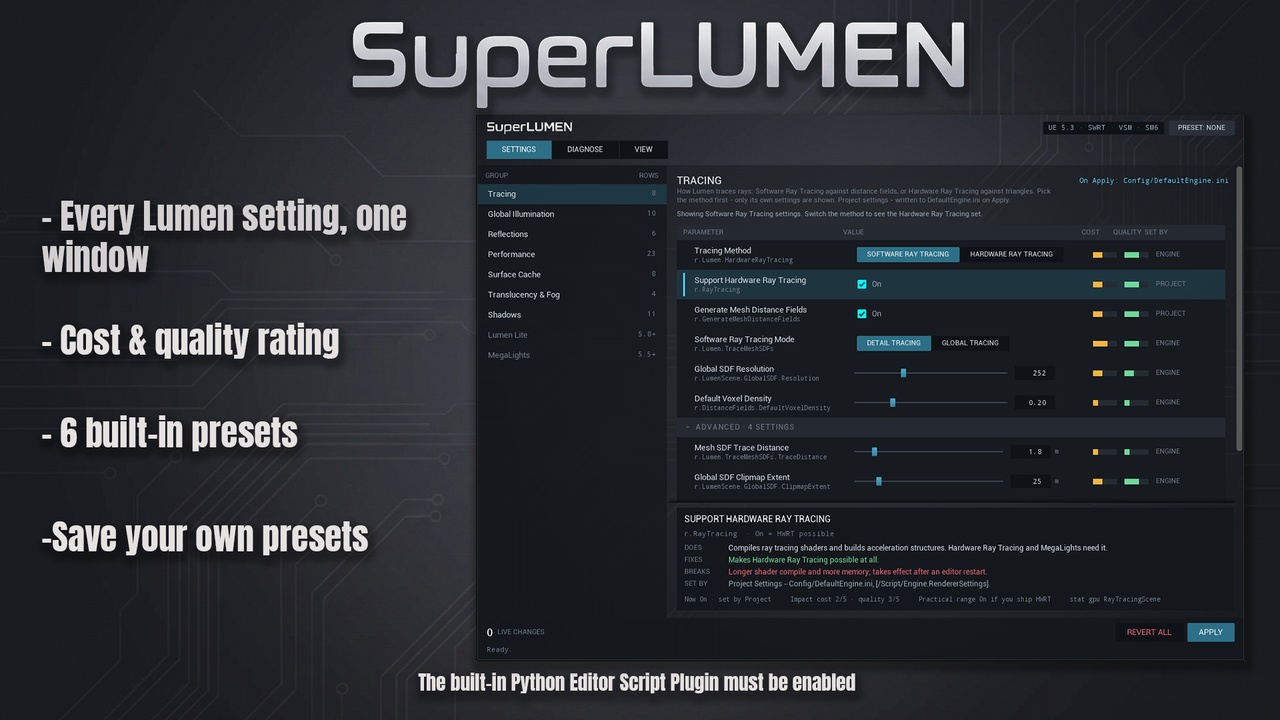
Lumen is spread over Project Settings, console variables, Post Process Volumes, lights and scalability levels. SuperLumen puts all of it in one editor window, shows who set each value, changes it live in the viewport, and tells you in plain words what the setting does, what it fixes, what it breaks and roughly what it costs.
WHAT IT DOES
119 Lumen settings in 9 groups. Tracing, Global Illumination, Reflections, Performance, Surface Cache, Translucency & Fog, Shadows, Lumen Lite (UE 5.8) and MegaLights (UE 5.5+). Console variables, Post Process Volume and Directional Light properties side by side, under their engine names.
Every setting explained. Does / Fixes / Breaks, relative cost and quality bars, a practical range and the stat gpu pass to watch.
See who set it. Engine default, Engine Scalability, Project Settings, your ini, the Post Process Volume, the light, the console - or a live change you made.
Scalability levels, opened up. The GI, Reflections and Shadows levels are rows you can switch, and every setting shows the value each level gives it.
Live, then Apply. Changes show in the viewport at once. Apply writes them to DefaultEngine.ini after a backup and a "was -> now" preview. Revert all and Restore last backup undo it.
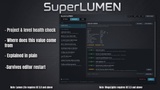
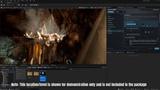
Diagnose. A project health check, a level scan (sky domes in ray tracing, walls thinner than 10 cm, movable meshes, meshes without distance fields, large non-Nanite meshes) with Select and Fix, and 9 common symptoms - light leaks, noise, black reflections, low FPS - each with its likely causes and a one-click Try.
View. Eight Lumen visualization modes and stat gpu / stat unit / ProfileGPU one click away, each mode explained.
Presets. 60 FPS, 30 FPS quality, Interior, Open World, Low-end PC and Cinematic, plus your own, saved as JSON files.
Knows your engine version. Settings your version does not have are listed in grey with the version that adds them.
WHY IT IS DIFFERENT
SuperLumen does not just expose settings - it explains each one and shows where its value comes from, so you can see why the image looks the way it does before you change anything. Nothing is written until you press Apply.
REQUIREMENTS
Unreal Engine 5.3 - 5.8, Windows.
The built-in Python Editor Script Plugin must be enabled (Edit > Plugins > search "Python" > Python Editor Script Plugin > restart). It ships with the engine; nothing else to install.
Editor only. SuperLumen is not part of your game; what reaches the game is what you Apply (renderer settings in DefaultEngine.ini) and the Post Process / light values you save with your level.
Performance costs are relative tiers, not milliseconds - measure your scene with stat gpu.
SUPPORT
Send your engine version and the status line at the bottom of the SuperLumen window (or Diagnose > Copy report).
Found a bug? Please message me before leaving a rating - I fix reported bugs as fast as I can, and your report makes Super Lumen better for everyone.