Descrizione
Discord - Video - Documentation
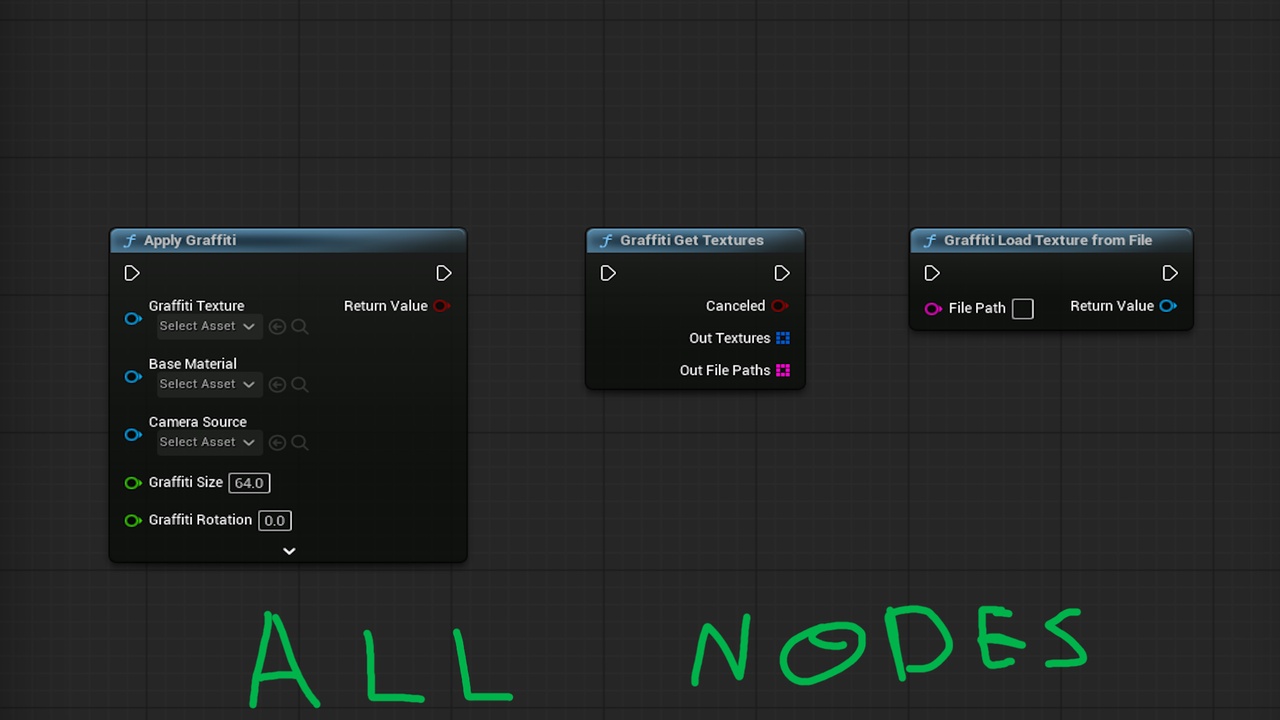
Let players choose their own images and project them onto surfaces during gameplay. Easy Graffiti Master provides a C++ runtime framework with Blueprint-callable nodes for image selection, loading, decal placement, and save/restore integration.
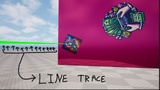
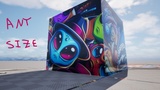
Use the built-in camera trace, place graffiti at a custom transform, or pass a Hit Result from your own interaction system. The included decal material preserves image proportions and supports source transparency. Adjust size, rotation, projection depth, surface offset, delayed appearance, and lifetime to fit your gameplay.
Features
- Native Windows image picker with multiple selection, plus direct file loading.
- PNG, JPEG/JPG, BMP, and EXR imports with file-size and pixel limits.
- Persistent imported-image identifiers and content-based filenames that avoid ordinary same-name image collisions.
- Camera Actor, Player Camera Manager, and Actor trace sources.
- Placement from your own blocking Hit Result, with optional attachment to moving surfaces.
- Explicit custom decal material and texture-parameter overrides on hit placement and restoration.
- Save current decal transforms and restore them after restarting the game, while the required images remain available.
- Delayed reveal, optional timed removal, and cancellation through the returned decal actor.
- Optional sounds, Niagara effects, and Cascade effects on Apply Graffiti.
- C++ source and Blueprint-callable functionality for your own UI, inputs, interaction logic, and SaveGame system.
Required plugin: Niagara (included with Unreal Engine), even when optional effects are unused.
Graffiti is local cosmetic decal rendering. Automatic multiplayer replication and image transfer are not included. Each application creates a separate decal actor; your game controls placement rate, active decal count, and saved records. Image loading is synchronous, and imported EXR data is converted to 8-bit sRGB.