Description
📝 NexxNote Plugin Features - Documentation
Take your Blueprint editing to the next level with NexxNote - a powerful yet simple tool for visual thinkers and complex logic designers. Perfect for prototyping, rapid ideation, and keeping your projects organized!
🖊️ Sketch Directly in the Editor
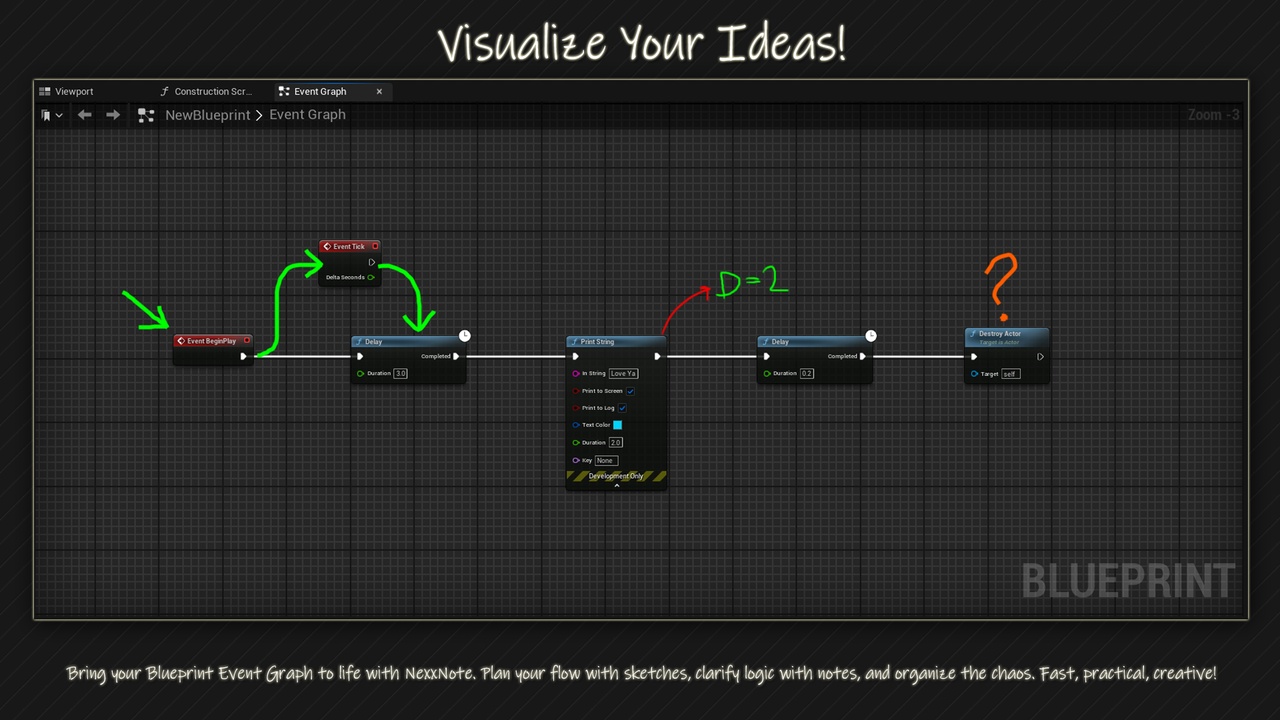
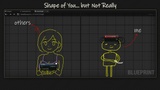
Quickly draw shapes, arrows, or custom symbols right on the Blueprint canvas. Perfect for flow diagrams or quick visual notes.
🗒️ Sticky Notes
Attach detailed notes to your Blueprint nodes, keeping track of complex logic and reminding yourself of key concepts.
🎨 Customizable Colors
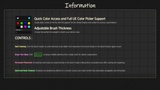
Personalize your notes and sketches with custom colors and thickness. Make your blueprints as colorful as your imagination.
🖼️ Lightweight and Fast
Designed for speed and simplicity, without adding unnecessary bloat to your project.
💾 Save and Reopen Seamlessly
Your sketches and notes are saved directly within the Blueprint, keeping your work intact even after restarts.
🔧 No Code Required
Works entirely within the Blueprint editor, no C++ experience needed. Just draw.
🛠️ Perfect for:
Game designers who like to sketch ideas directly in the editor
Programmers who need quick notes to keep track of logic
Visual learners who benefit from colorful, intuitive layouts
Teachers who want to use it for educational purposes
The drawings you see in the images are not provided as ready-made assets. They entirely depend on what you want to draw. Of course, you can create similar ones if you like.
Note: If you provide free Unreal Engine tutorials, feel free to reach out to me. I can provide the plugin for free for educational purposes.
Contact: [email protected]