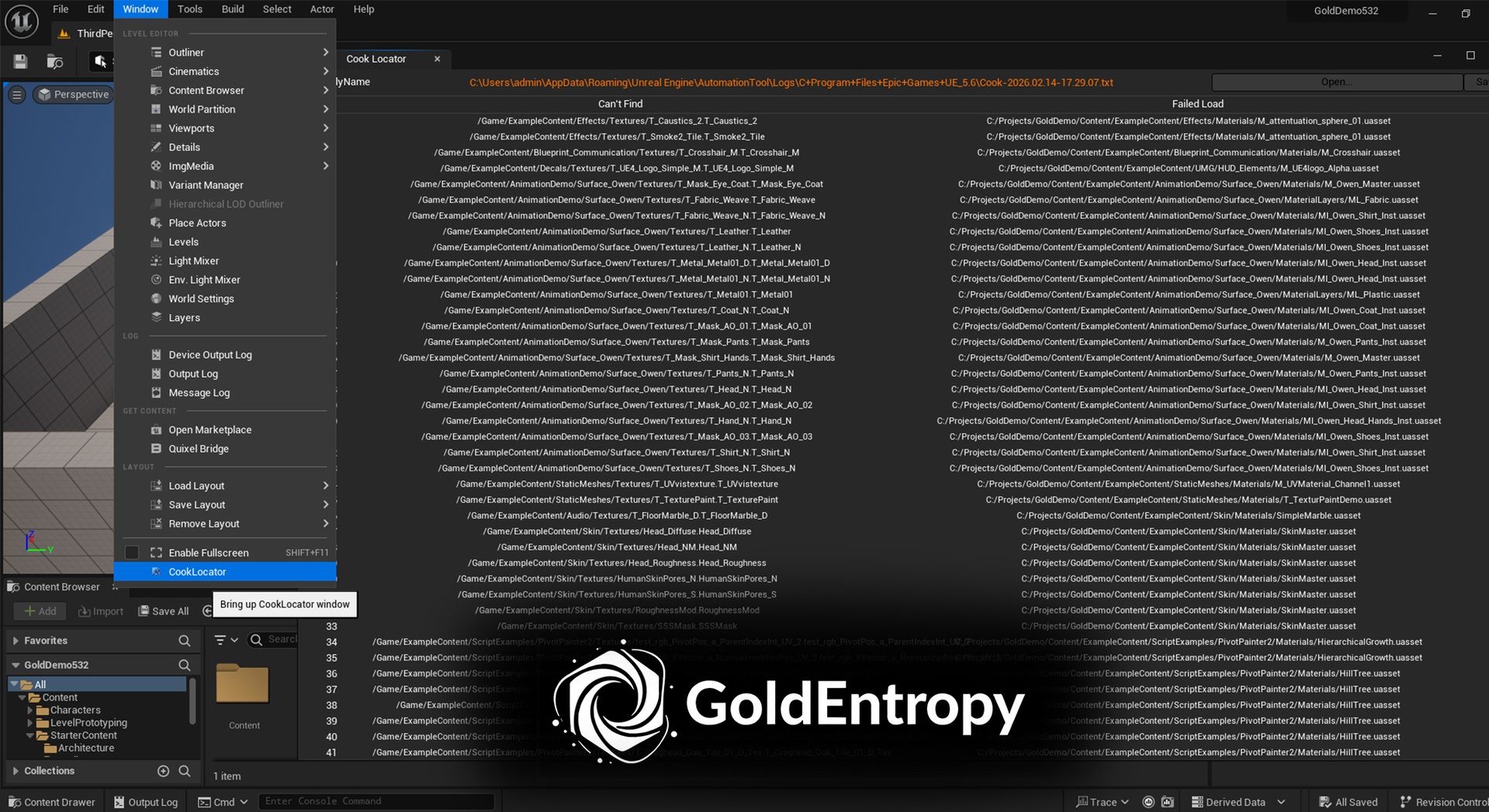
설명
Missing Asset Detection from Cook Logs
Quickly detect and locate missing assets directly from Unreal Cook logs. Instantly jump to problematic assets and export structured reports to speed up packaging troubleshooting.
video: https://youtu.be/x19iMR6moUM
readme text: https://github.com/GoldEntropy1988/UnrealPlugins/blob/main/CookLocatorPlugin
Packaging failures caused by missing assets can waste hours of manual log searching. Cook Log Missing Asset Locator streamlines the process by automatically scanning Unreal Cook logs, extracting missing asset references, and allowing you to jump directly to affected content in the Content Browser.
Instead of manually reading thousands of log lines, this tool highlights relevant errors and helps you resolve them efficiently. Designed as a lightweight Editor Utility plugin, it integrates seamlessly into your Unreal workflow with no runtime impact.
Perfect for:
Developers troubleshooting packaging issues
Teams managing large projects
Technical artists handling asset pipelines
Studios needing quick build validation
Save time. Reduce frustration. Fix packaging issues faster.
Core Features
Scan Unreal Cook log files for missing asset errors with robust error handling
Automatically detect latest packaging logs from AutomationTool directory
Extract complete asset information - both simplified names and full paths for all references
One-click sync to Content Browser for quick asset inspection
Export structured CSV reports with dual-path format (simplified + full paths)
CSV import support - reload previously exported reports for continued analysis
Large file streaming support - efficiently process logs of any size
Smart deduplication with optimized hash-based algorithms
Configurable path display - toggle between simplified names and full paths
Lightweight Editor-only plugin (no runtime overhead)
Simple and clean user interface with detailed processing feedback
Supported Error Patterns
"Can't find file" - Primary missing asset detection
"Failed to load" - Load failure detection
"Missing" - General missing reference detection