

Açıklama
On Unreal Engine 5.8, 173 engine plugins are enabled by default. They appear nowhere in your .uproject, so no diff ever showed them to a reviewer — and every one of them is loading in your editor right now. The manual answer is grim, and the UE forums record it: turn plugins off one at a time and see what breaks.
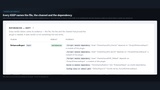
Plugin Cleaner examines every enabled plugin across six reference channels and gives each one a verdict with its evidence attached — the file, the channel and the dependency that proves it.
Referenced — keep. Named with the exact asset, Build.cs entry or config line that proves it.
No reference found. Note the wording: that is a claim about what the scan could read, not a verdict on your project. It never says “unused”.
Undecidable — keep. Anything it could not read pushes a plugin toward keep, never away.
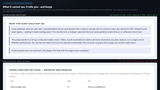
It tells you what it cannot see. Asset guidelines are not indexed by the asset registry, so a plugin required only by one would show as no-reference-found — and the report says so, in the report, every run. String-constructed loads are detected and listed unattributed, because a path assembled at runtime cannot be resolved by any static analysis and this tool refuses to guess which plugin it might reach.
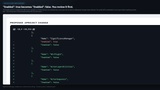
The fix is a diff, not a mystery. Disabling is a surgical text edit to your .uproject: "Enabled": true becomes "Enabled": false, with no JSON reformat and no reordered keys — every byte the tool did not deliberately change is byte-identical. The unified diff is embedded in every report before anything touches disk, and writing takes a timestamped backup that one call reverts.
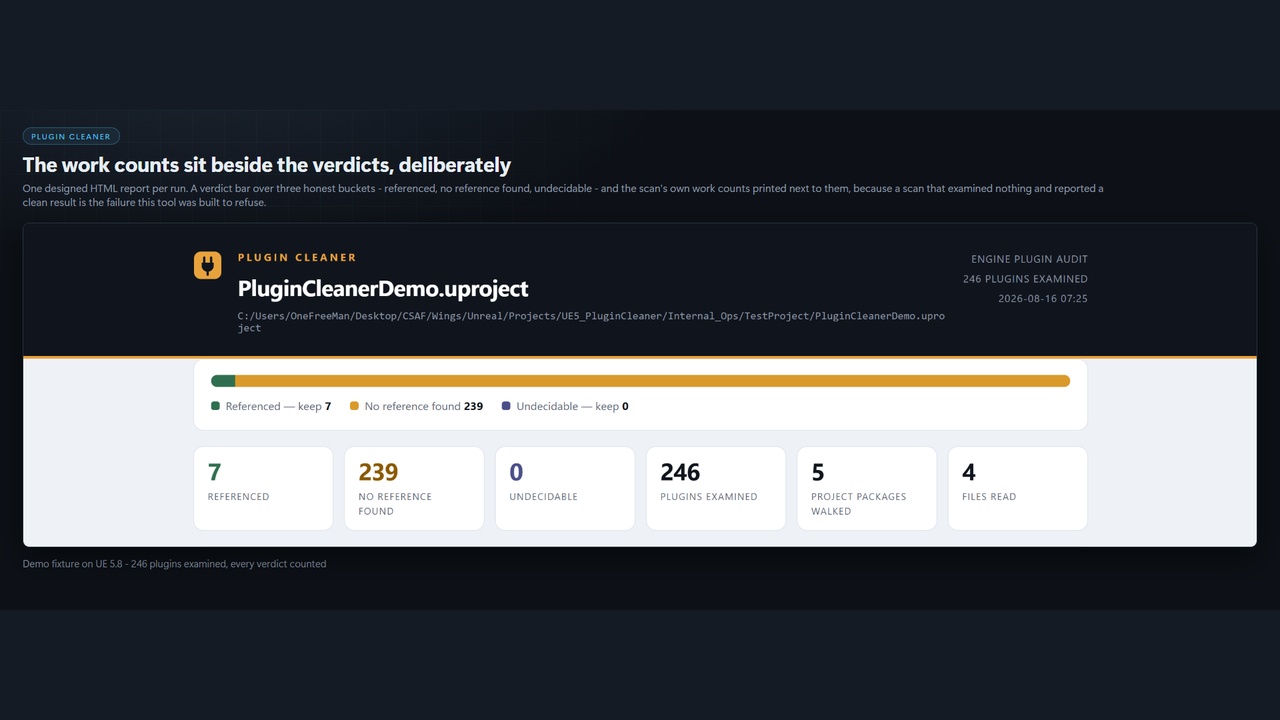
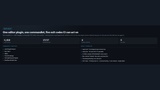
What a real run looks likePlugins examined : 246 Referenced : 7 No reference found: 239 Undecidable : 0 Project packages walked : 5 Files read : 4
Getting Started / How to launchFull documentation: Plugin Cleaner documentation
Plugin Cleaner is a commandlet, not an editor panel — it is built to run in CI as well as on a workstation. There is no window to find. The launch point is the command line in step 5.
Unzip the download. You get a single folder named PluginCleaner.
Copy it into your project’s Plugins folder, so you have YourProject/Plugins/PluginCleaner/PluginCleaner.uplugin. Create Plugins if it does not exist.
Launch the project once. Unreal compiles the editor module on first load.
Confirm it loaded: Edit → Plugins, search Plugin Cleaner. It is enabled by default. Your log should contain no “Skipping load of PluginCleaner” line.
Run it. This is the launch point — from your project directory:
UnrealEditor-Cmd.exe MyProject.uproject -run=PluginCleaner -Out=Saved/PluginCleaner -unattended -nopause
Open Saved/PluginCleaner/report.html — the designed report shown in the screenshots: the verdict bar, the work counts, the evidence rows, and the proposed .uproject diff.
Nothing has been modified at this point. Read the embedded diff first.
Apply it: add -Apply. A timestamped backup of the .uproject is written first, and one call restores it.
Gate it in CI: add -FailOnFindings and read the exit code.
Commandlet switches: -run=PluginCleaner · -Out=<dir> · -Apply · -FailOnFindings · -IncludeProjectPlugins · -ReadAssetGuidelines
Exit codes: 0 clean · 1 findings (opt-in) · 2 scanned nothing · 3 scan refused · 4 apply failed. Exit code 2 exists deliberately: a scan that examined nothing and reported a clean result is the failure this tool was built to refuse, so it is a distinct exit code rather than a success.
Supported Target Build Platforms: Win64. This matches the PlatformAllowList in PluginCleaner.uplugin exactly. CSAF builds and tests on Windows only, and this listing states only what is verified.