설명
Description
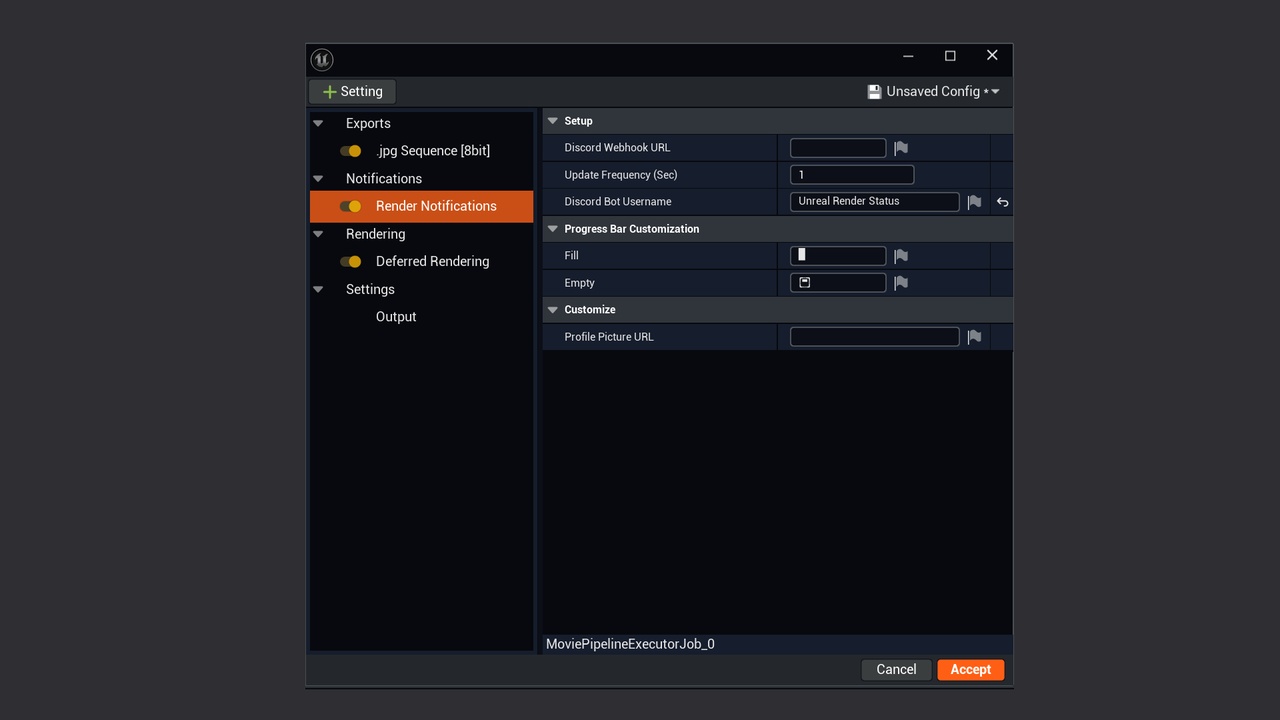
Stay connected to your Unreal Engine Movie Render Queue jobs without sitting in front of the editor.
Discord Render Status is a Blueprint-based tool that sends live render updates straight to a Discord channel through a webhook.
It provides clear, customizable progress tracking, including:
Progress bar
Frame count: current frame vs. total frames
Samples per frame
Elapsed time
Estimated time remaining
Job name / sequence name
Final completion notification
The update frequency is fully adaptive:
Set an update interval in seconds.
If a frame renders faster than that interval, updates are sent on your chosen schedule.
If a frame takes longer than the interval, it updates automatically at frame completion.
This ensures your Discord channel always has the most accurate render status without hitting rate limits
Key Features
Blueprint-based: easy to integrate into any Unreal Engine project
Designed for Movie Render Queue (UE4 & UE5)
Sends live status to Discord via webhook
Adaptive update frequency (interval seconds or per-tick when longer)
Customizable progress bar
Displays frames, samples, elapsed, estimated, job name
Sends a notification when render completes
Why Use It?
Rendering can take hours. Discord Render Status lets you check progress from anywhere, without babysitting. Perfect for:
Cinematic creators who need frame-accurate progress checks
Archviz professionals running overnight renders
VFX and animation teams coordinating render farms
You’ll always know how long is left, how far along your render is, and when it’s done - Even on your phone
Roadmap:
Send preview frames to Discord
More customization
More platforms besides Discord to send notifications to
Dependencies
Unreal Engine Plugins:
HTTPBlueprints, JsonBlueprintUtilities, MovieRenderPipeline
These will be enabled automatically on install.
If they are not enabled, you can Find them in Edit → Plugins and restart the Editor. The HTTP Utilities plugin is required for Discord webhooks.