
Описание
Give players a clear way to tune visuals, sound and controls—with a settings screen you can make your own.
Premium Game Options combines an editable Widget Blueprint with C++ settings functionality, visual comparisons and performance recommendations. Keep your project’s existing GameUserSettings class and adapt the menu’s layout to suit your game.
MAKE SETTINGS EASIER TO UNDERSTAND
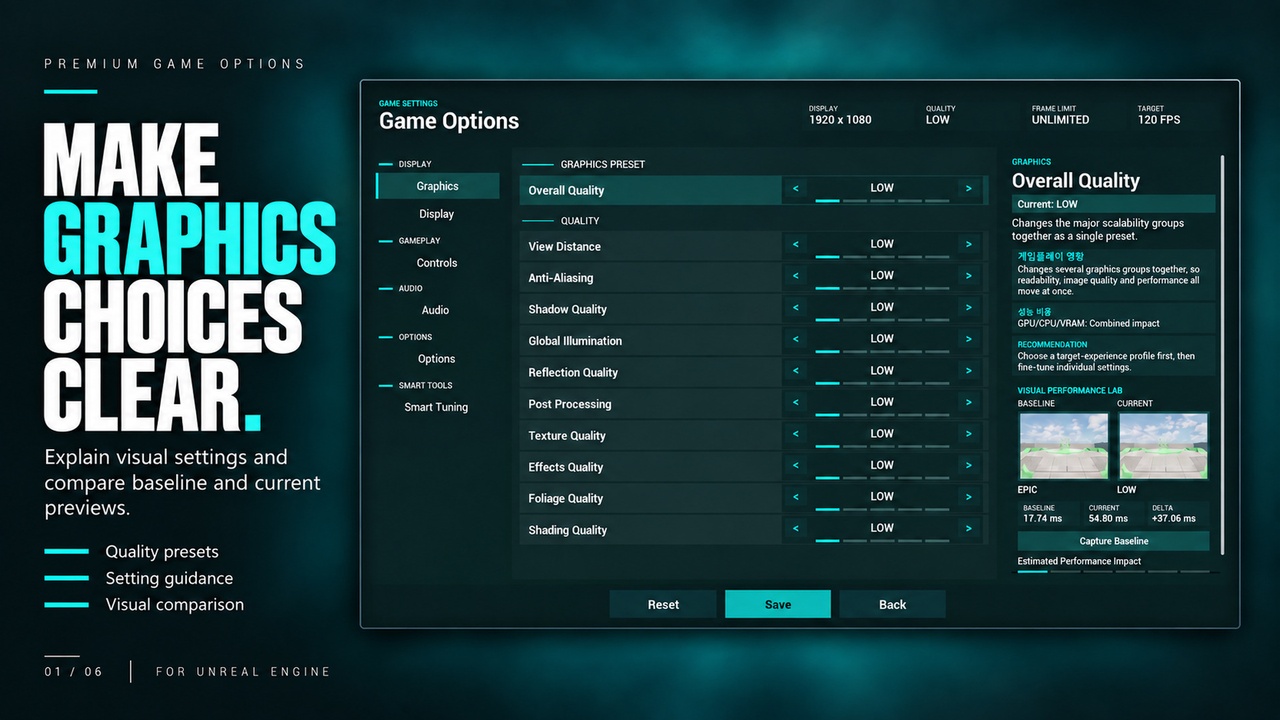
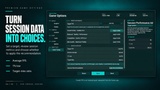
Compare a captured baseline with a live scene preview, explore explanations of graphics settings, and choose from four quality profiles. A separate performance advisor uses recent gameplay samples to suggest adjustments that players can review and apply themselves.
KEY FEATURES
• Editable Settings Menu
Customize the supplied Widget Blueprint’s layout, colors and presentation while retaining its C++ behavior.
• Graphics & Display Controls
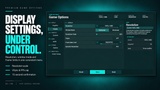
Resolution, fullscreen/windowed mode, VSync, frame-rate limit, resolution scale, dynamic-resolution settings and individual Unreal scalability controls.
• Display Change Confirmation
A 15-second confirmation window lets players keep a new display mode or return to their previous settings.
• Visual Performance Lab
Compare baseline and current scene captures while adjusting graphics settings, with contextual explanations and frame-time readouts.
• Quality Profiles & Performance Advisor
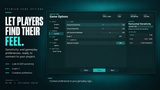
Choose Visual Priority, Balanced, Competitive or Max Quality. Review average FPS, approximate 1% lows and target misses from recent gameplay before applying a recommendation.
• Audio & Control Settings
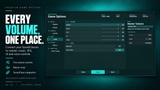
Master volume and mute, configurable Music/SFX/UI/Voice volume routing, mouse sensitivity, ADS multiplier and invert-Y settings.
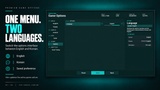
• Korean & English
Switch the menu language and follow the included English or Korean setup and integration guides.
INCLUDED
• Editable options Widget Blueprint
• C++ runtime and editor module source
• Widget Blueprint and demo-level generation commands
• Offline documentation accessible from the editor
PROJECT INTEGRATION
Connect the screen to your game’s menu flow. Category audio uses project-assigned SoundMix and SoundClass assets; sensitivity, crosshair and voice settings connect to your existing gameplay systems.
The visual comparison requires a dedicated preview camera and scene; its capture requests Lumen GI and reflections. Performance recommendations use recent frame intervals and apply only when selected by the player.